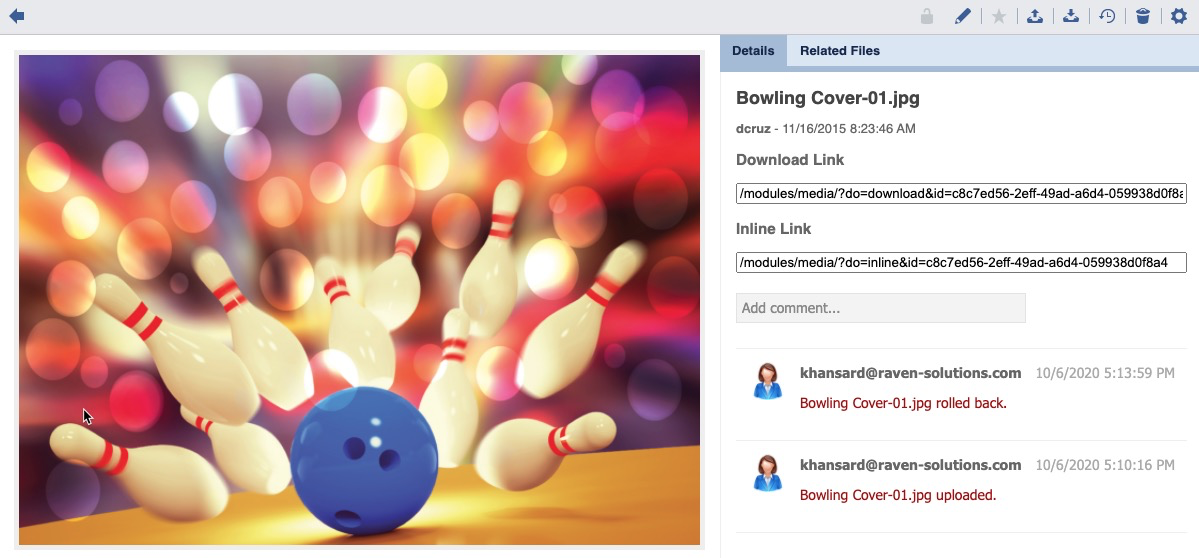
Page History
Select a Collection or Gallery.
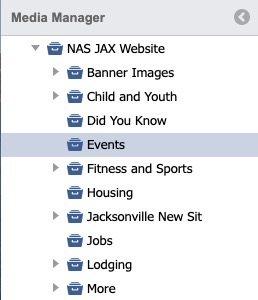
The default thumbnail view will display.
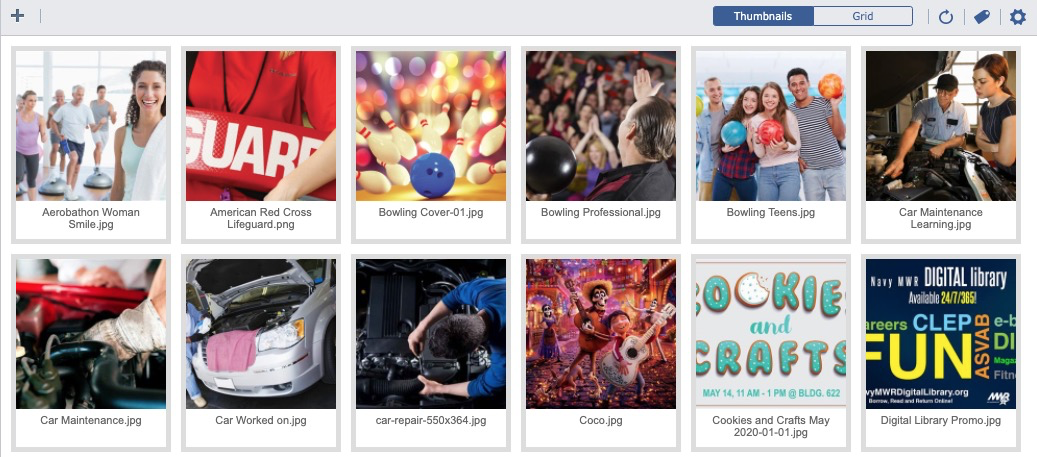
Click on an Image.

The main content panel will update and display the image preview and details.
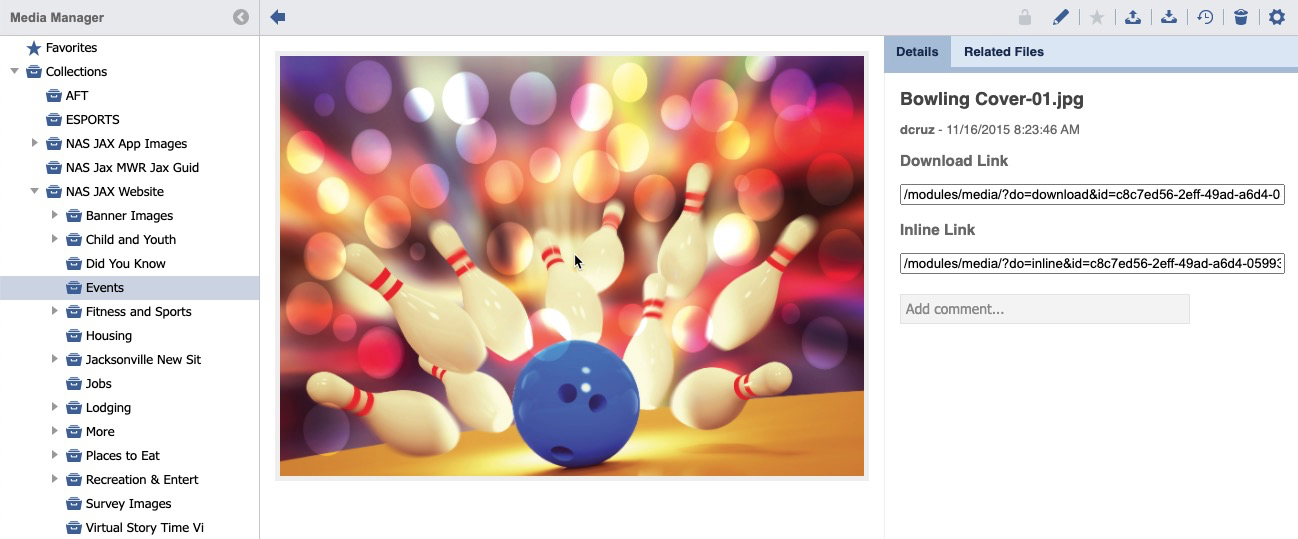
Click the History Icon.


A history listing will display.

| Info | ||
|---|---|---|
| ||
|


Roll Back a Version
Select a Collection or Gallery.
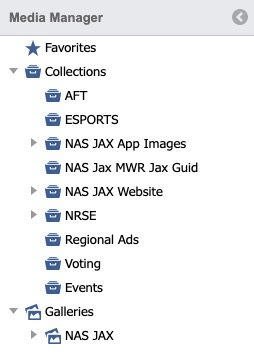
The default thumbnail view will display.
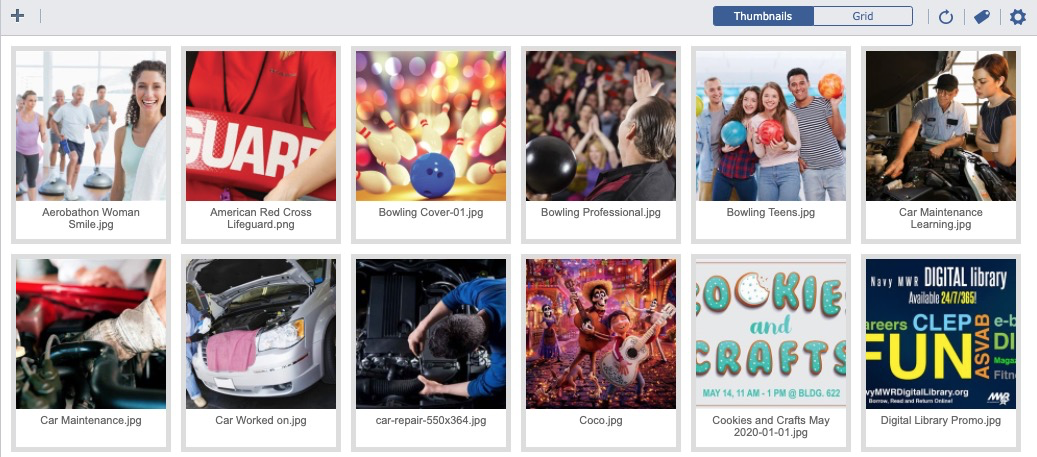
Click on an Image.
The main content panel will update and display the image preview and details.
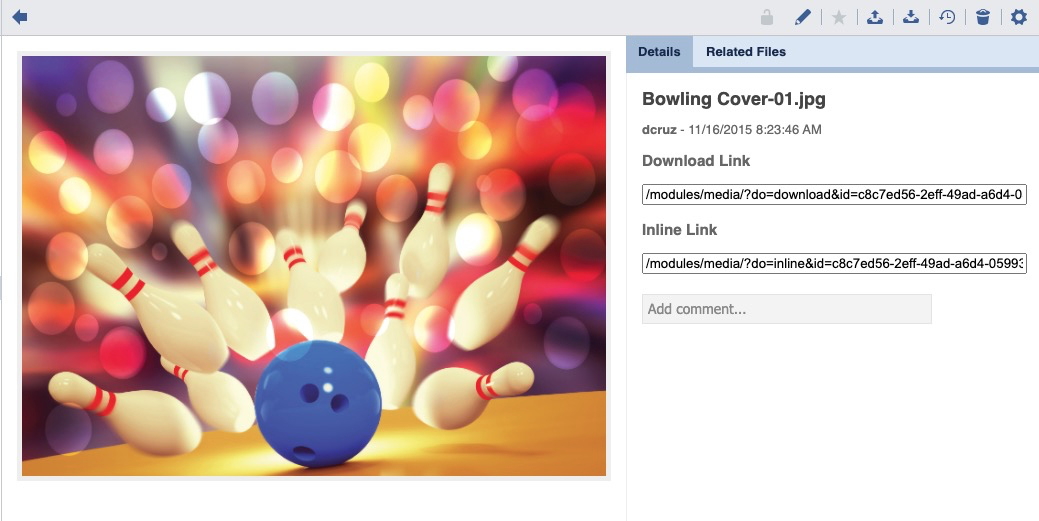
Click the History Icon.

A history listing will display.

| Info | ||
|---|---|---|
| ||
|

Double Click an Image Thumbnail.
An Image Detail will display.
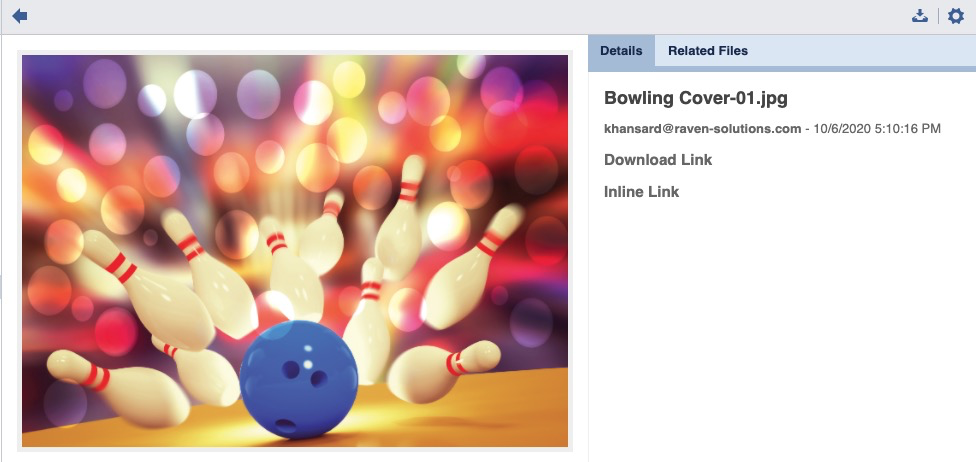
To Download, click the Download icon.


To Return to the History Listing, click the Back icon.


To revert to a previous version, click the Settings icon.


A confirmation message will appear.

Click , click Yes.

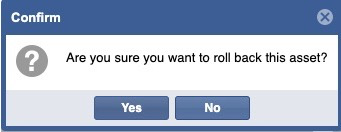
The asset will be restored and a historical comment will post.