Approving via Site Page
Select a Site Page.
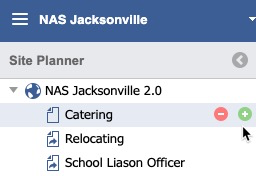
Approving via Approval icon
Pending approval requests can be accessed via the inbox/tray icon in the Main Toolbar.
Double Click the Page desired to open the Site Planner.

The Publishing workflow is the process used to create, review, edit, and publish content. Multiple people in different roles can be part of the process. The workflow below assumes that the user has both the Publish and Approval entitlements for their assigned their role.
TO ACCESS Site Planner:
launch the application
from global navigation
select Site Planner
Select a Site Page.![]()
Pending approval requests can be accessed via the inbox/tray icon in the Main Toolbar.![]()
Double Click the Page desired to open the Site Planner. 
Once on the Pending Site Page, click the Publish button on a draft Page. ![]()

A notification dialog will display. The Page is queued for Approval.

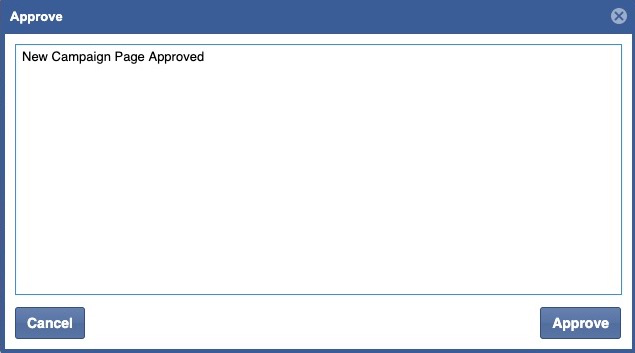
Click the Approve Button.

![]()
Enter in a Message and click the Approve button.
For technical assistance contact
1-844-697-4357