Approving via Site Page
Select a Site Page.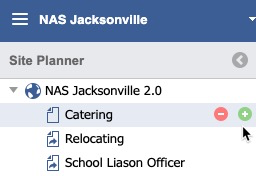
Approving via Approval icon
Pending approval requests can be accessed via the inbox/tray icon in the Main Toolbar.
Double Click the Page desired to open the Site Planner. 
Publishing and Approval
Once on the Pending Site Page, click the Publish button on a draft Page. 
A notification dialog will display. The Page is queued for Approval.

Click the Approve Button.

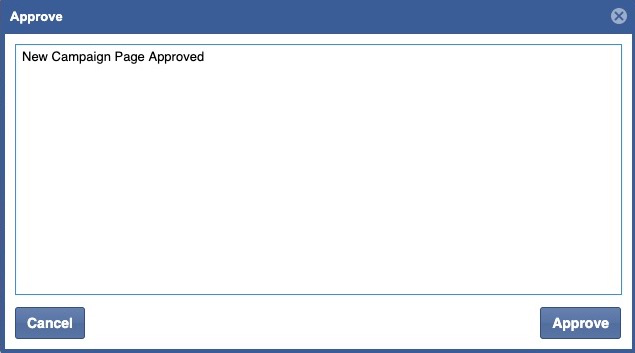
Enter in a Message and click the Approve button.