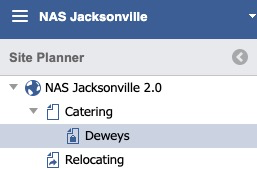
Select a Page in the Left Panel
Click the History icon in the toolbar

A listing of versions for the Page will display

NOTE
 A green Checkmark identifies the Live version.
To restore a previous version to the Main Content Panel double, click the row desired. Users can then modify and/or Publish.
TO ACCESS Site Planner:
launch the application
from global navigation
select Site Planner
- select a Installation Home Page