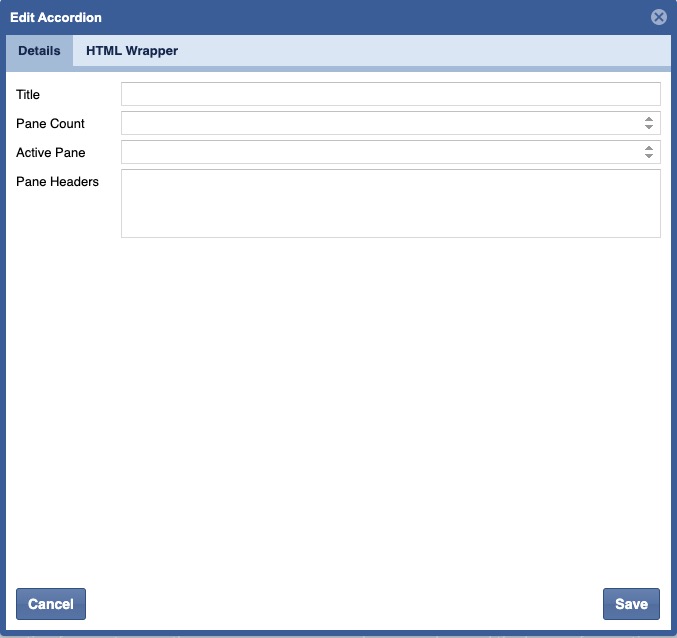
The site page layout will determine if pages may incorporate blueprints. If allowed, content contributors can choose how to display and organize blueprints, along with configuring their elements.
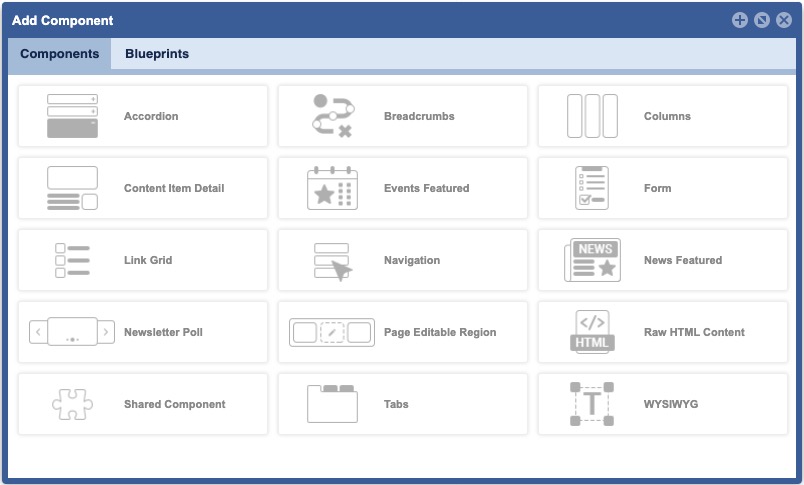
TO ACCESS Site Planner:
launch the application
from global navigation
select Site Planner
- select a Site Page
- Click Add/Configure icons
BP 1
Test
When to Use:
- Organize related information, such as with FAQs.
- Shorten pages and reduce scrolling when content is not crucial to read in full.