Navigation Info
Vendors,Tickets & Contracts > Vendor > Tickets
- With the mouse over a Ticket, click on the Edit button.

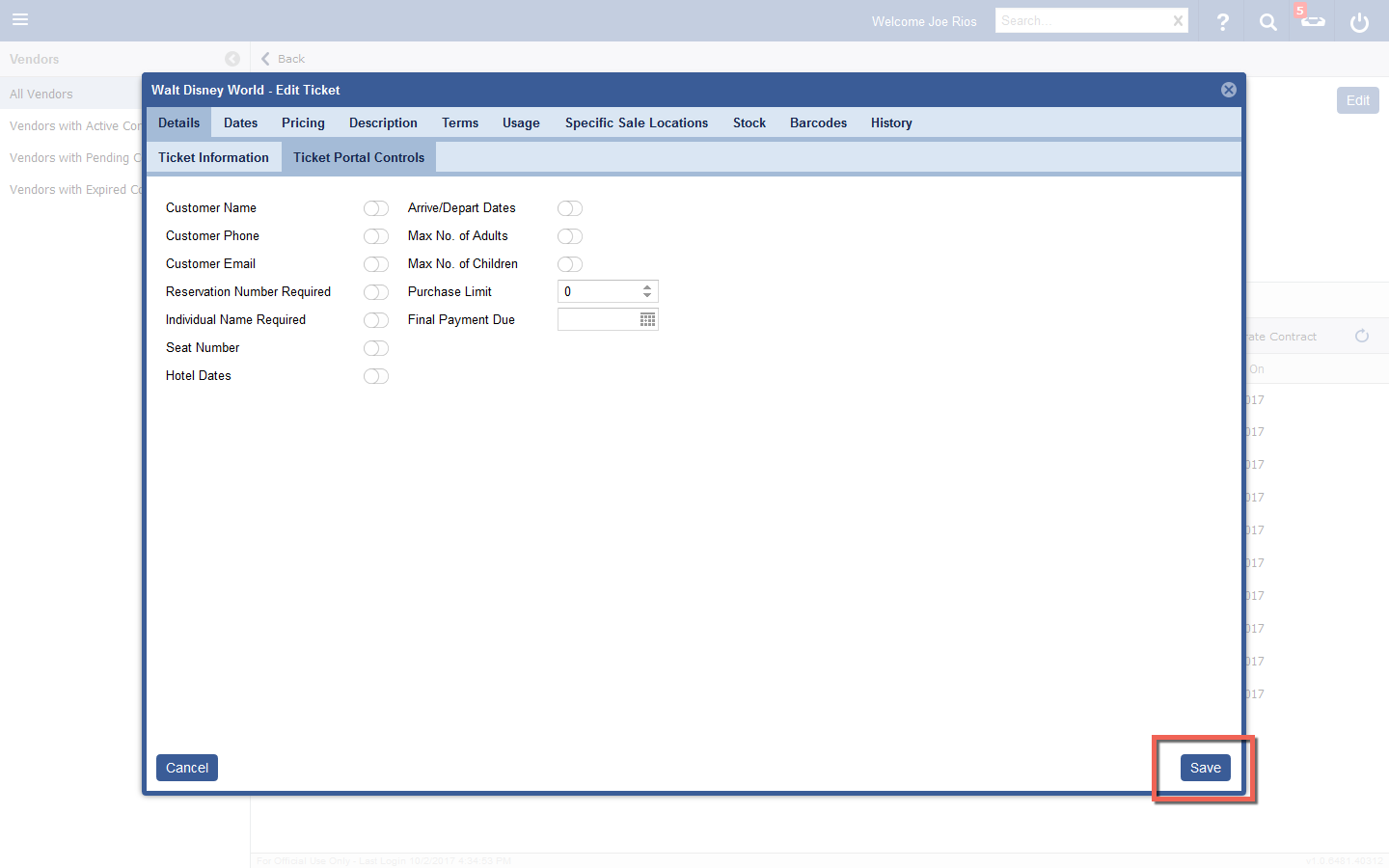
- Edit the Ticket Details in the desired tabs and subtabs.

- When all desired ticket information has been edited, click the Save button.