Navigation Info
Order Fulfillment> Add or Edit Order
- Select the appropriate Order Fulfillment filter from the left navigation.

- Select the appropriate Type Filter from the Dropdown Menu.

- Select an item from the Branch Filter.

- Next, select an item from the Region Dropdown.

- Double click on an order to view the data.

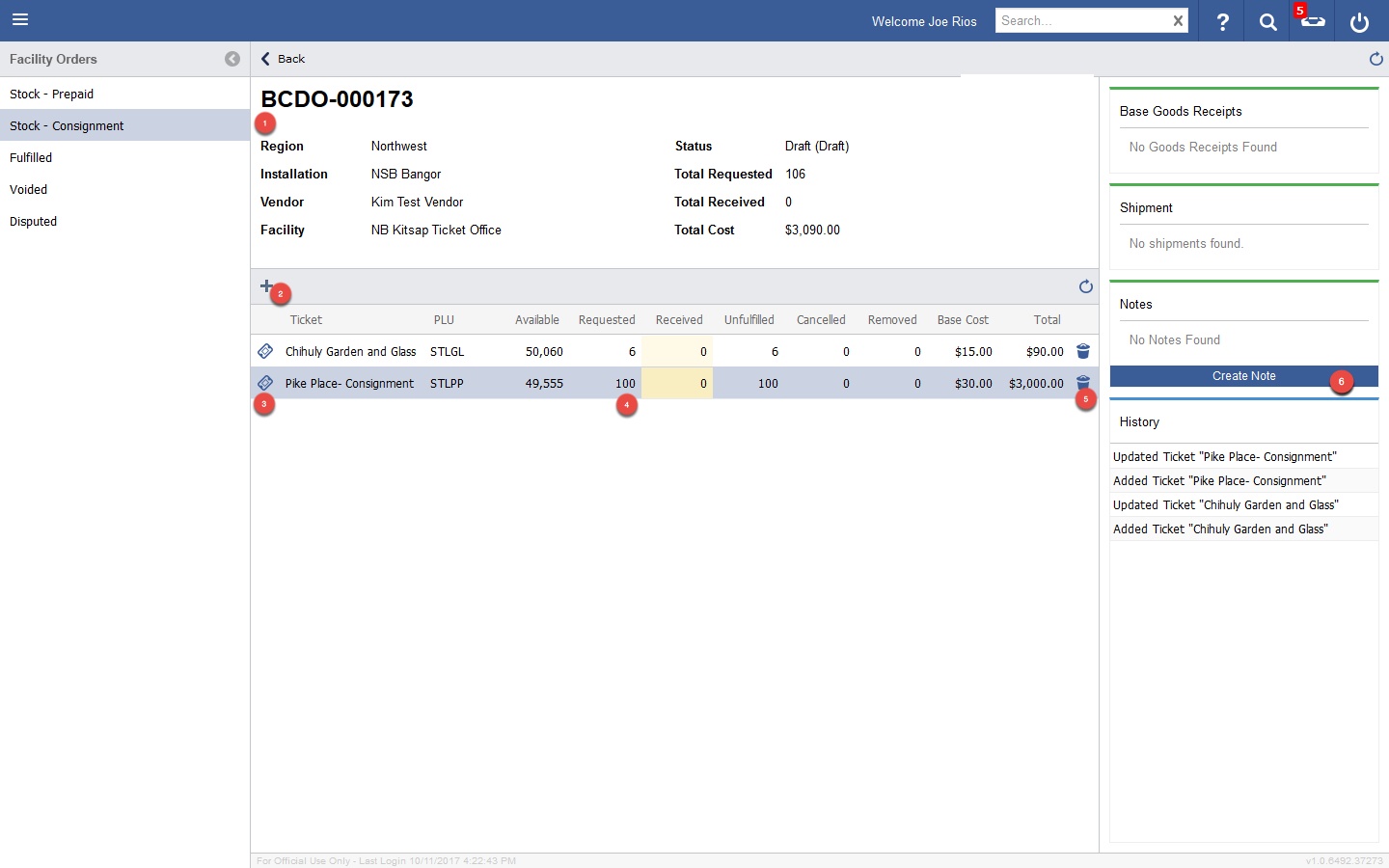
- The order details display.