Error rendering macro 'children'

null

You are viewing an old version of this page. View the current version.

Compare with Current View Page History

Version 1 Current »


Step-by-step guide

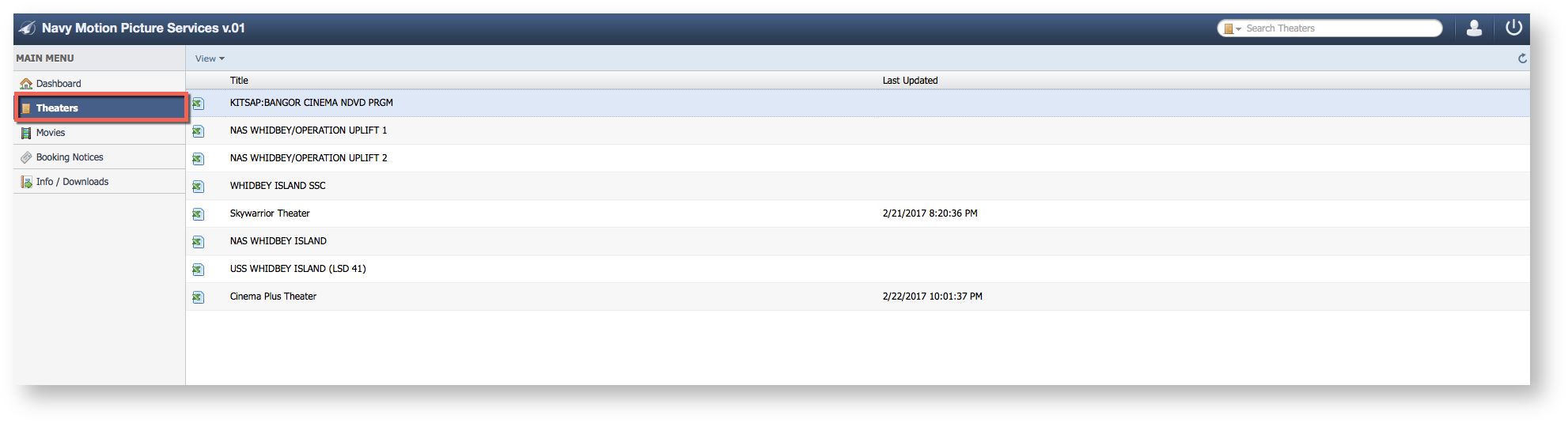
  1. Select Theaters
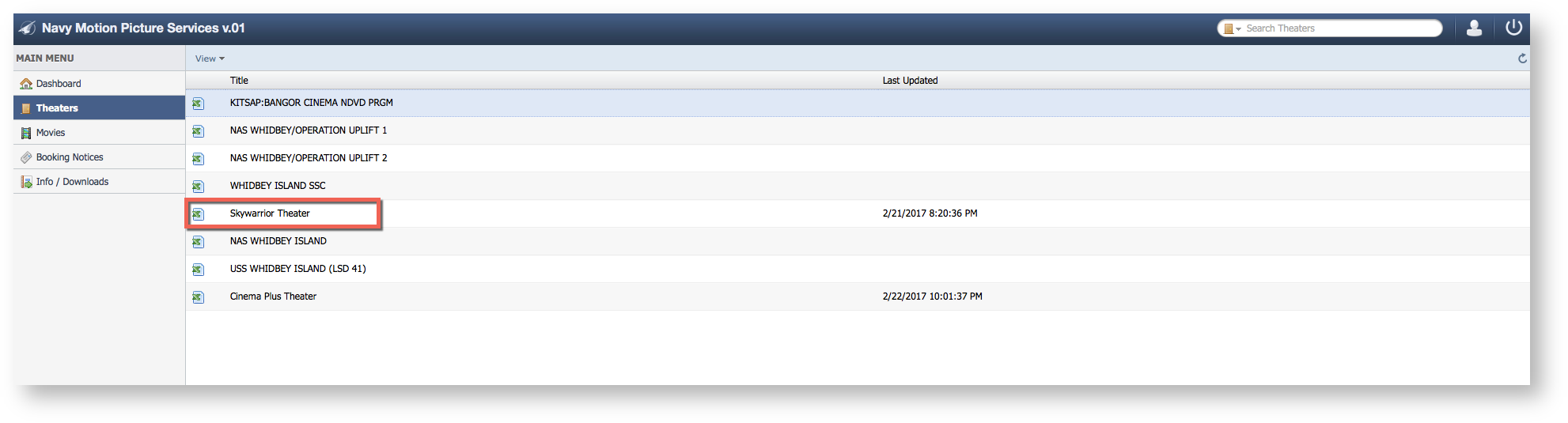
  2. Select a Theater
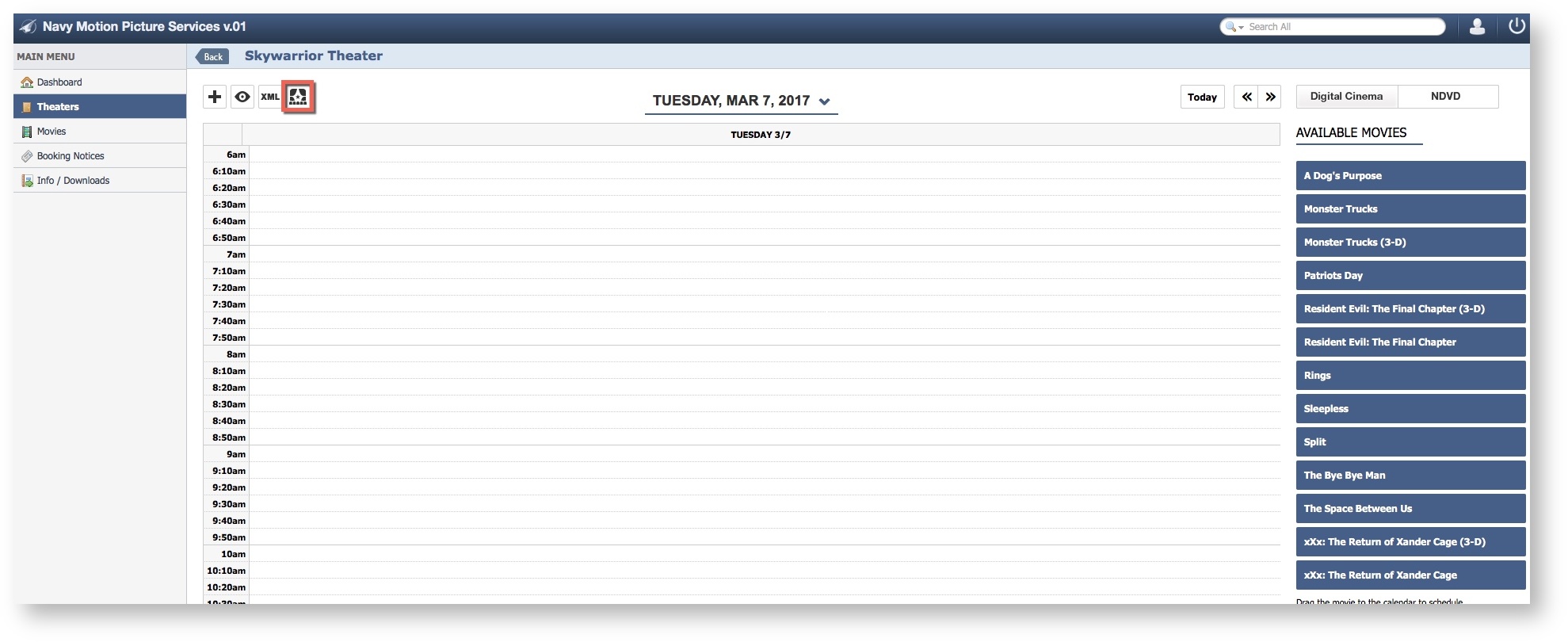
  3. Select "Edit Theater".
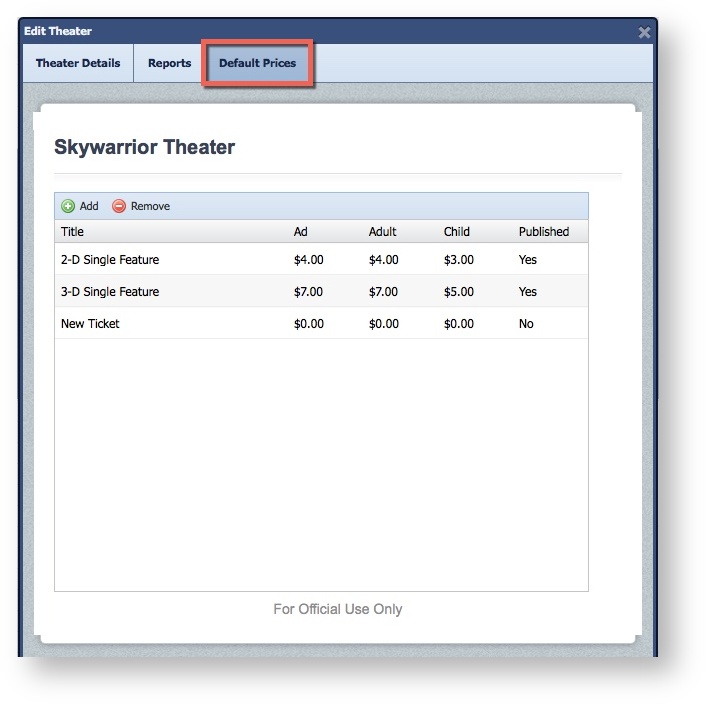
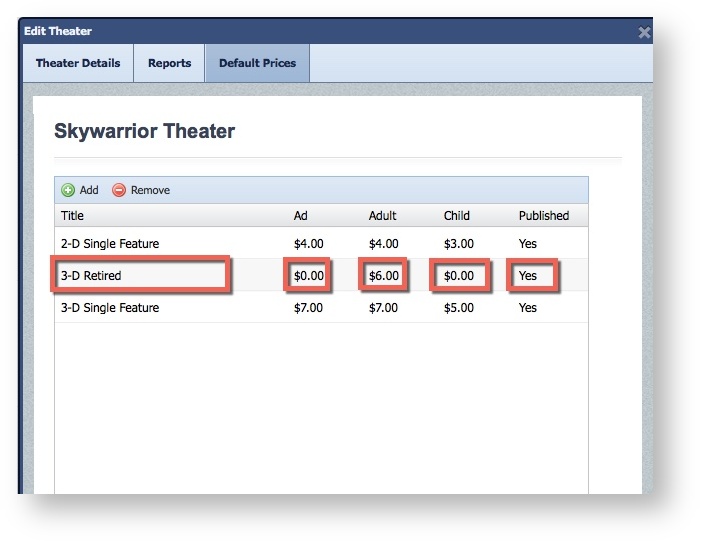
  4. Select the "Default Prices" Tab.


  5. Select the field needing and Edit and Update. 
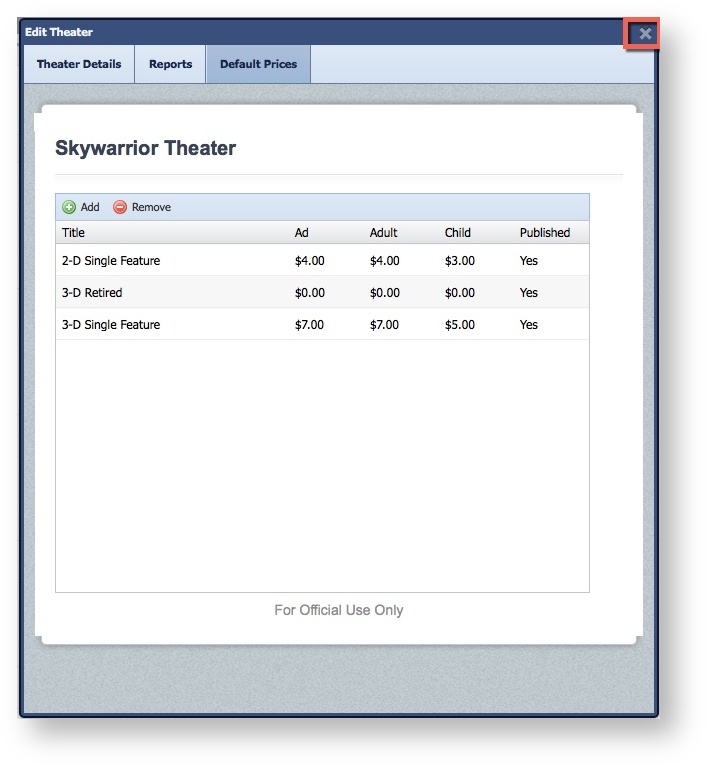
  6. Click the "X" to Save