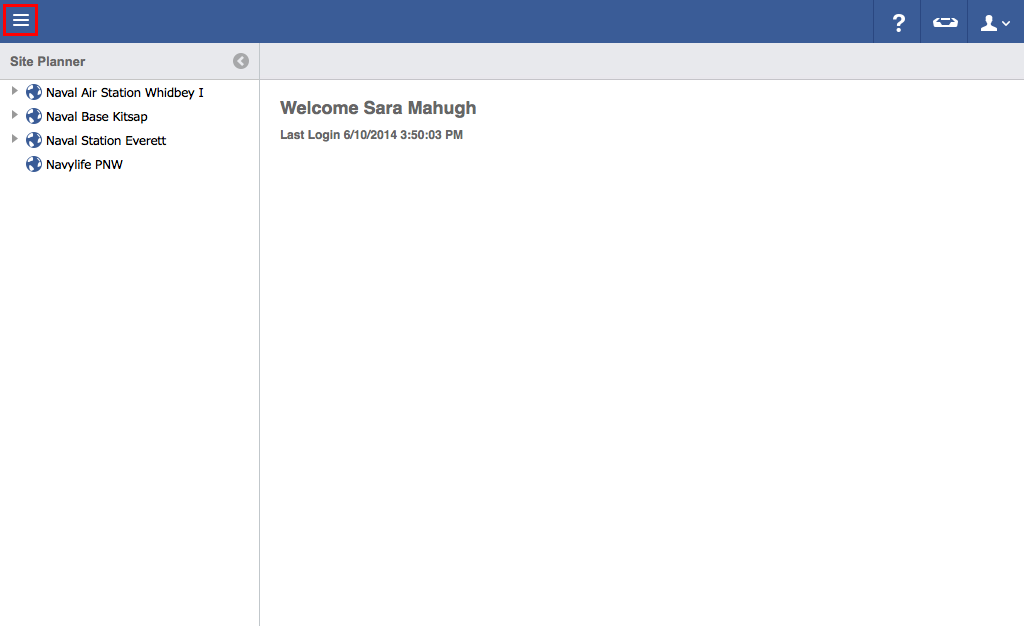
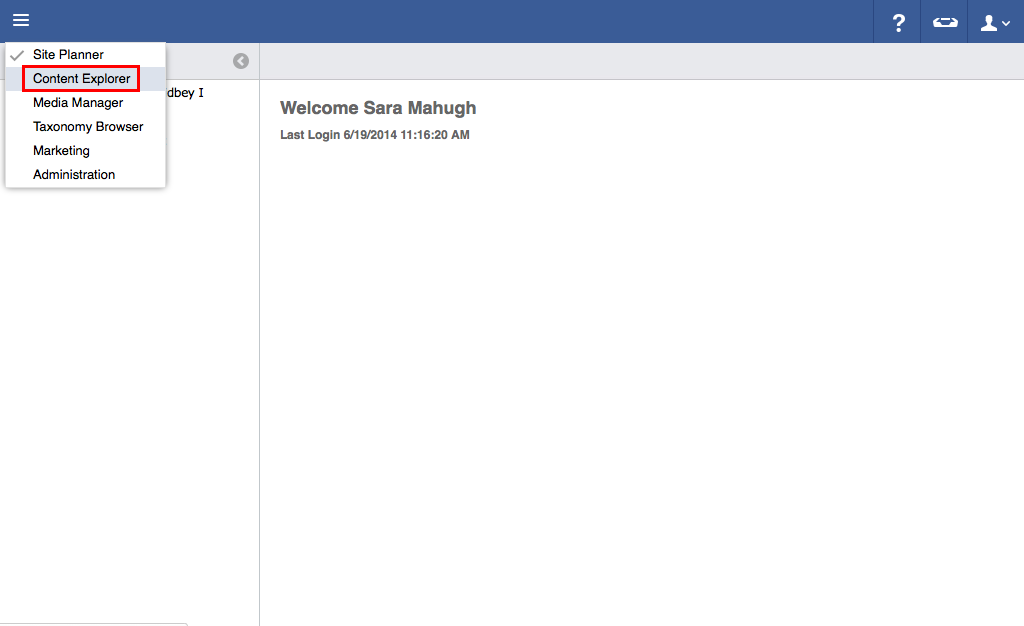
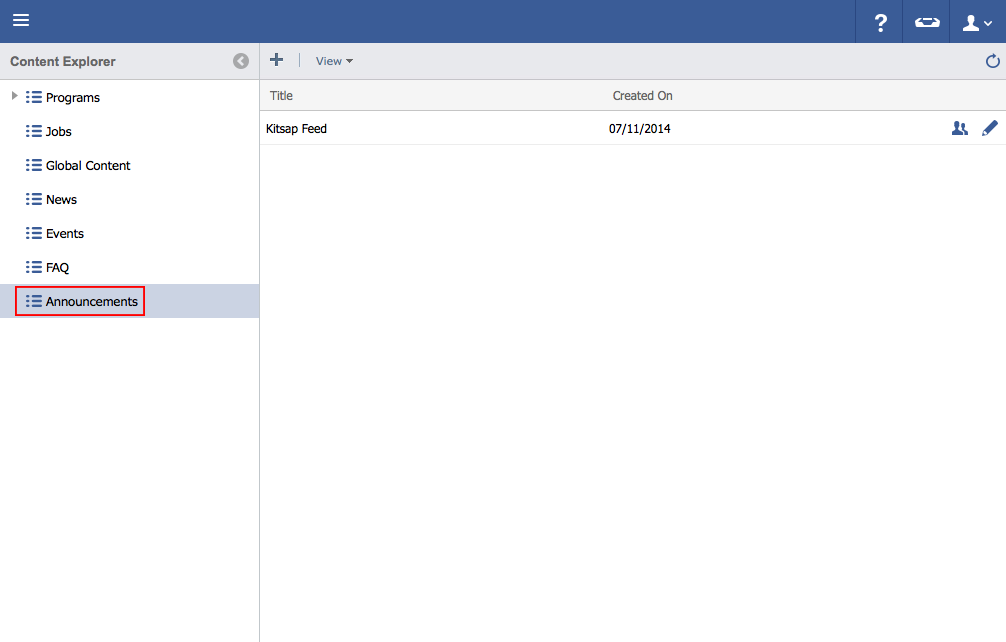
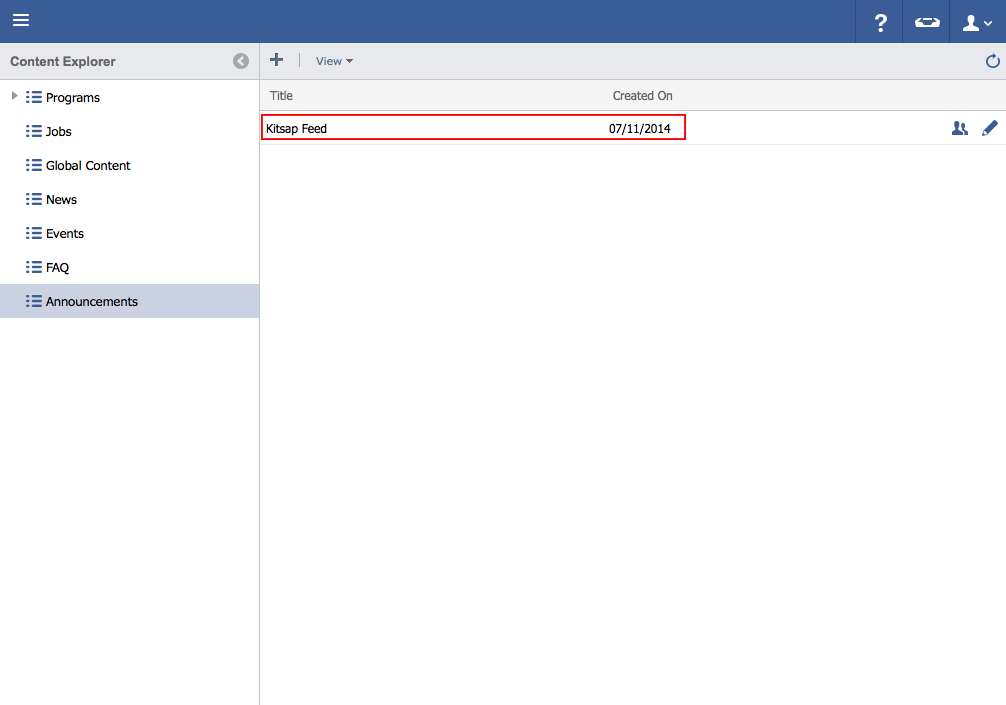
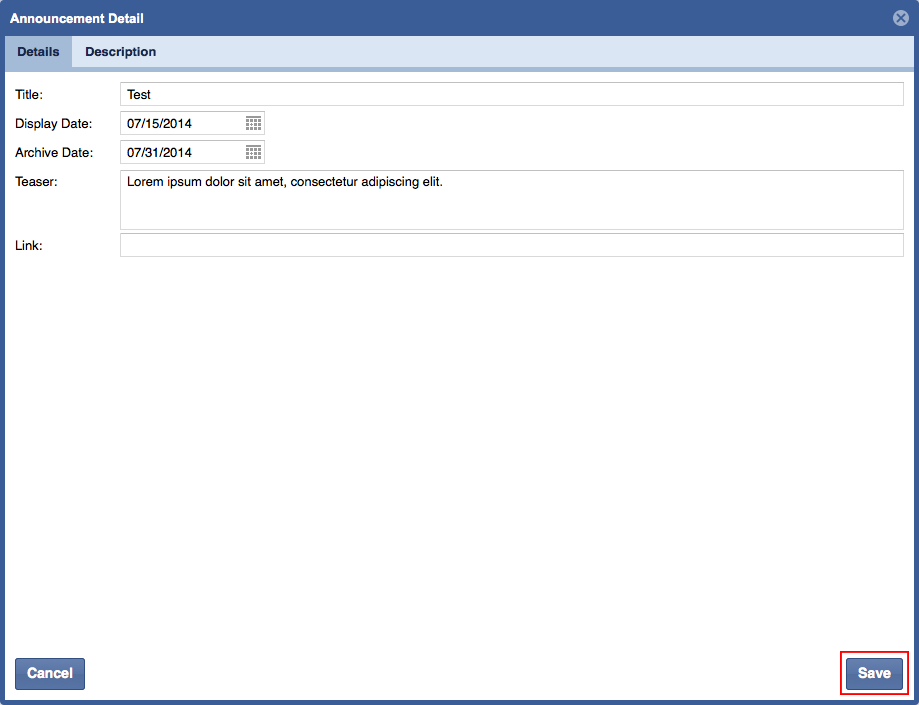
Step-by-step guideClick on the menu icon in the top left-hand corner.Click Content Explorer.Click Announcements.Click the Pencil icon to the right of the feed to be edited. Edit necessary information and click Save