Video
Step-by-step guide
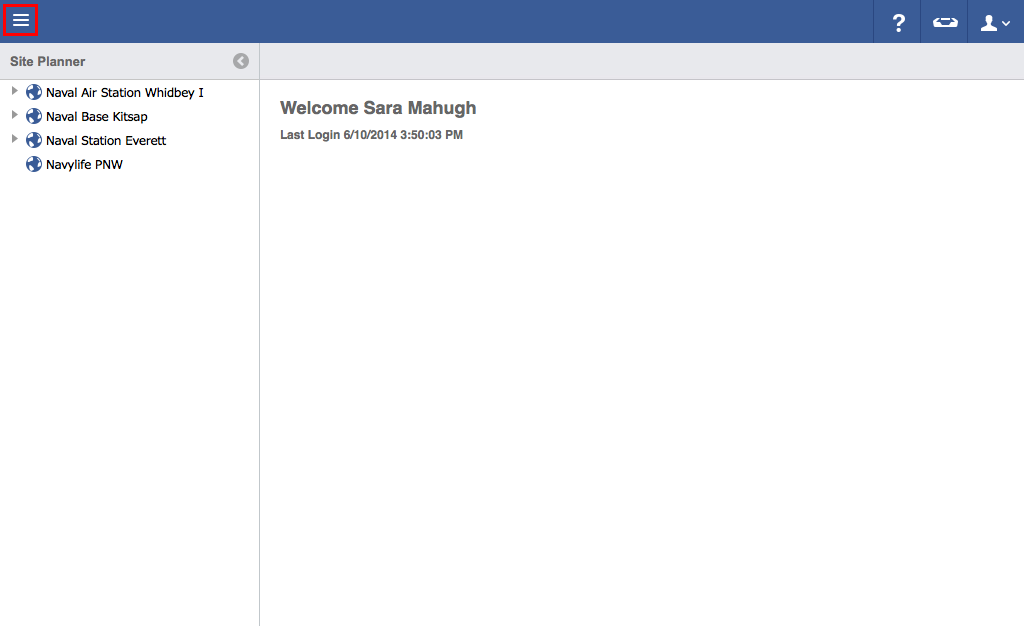
- Click on the menu icon in the top left header area.
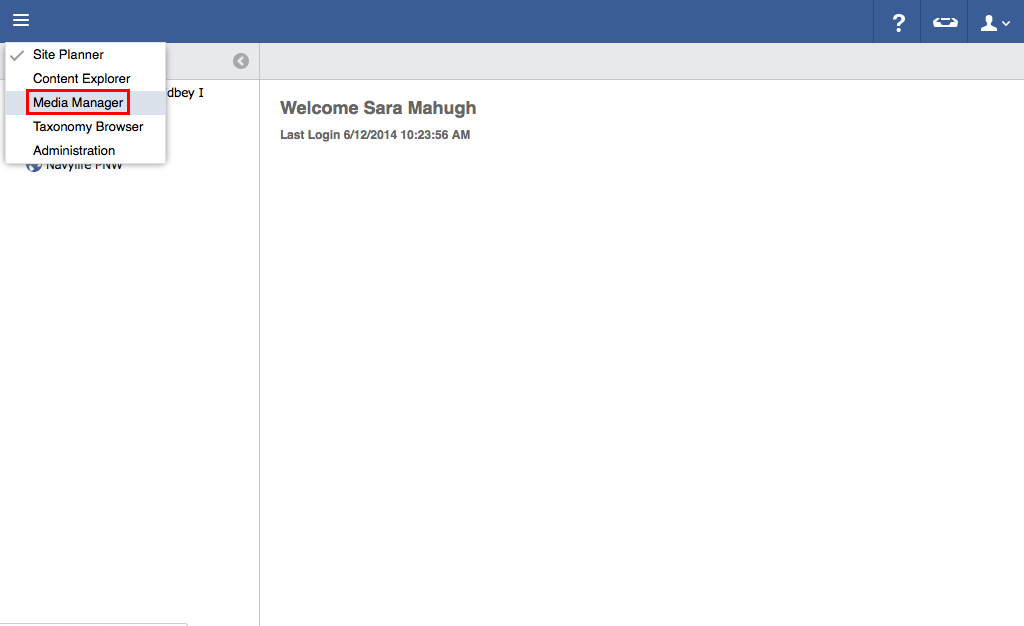
- Click "Media Manager".
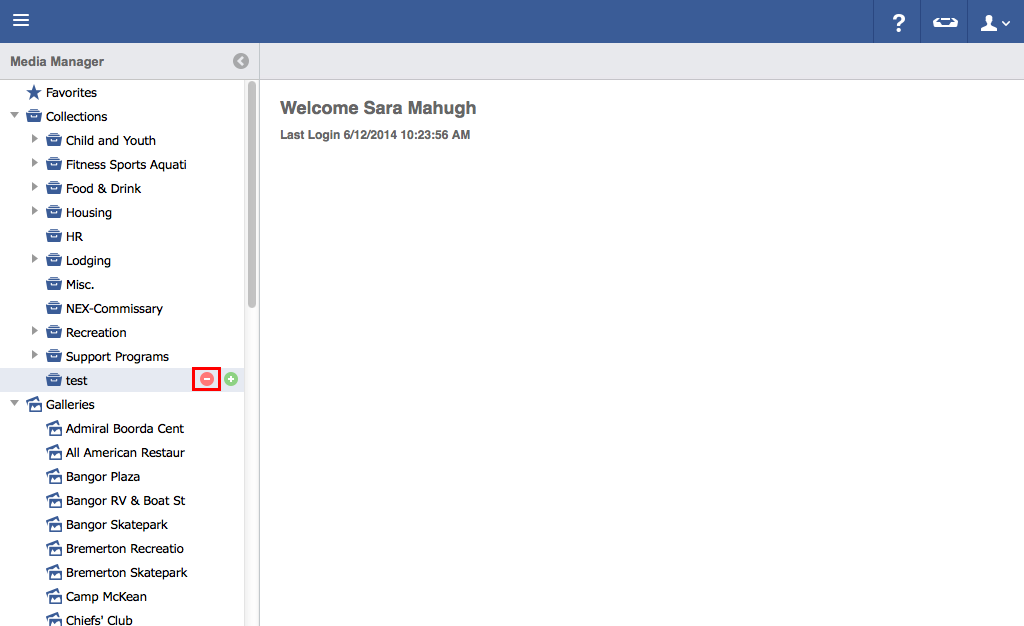
Hover over the collection you wish to delete.
Click the red "Minus" button.
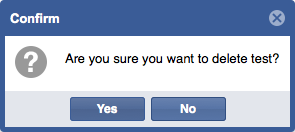
Click "Yes" to delete folder.
Hover over the collection you wish to delete.
Click the red "Minus" button.
Click "Yes" to delete folder.