The site page layout will determine if pages may incorporate blueprints. If allowed, content contributors can choose how to display and organize blueprints, along with configuring their elements.
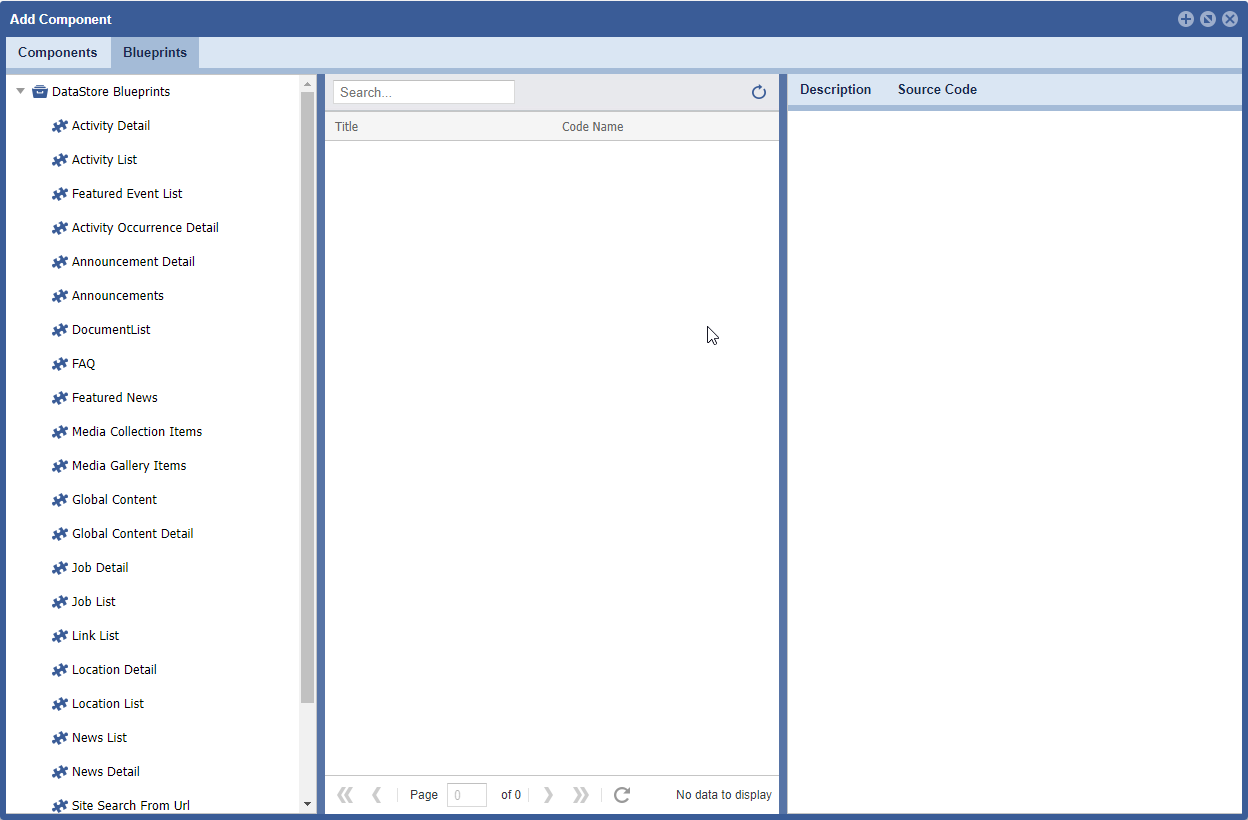
There are two stores of blueprints, Datastore and Custom. The Datastore blueprints are used throughout the system and can be incorporated into any Theme within the CMS. Custom blueprints are created for unique use cases and may not work on every Theme in the CMS, unless incorporated in the HTML, CSS and JS.
TO ACCESS Site Planner:
launch the application
from global navigation
select Site Planner
- select a Site Page
- Click Add/Configure icons