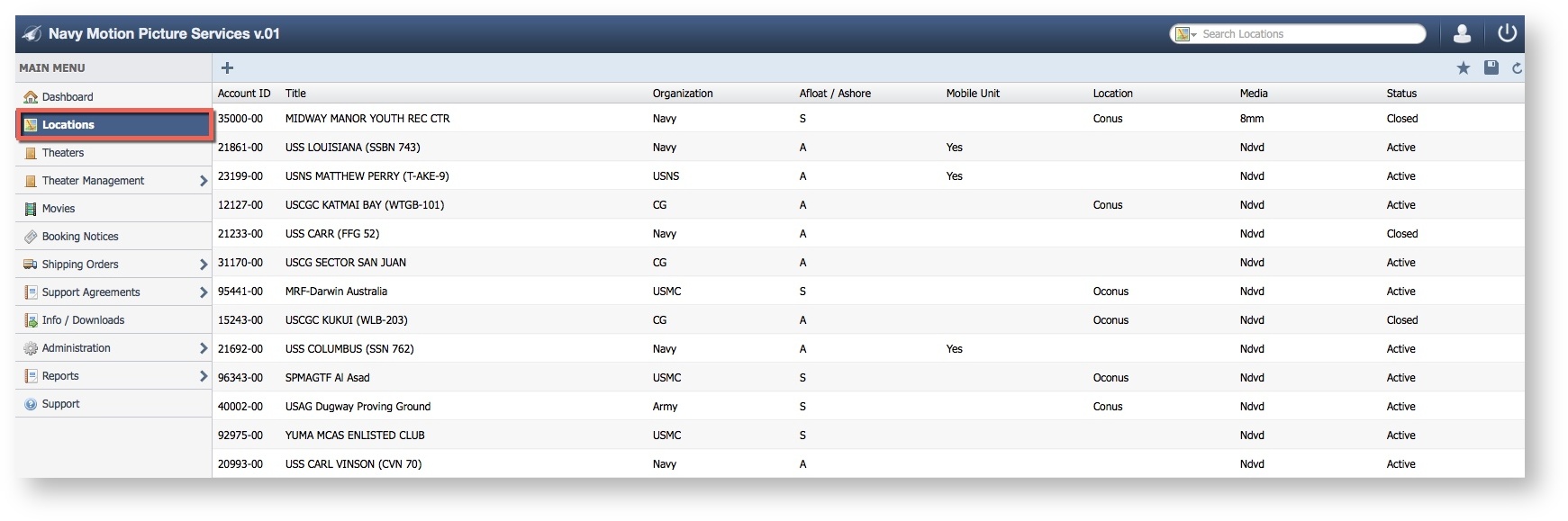
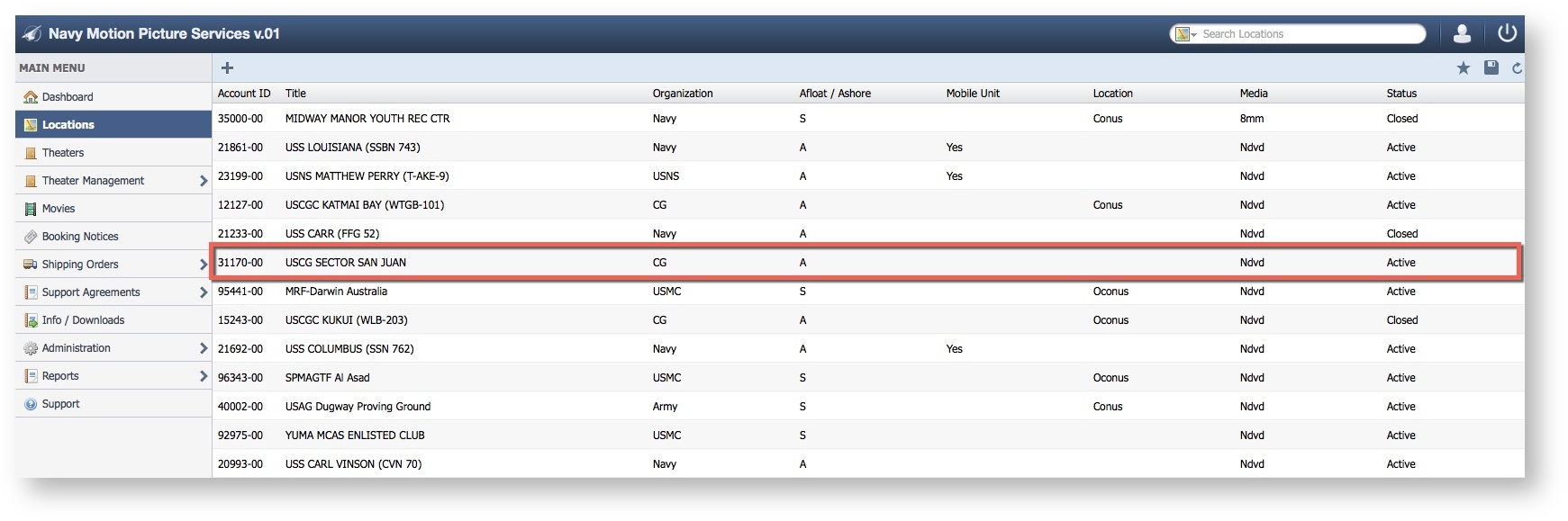
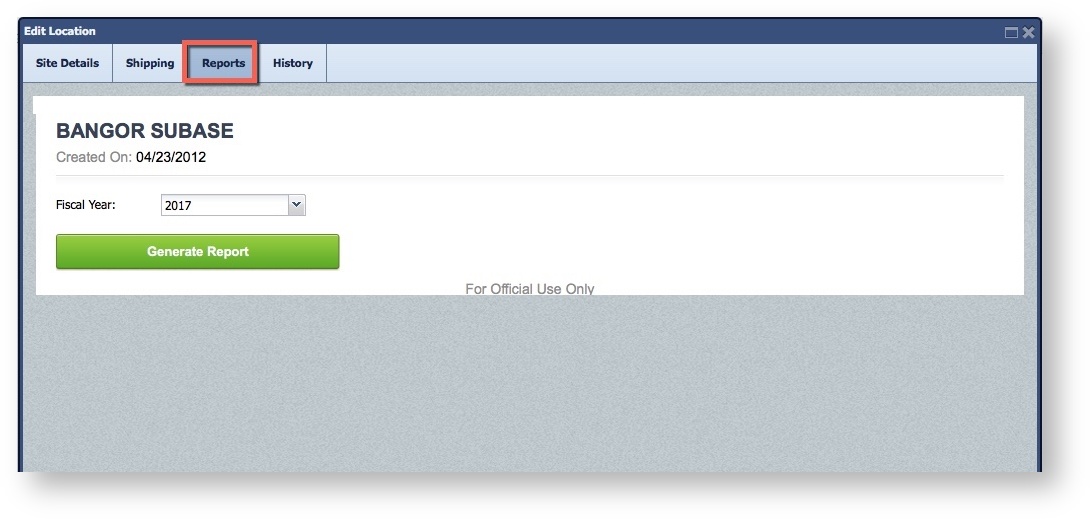
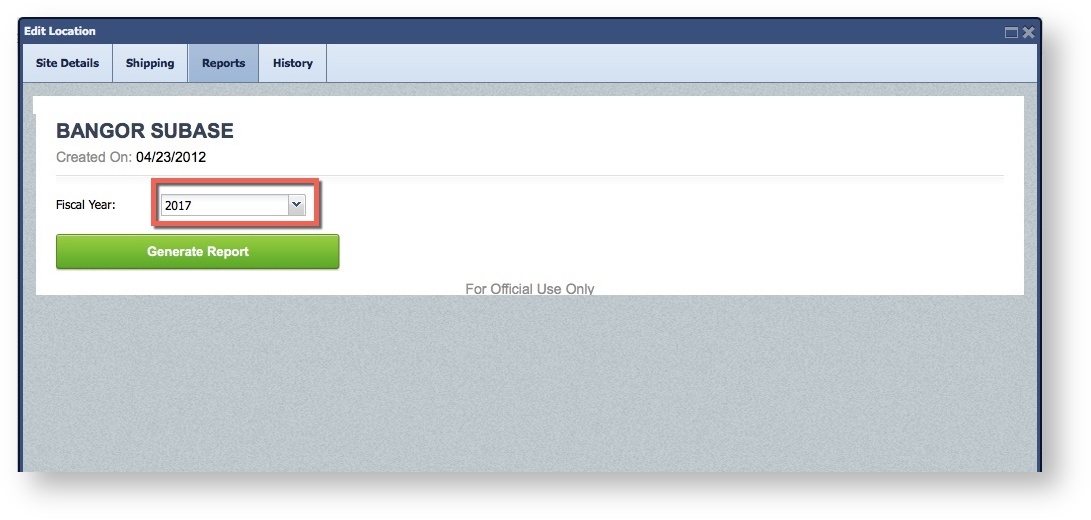
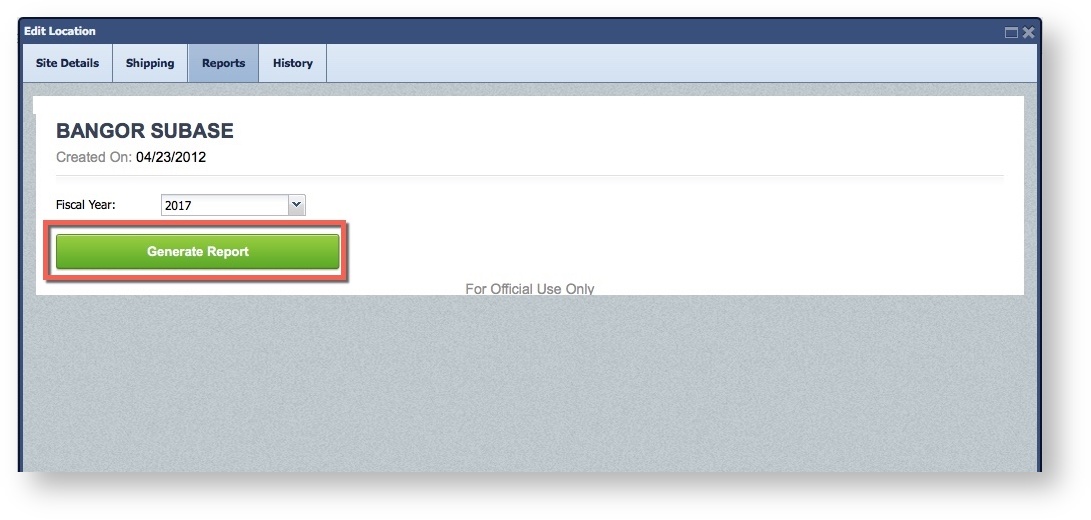
Generate a Fiscal Report for the selected location. Step-by-step guide Select LocationsDouble Click to select a Location Select the "Reports" tab Select the Fiscal Year Click "Generate Report"