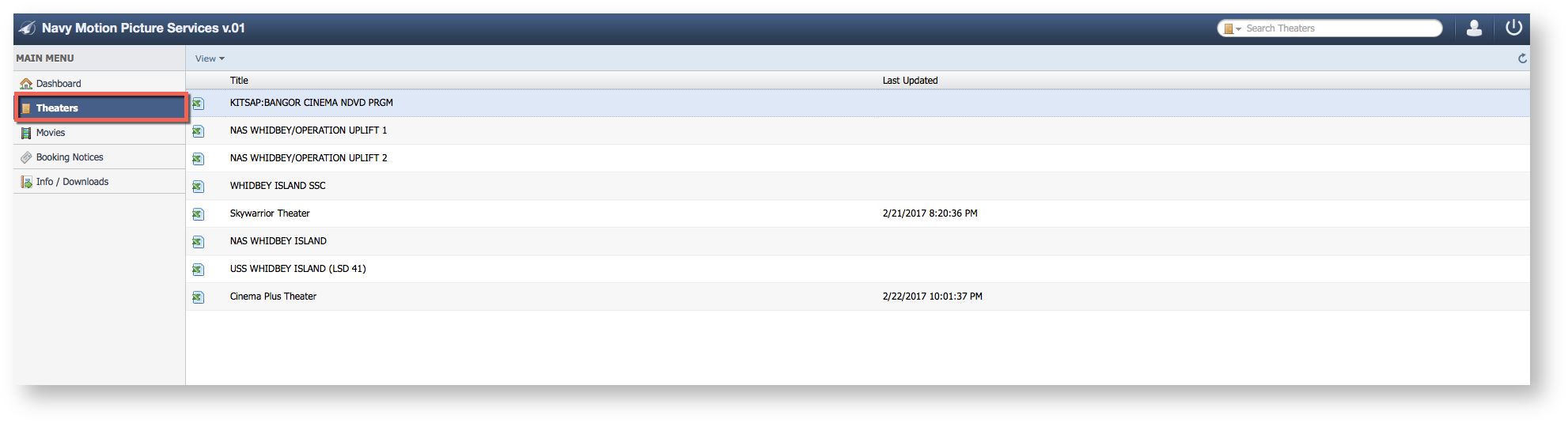
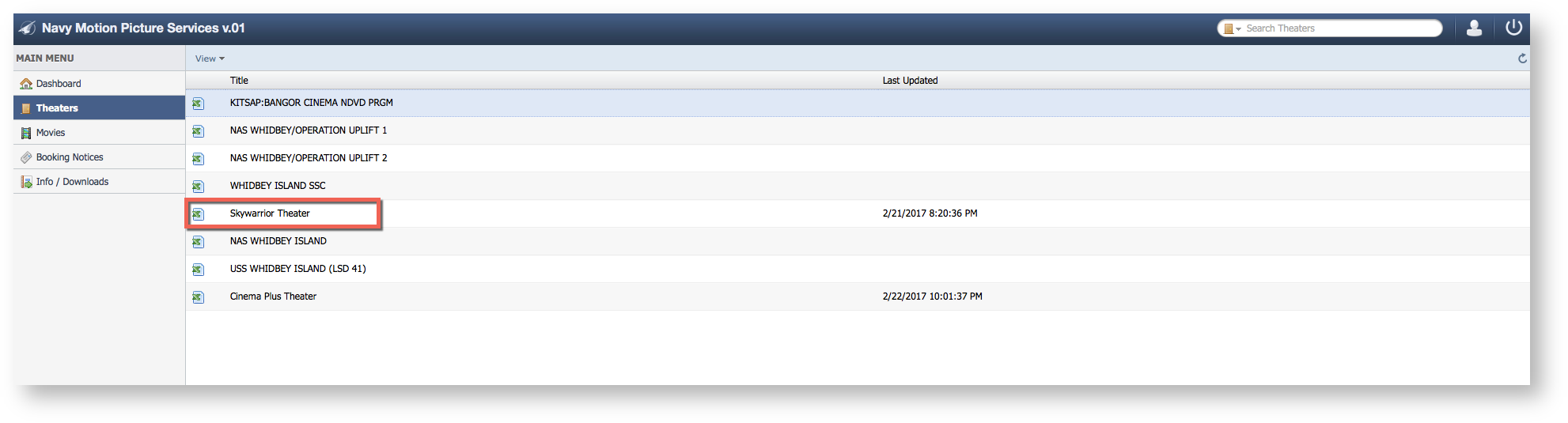
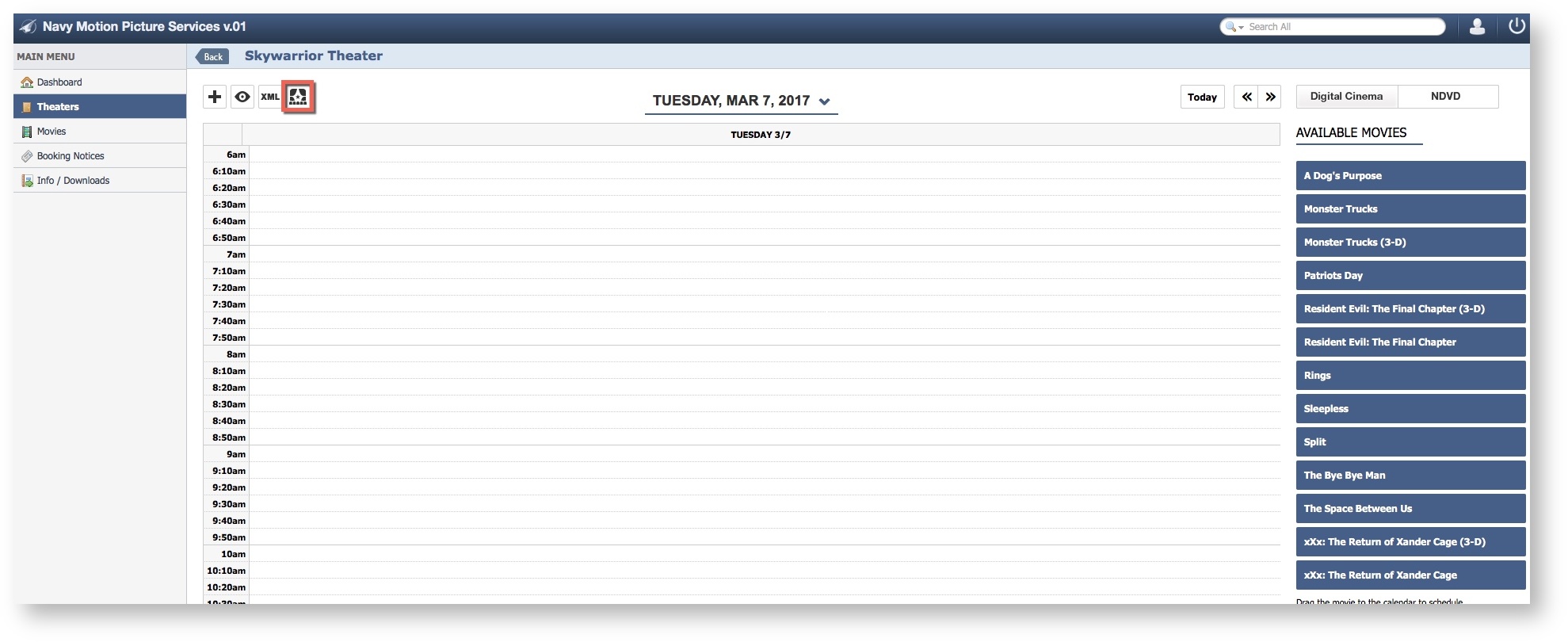
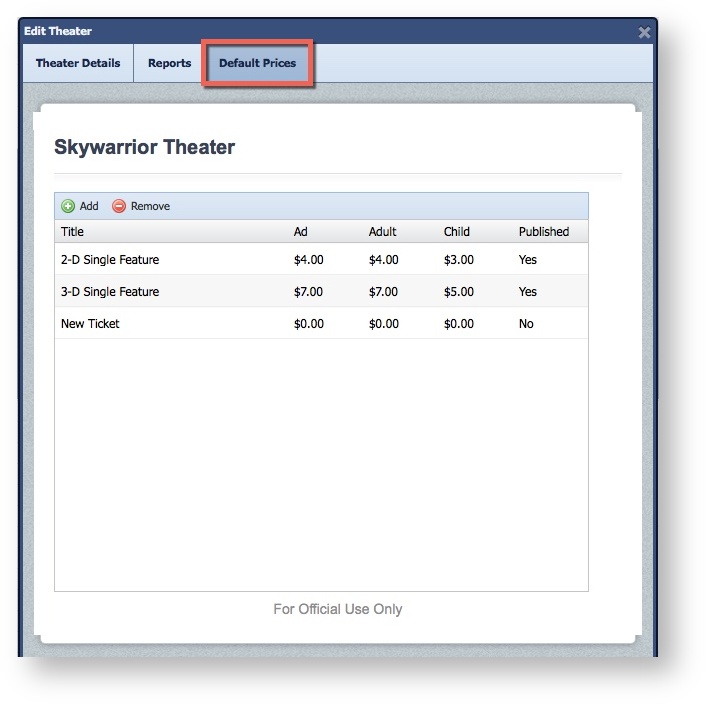
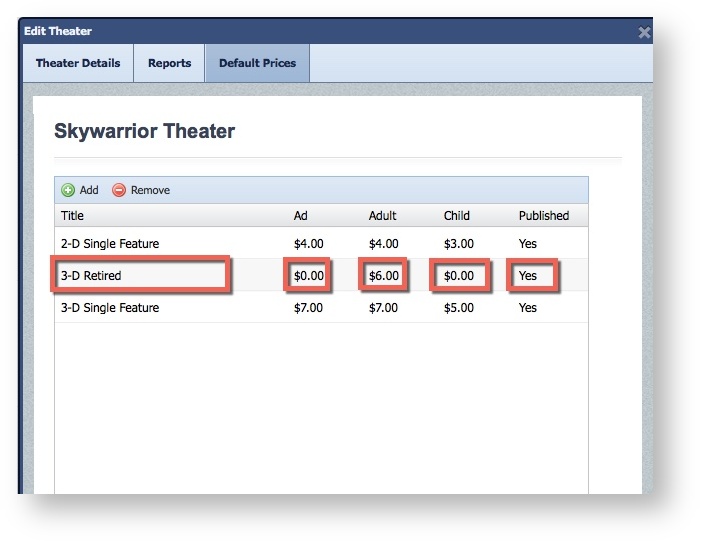
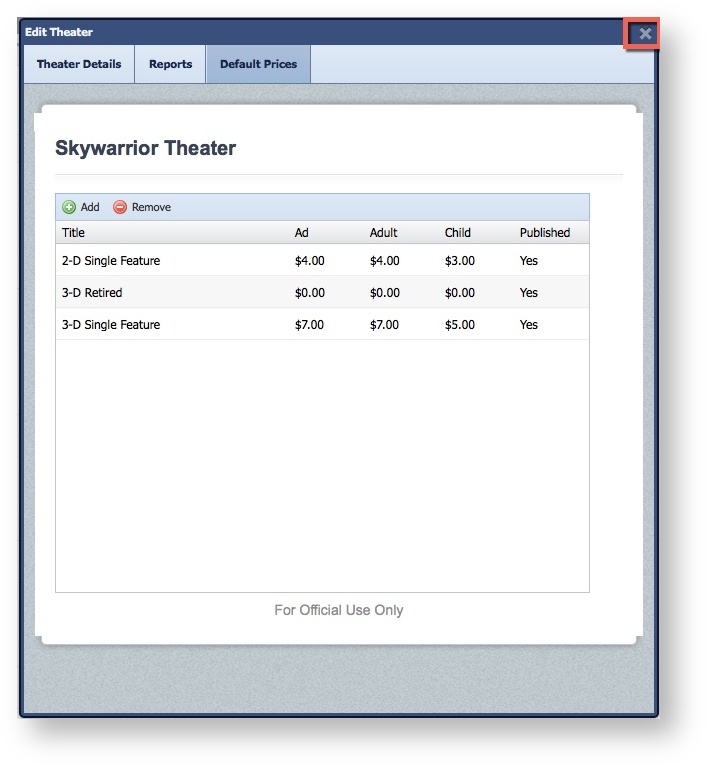
Step-by-step guide Select TheatersSelect a TheaterSelect "Edit Theater".Select the "Default Prices" Tab.Select the field needing an Edit and Update. Click the "X" to Save