Step-by-step guide
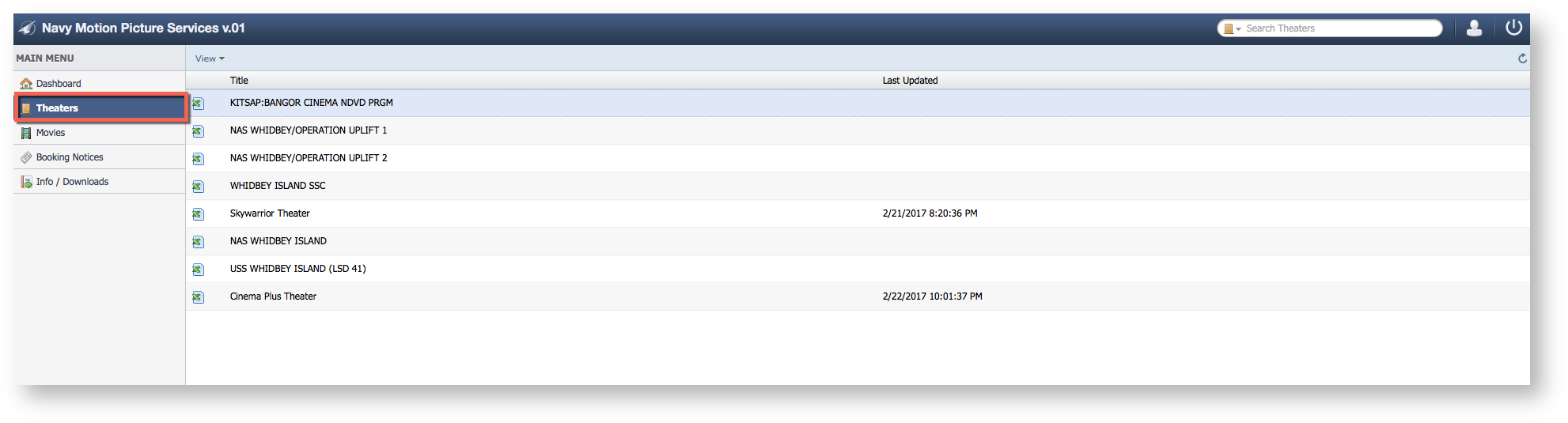
- Select Theaters
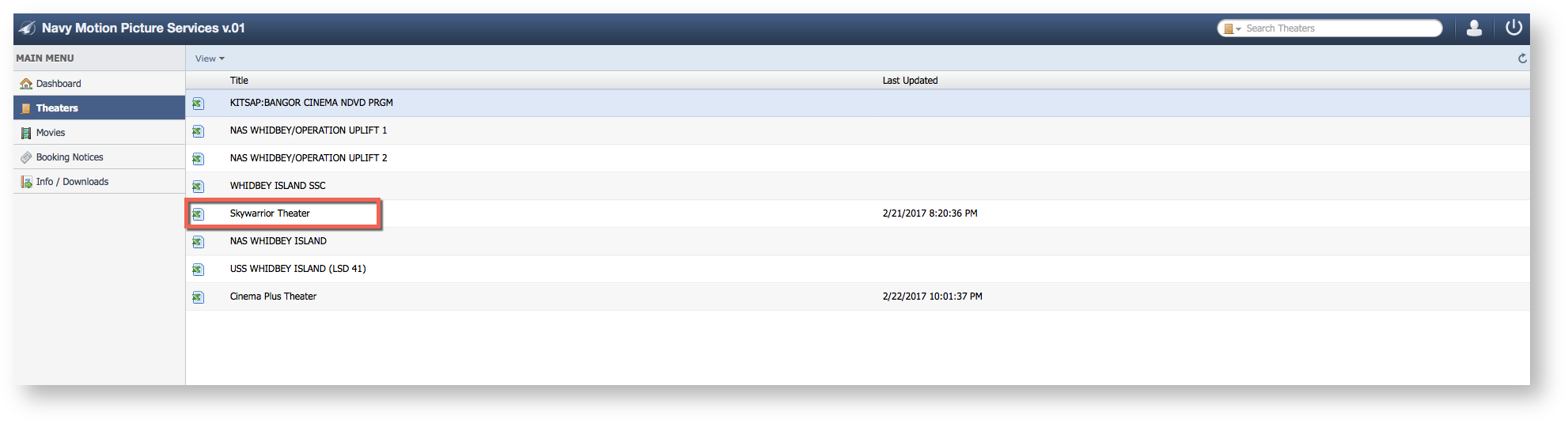
- Select a Theater
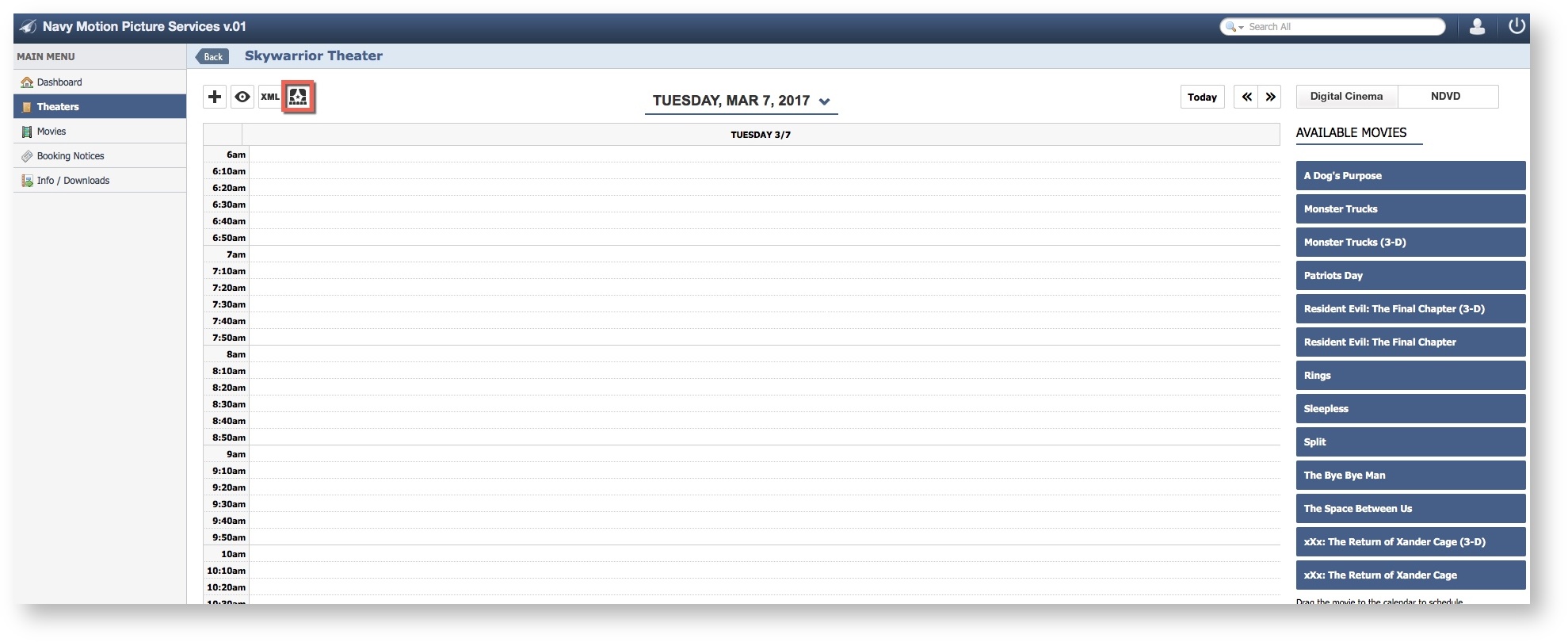
- Select "Edit Theater".
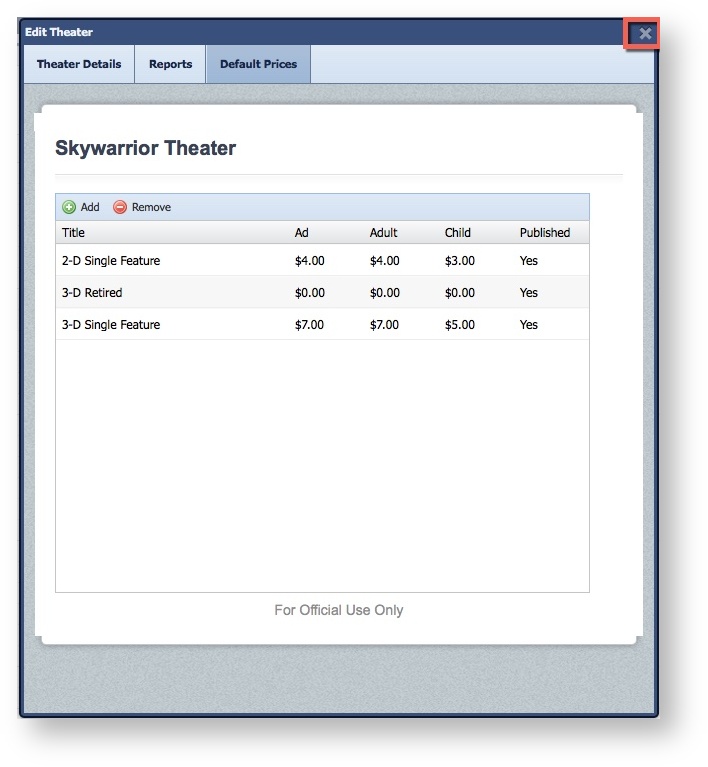
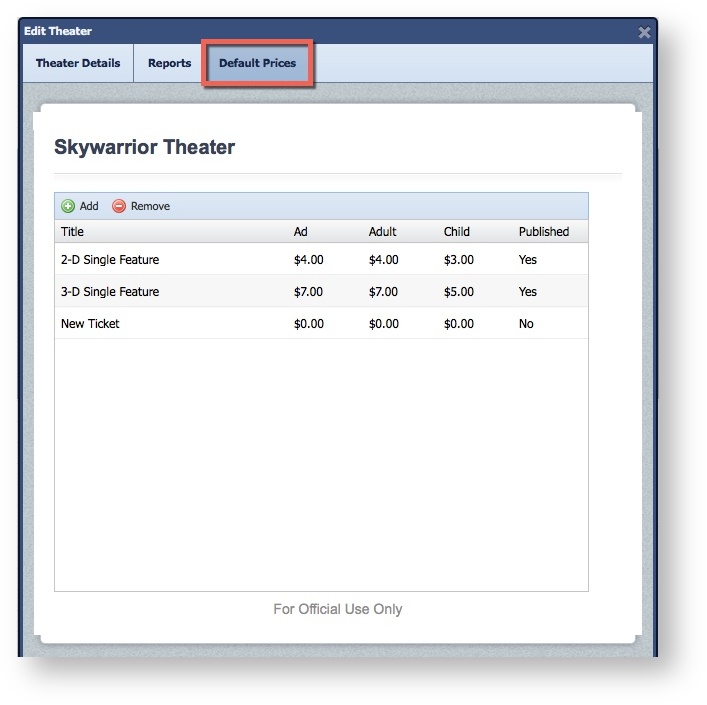
- Select the "Default Prices" Tab.
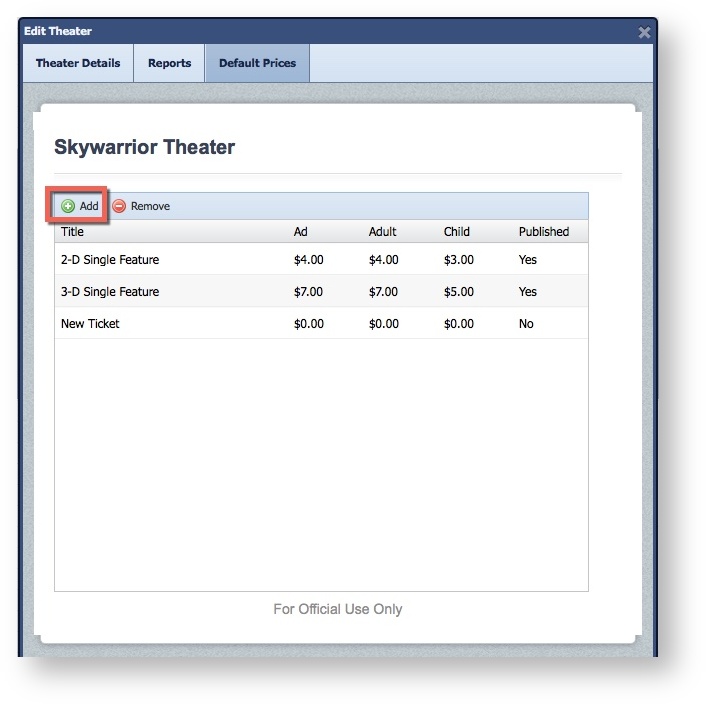
- Click "Add"
- Click on the New Ticket Name.
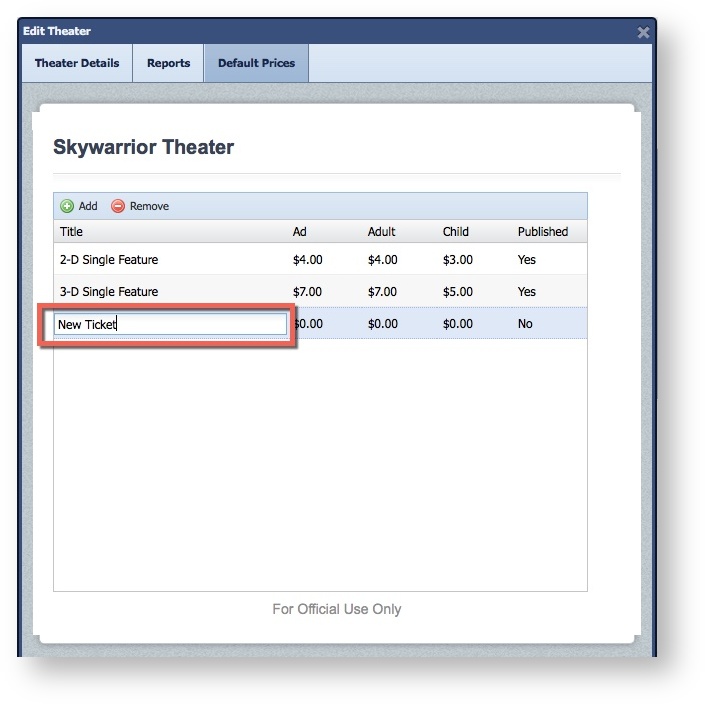
- Enter the Name for the new Price.
- Hit Tab, update the appropriate price column and toggle on "Publish" .
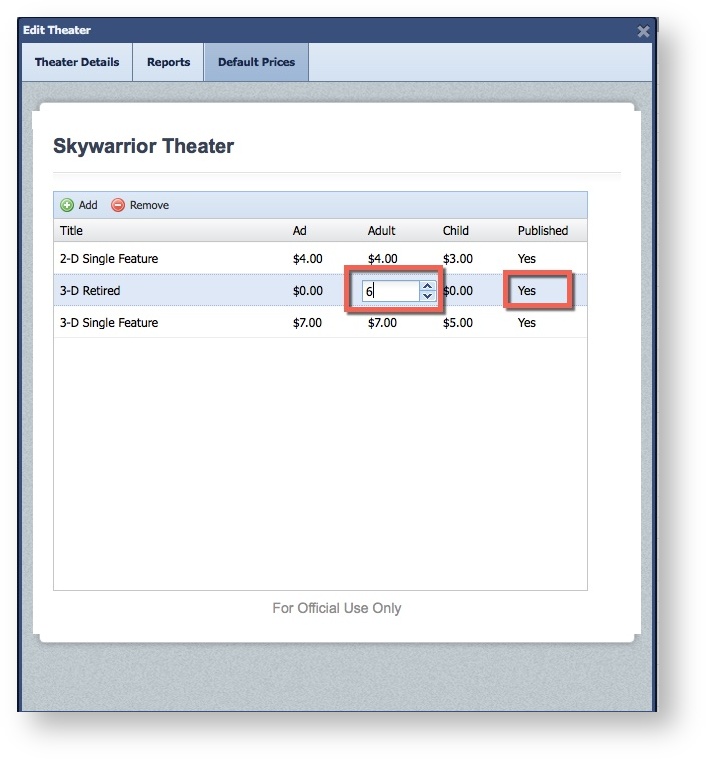
- Click the "X" to save