Step-by-step guide
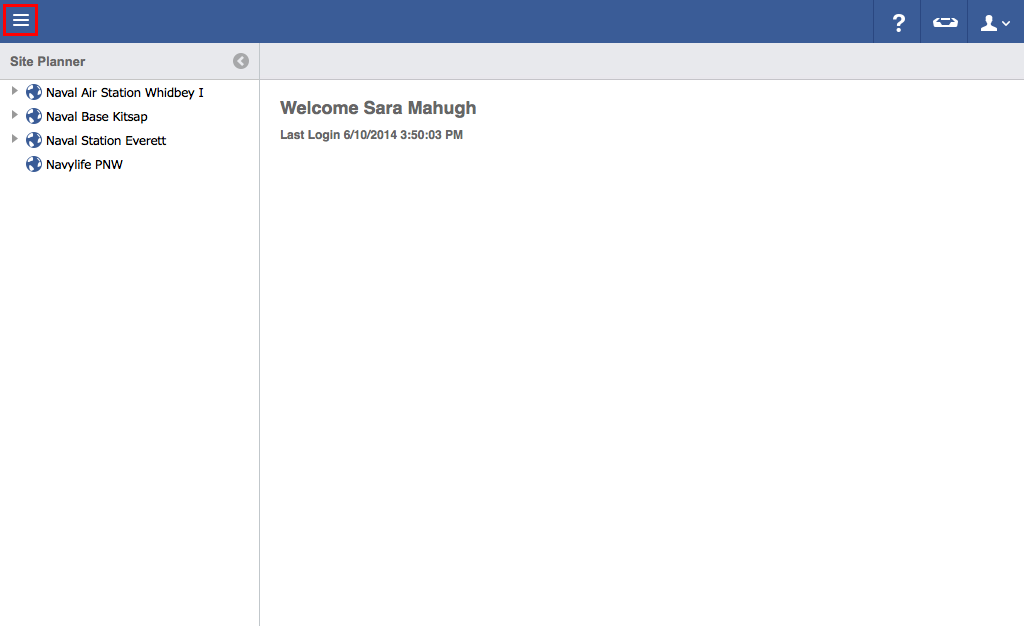
- Click on the menu icon in the top left-hand corner.
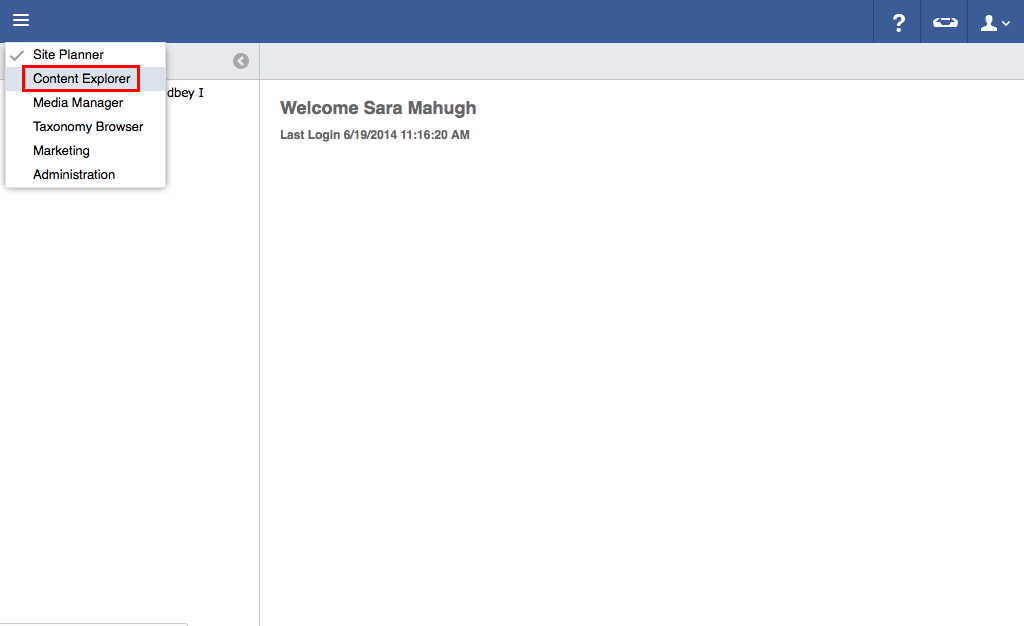
- Click Content Explorer.
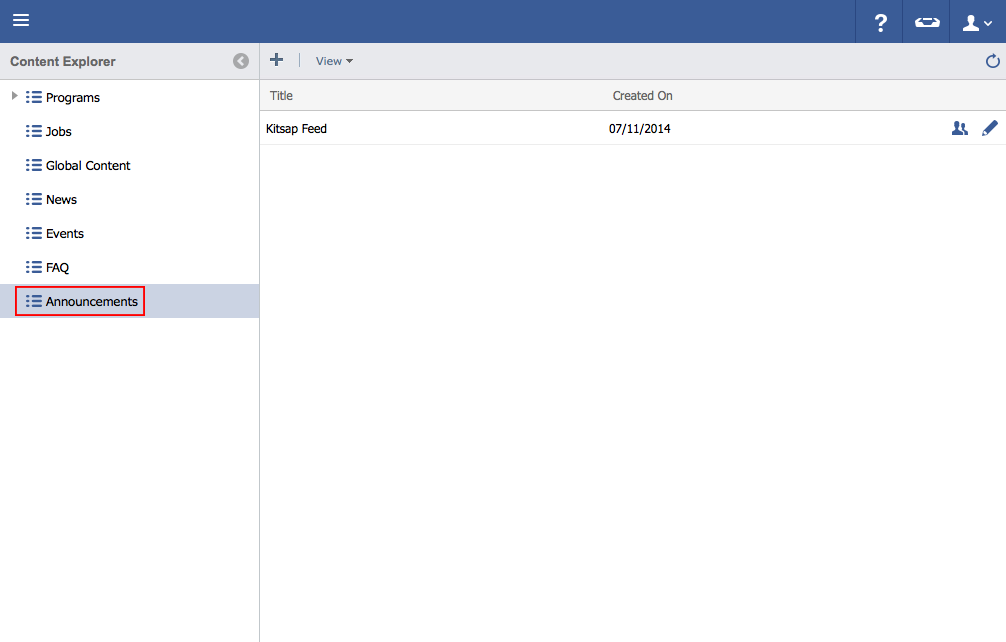
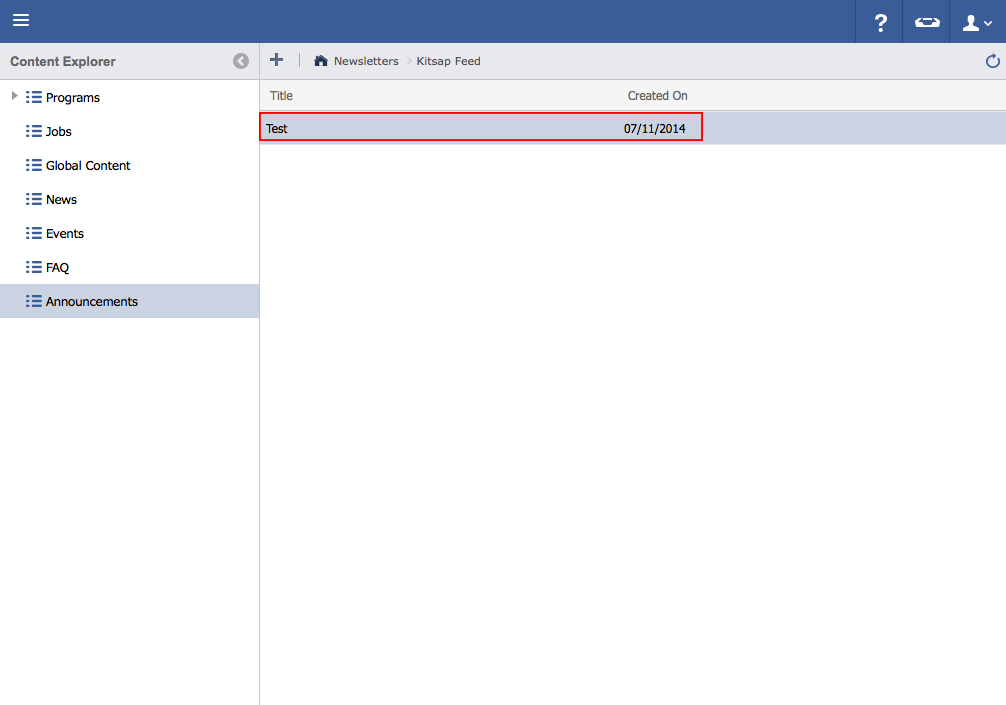
- Click Announcements.
- Double click the feed that the announcement to be edited is in.
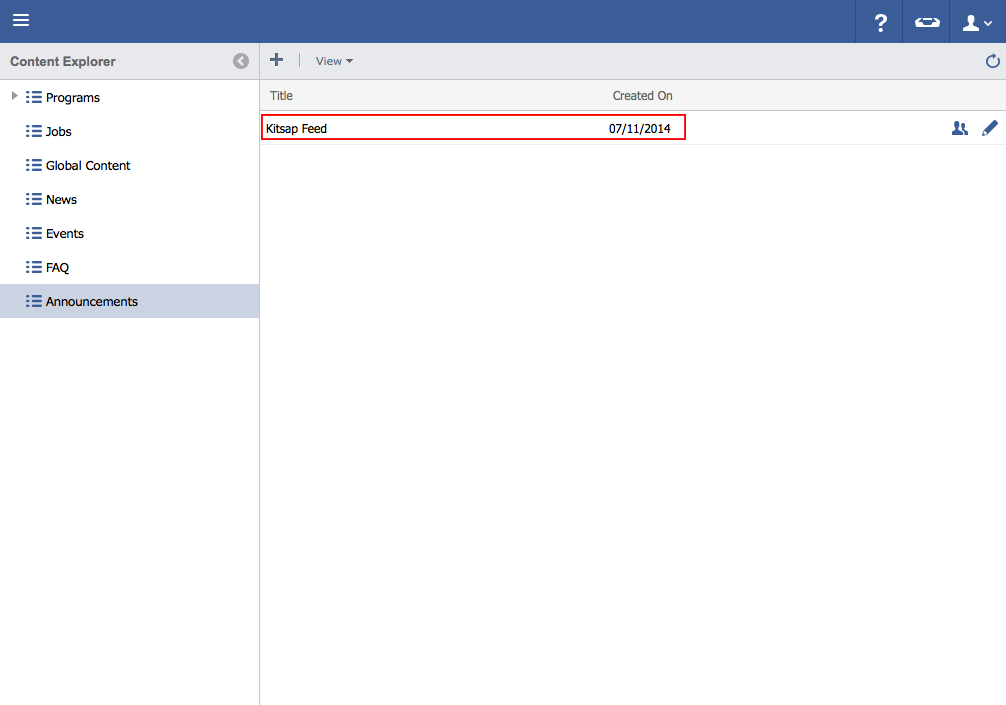
- Double click on the announcement to be edited.
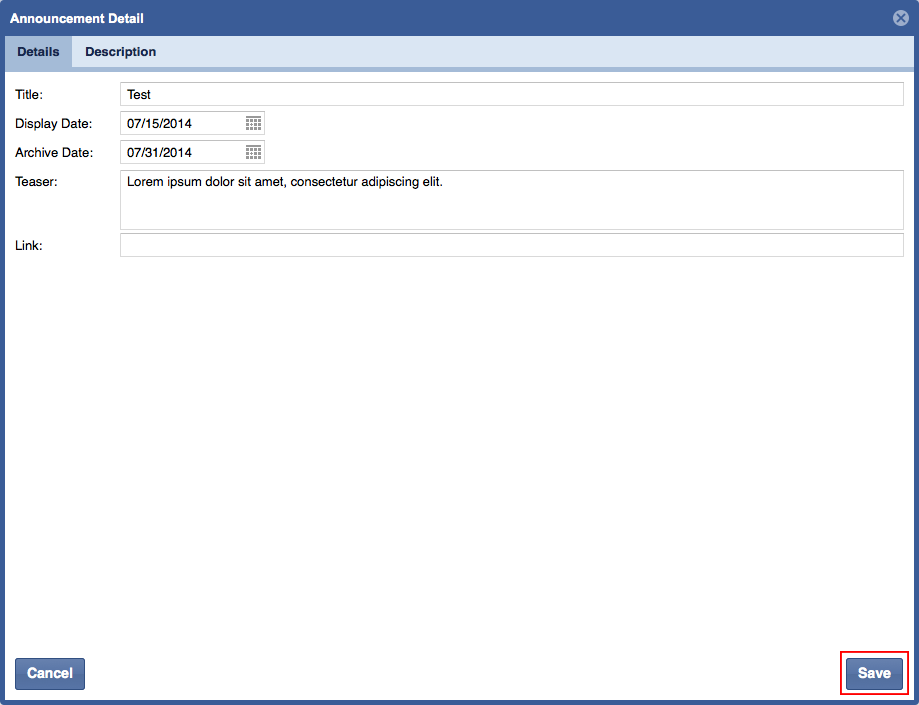
- Edit necessary information.
- Click Save.
Related articles