Select a Collection or Gallery.

The default thumbnail view will display.

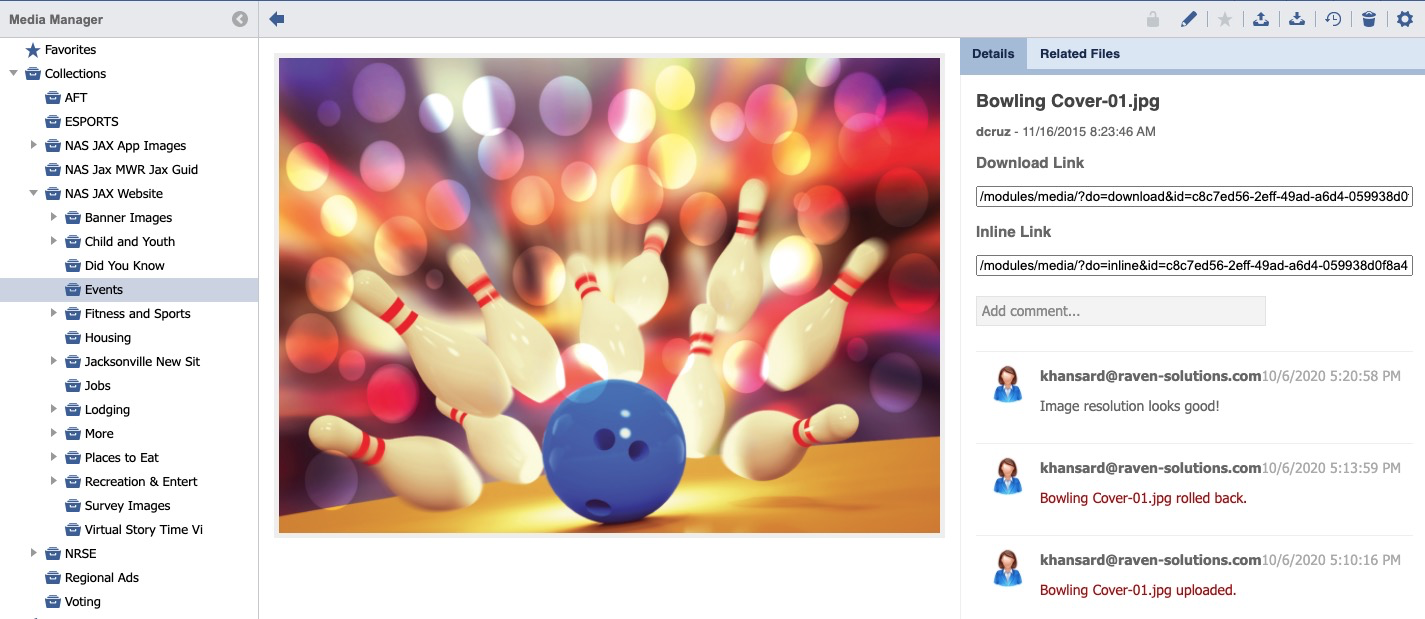
Click on an Image.

The main content panel will update and display the image preview and details.
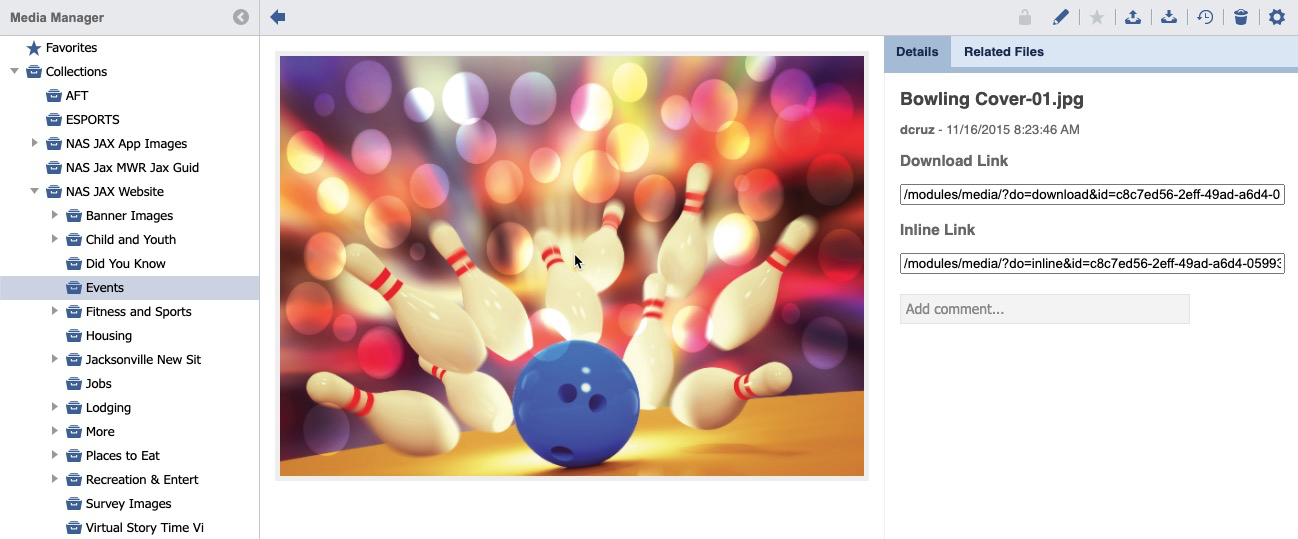
To add a comment, click in the "Add comment..." field.

Enter text in the comment field.

Click Add.

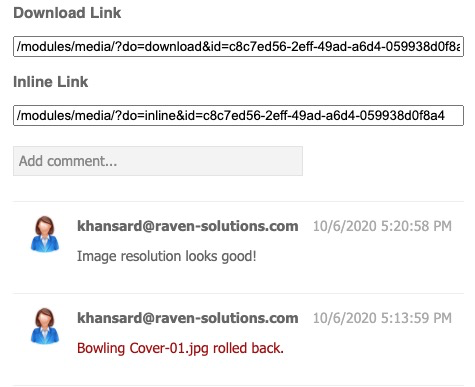
The comment will now display in the Detail History list.