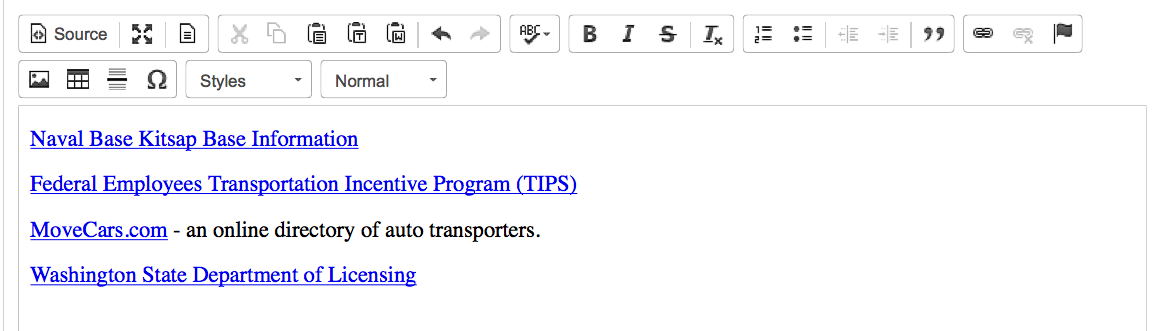
This is what the editing area looks like after you type some text:
Navigating the Editing Area
To easily move around the text use the keyboard.
Page Up and Page Down let you jump up and down the text. The Home and End keys can be used to go to the beginning and end of line, respectively, or combined with the Ctrl key — to the beginning and end of the document. You can also move inside the text using the Arrow keys.