Describe when someone would need this information. For example "when connecting to wi-fi for the first time".
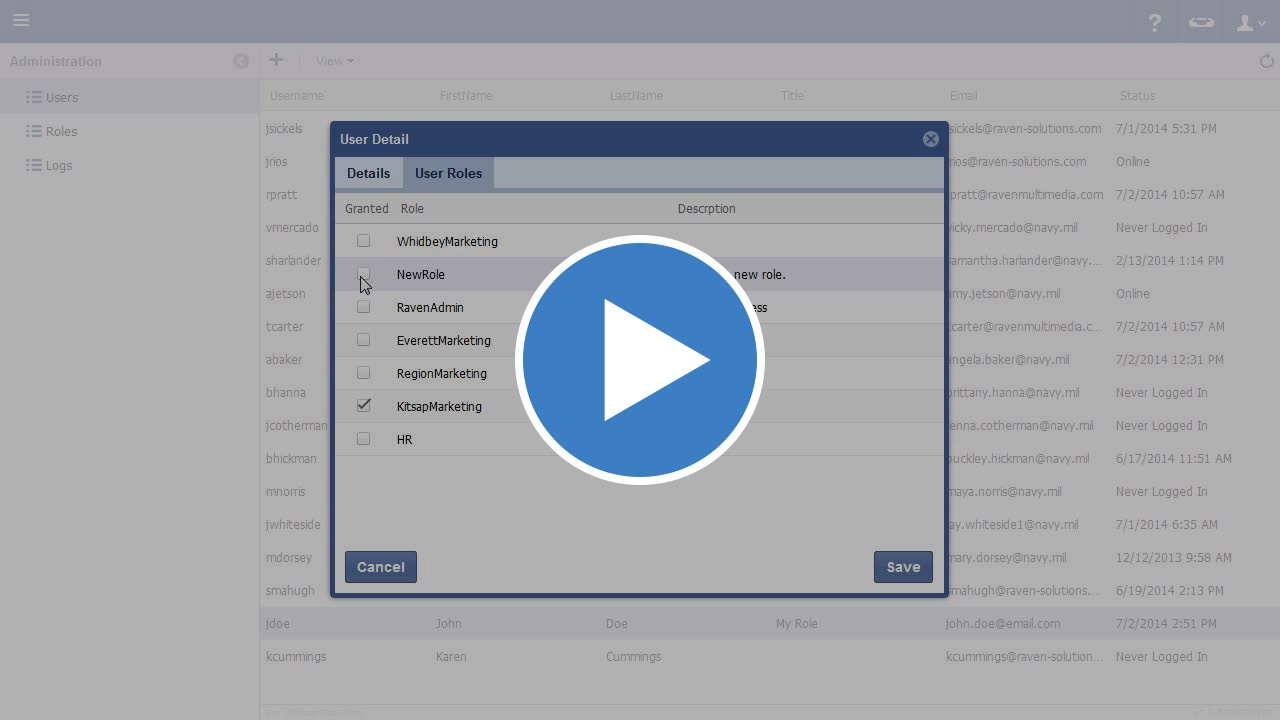
Video
Step-by-step guide
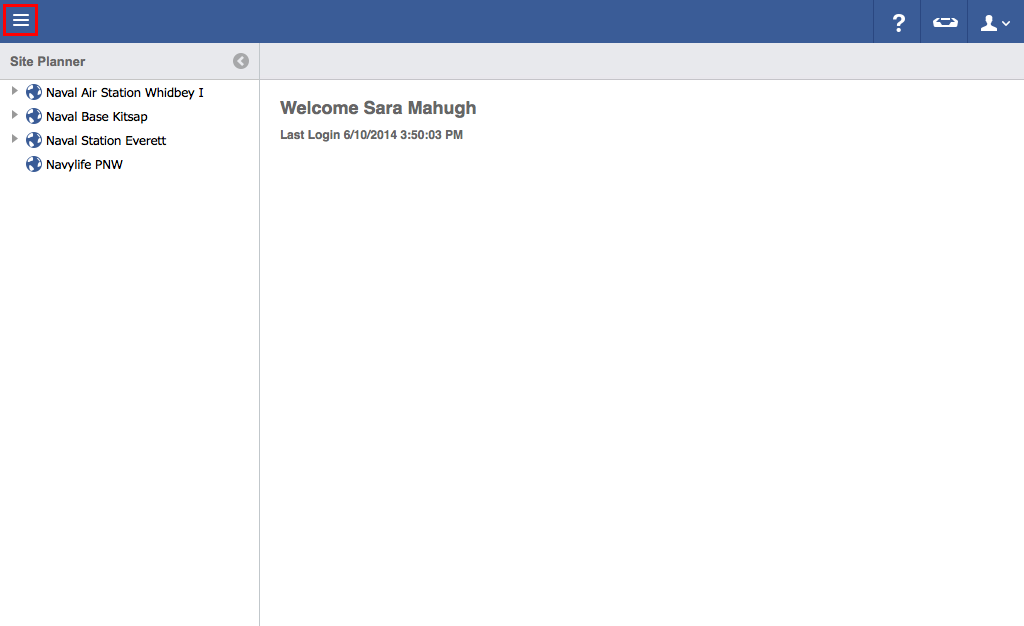
- Click on the menu icon in the top left header area.
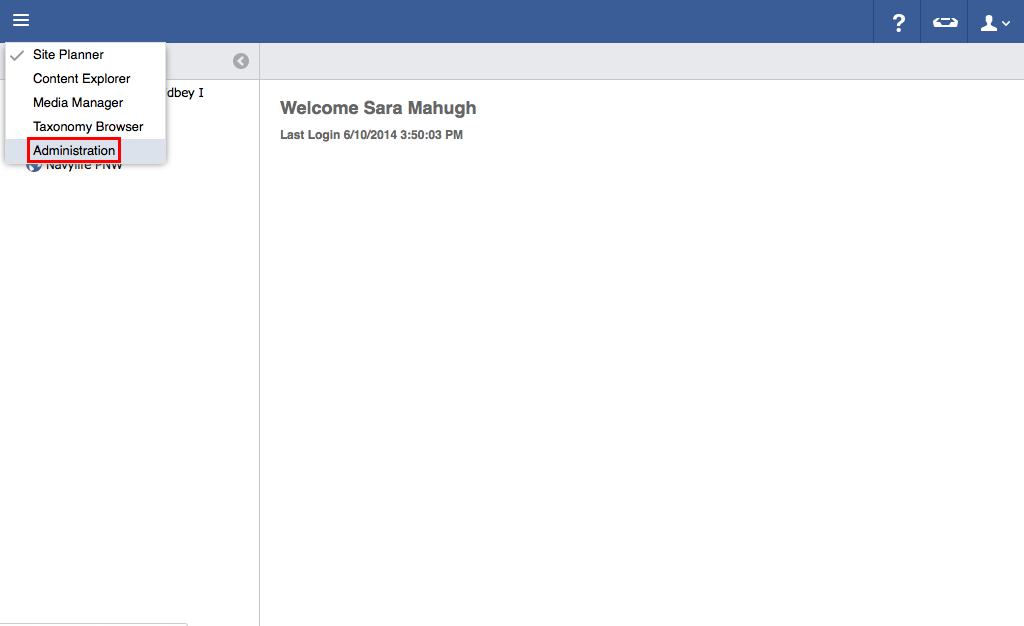
- Click "Administration".
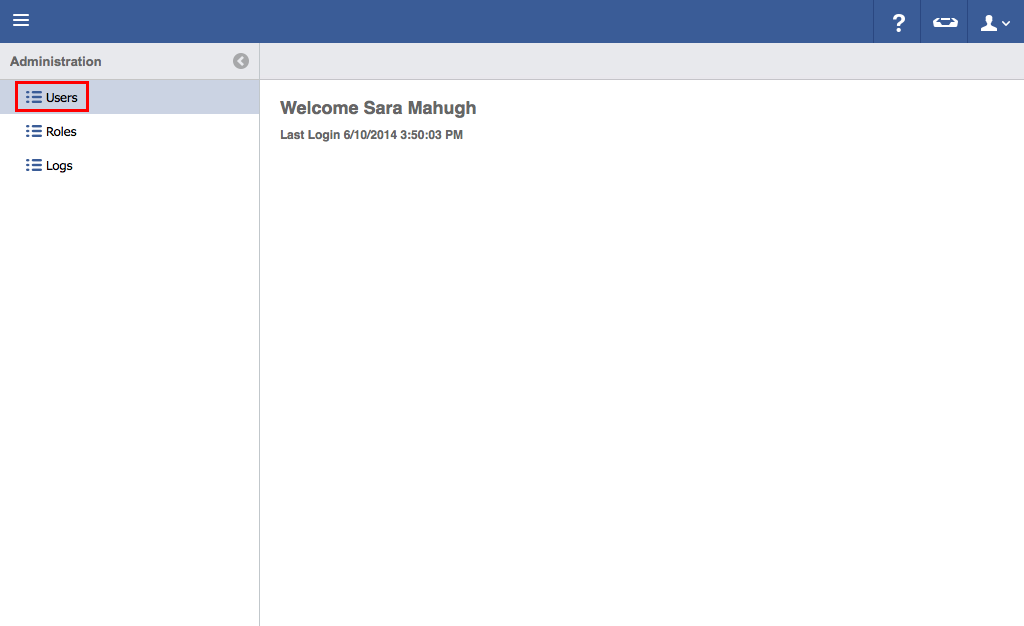
- Click "Users".
- Double click on the user to be granted access roles.

- Click "User Roles".
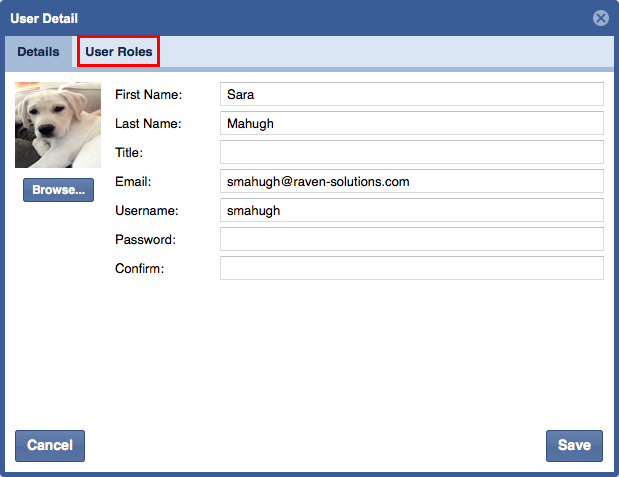
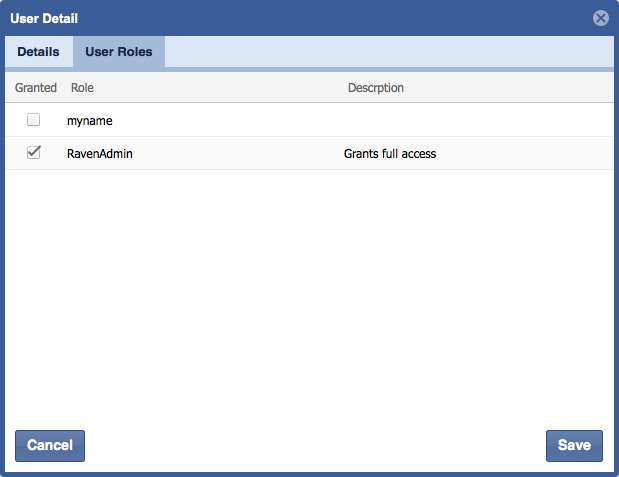
- Assign one or more Roles to the user by selecting the check box next to the Role.
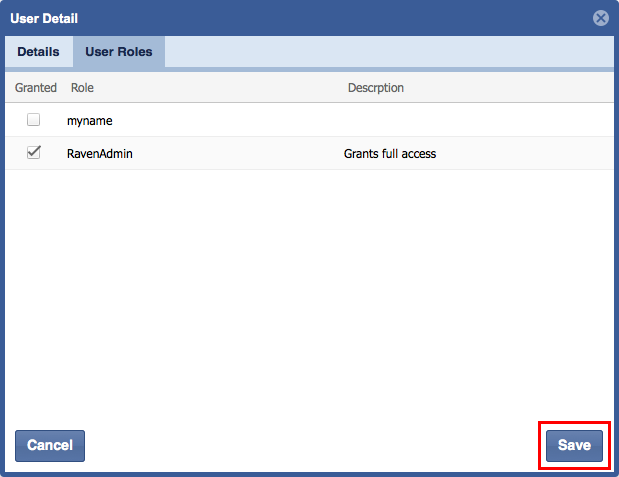
- Click "Save".
| You may also want to use visual panels to communicate related information, tips or things users need to be aware of. |