Step-by-step guide
Add the steps involved:
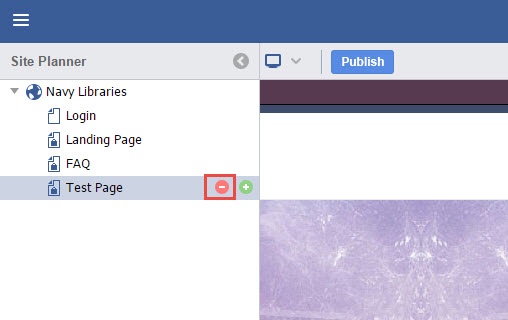
In the Site Planner, hover the mouse over the page to be deleted and click the red "-" button.
Confirm the page deletion by clicking Yes.
The page is now deleted.