Step-by-step guide to add an Installation instructor
- Click Menu

- Select Personnel

- Click on Instructors on the left panel.

- Click the "+" sign button.

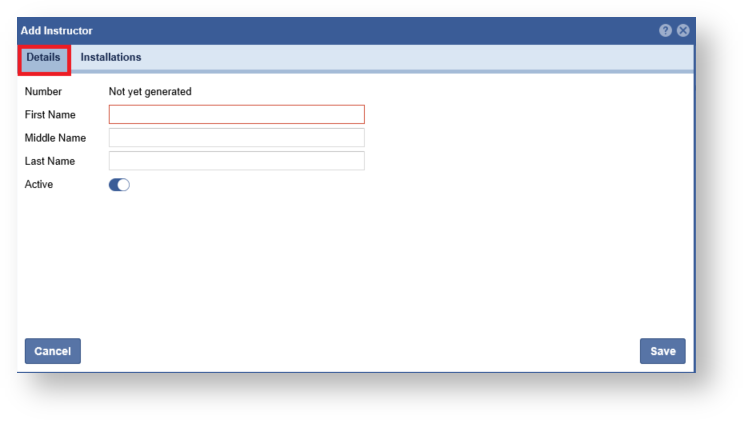
- Enter in the Instructor information.
- Click the Installations Tab

- Expand the list and click the "Arrow" to link and installation.

- Click "Save".
