If you were granted access to WebCentral On or After 06/01/2015 click
HERE
for updated procedures.
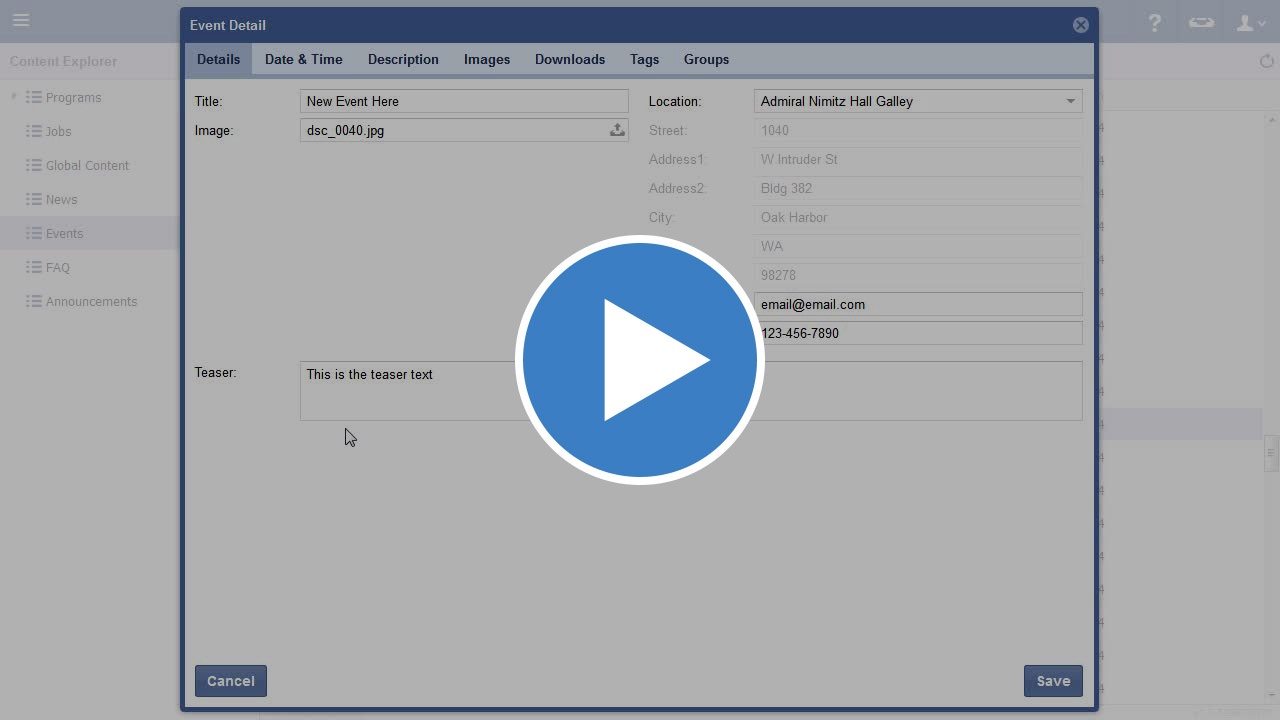
Video
Step-by-step guide
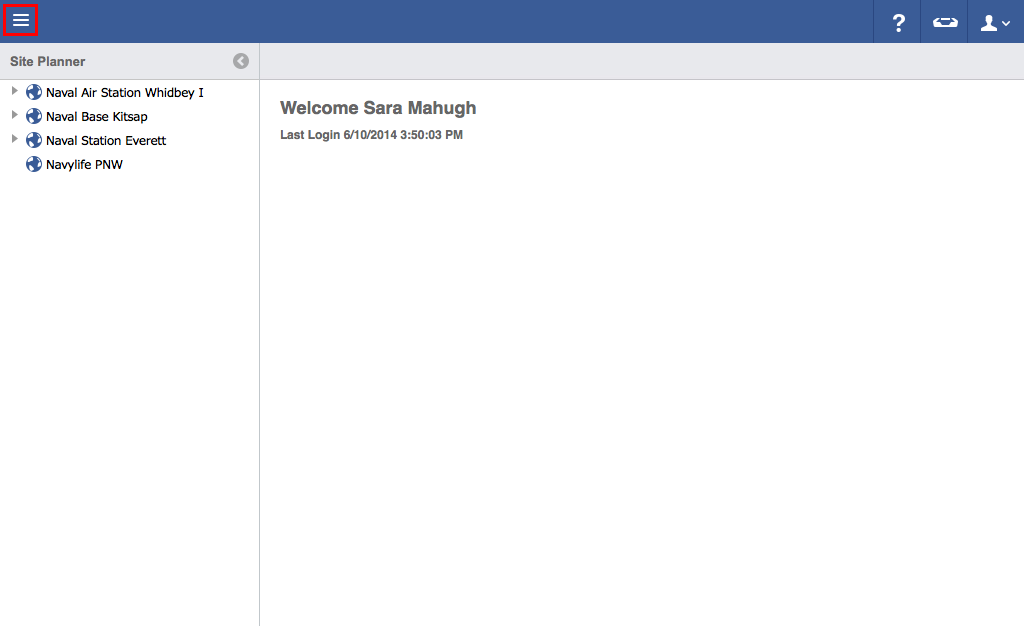
Click on the menu icon in the top left header area.
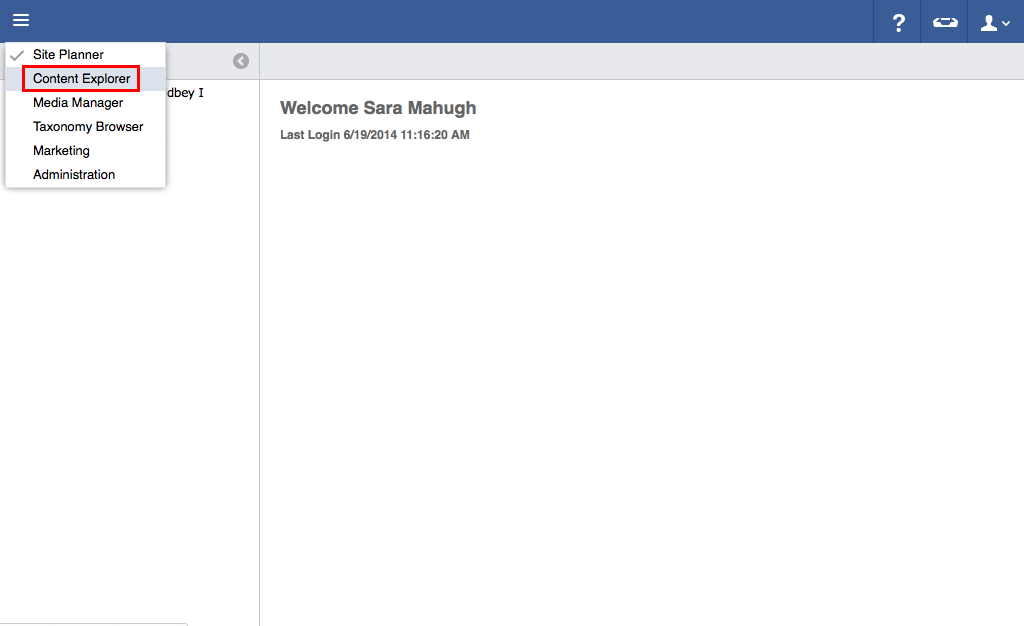
Click "Content Explorer".
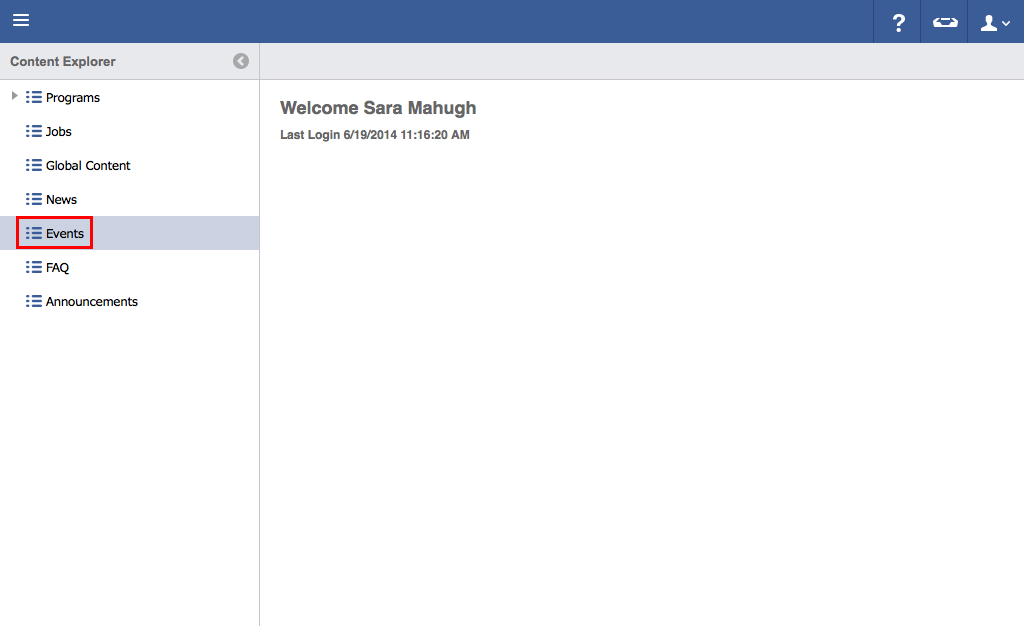
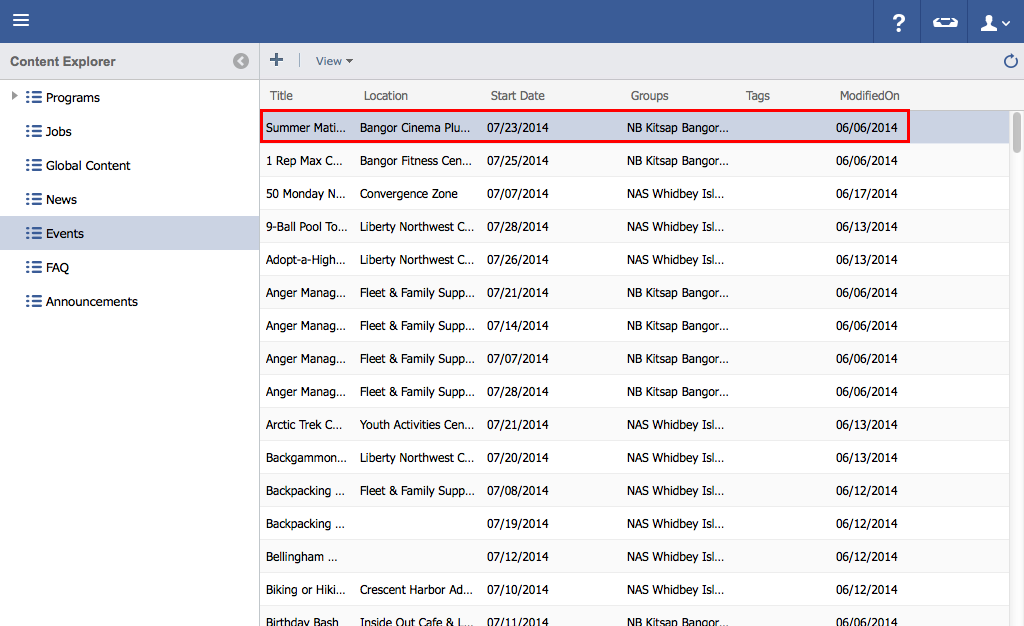
Click "Events".
Double click on the information to be edited.
Edit necessary information.
Click "Save".
Activities, Trips and Classes
Click on the menu icon in the top left header area.
Click "Content Explorer".
Click "Events".
Double click on the information to be edited.
Edit necessary information.
Click "Save".