Describe when someone would need this information. For example "when connecting to wi-fi for the first time".
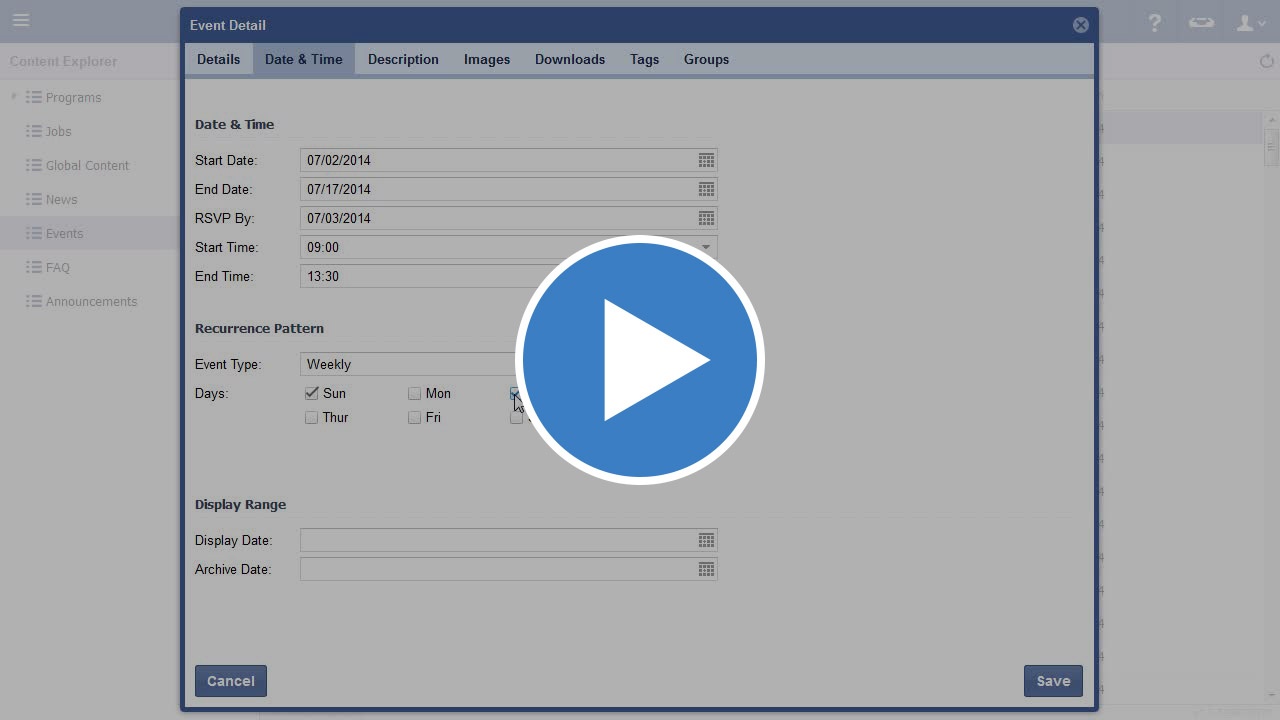
Video
Step-by-step guide
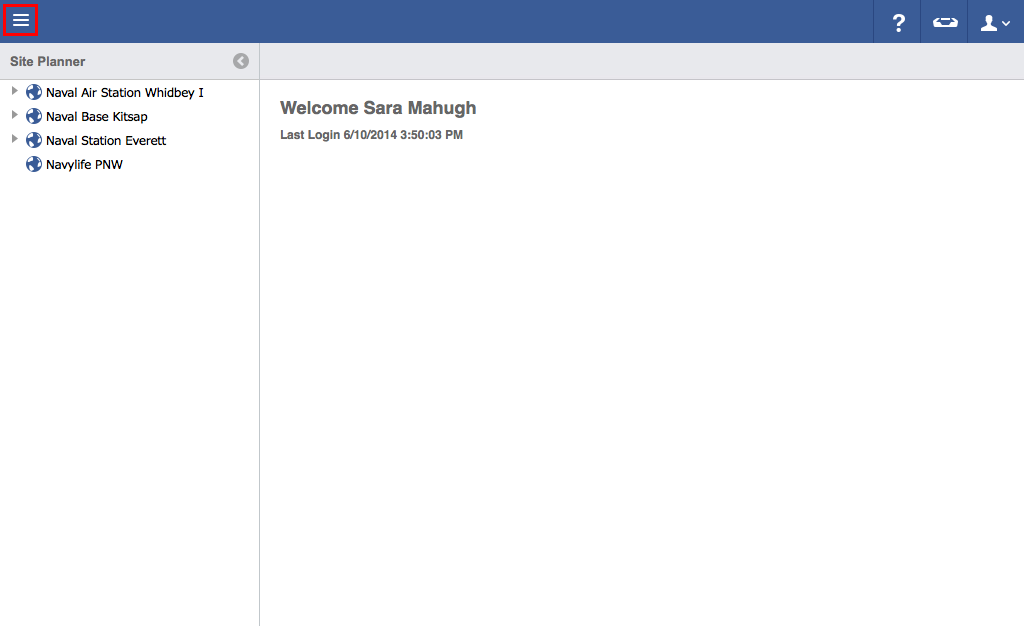
- Click on the menu icon in the top left header area.
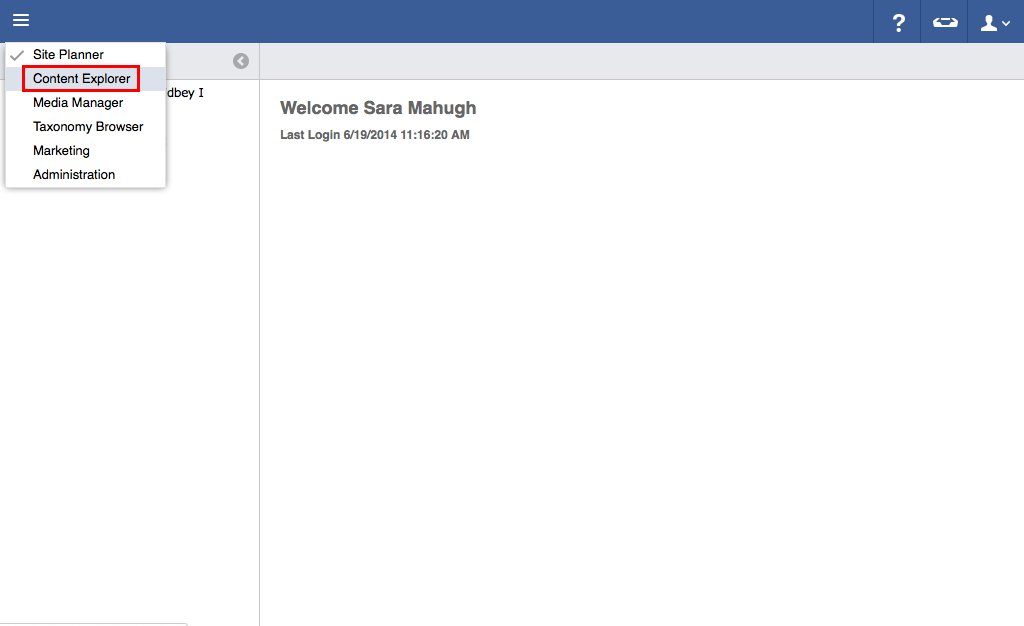
- Click "Content Explorer".
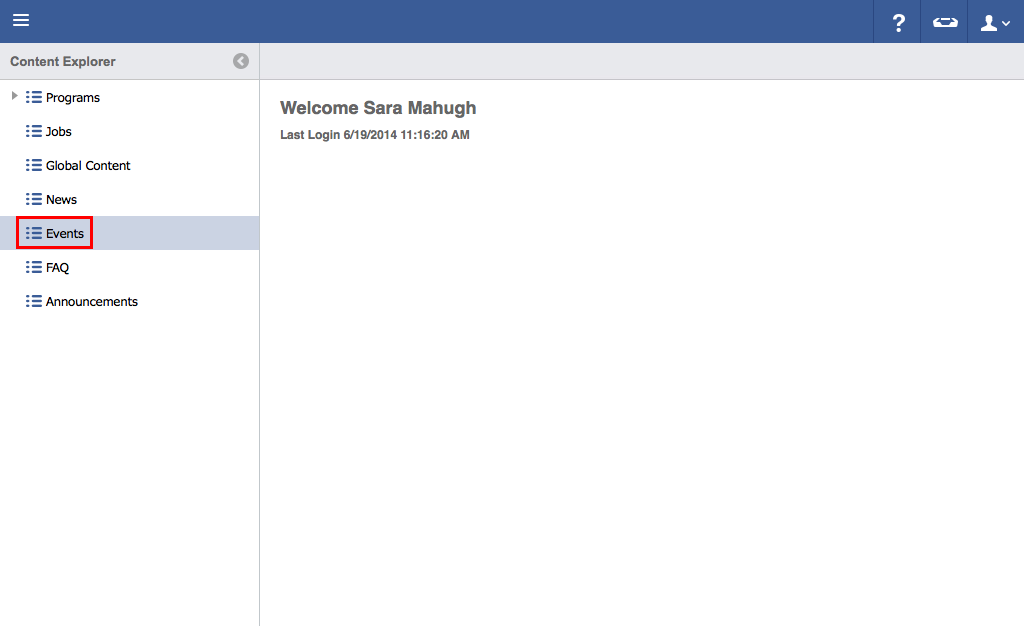
- Click "Events".
- Click the "Plus" icon.
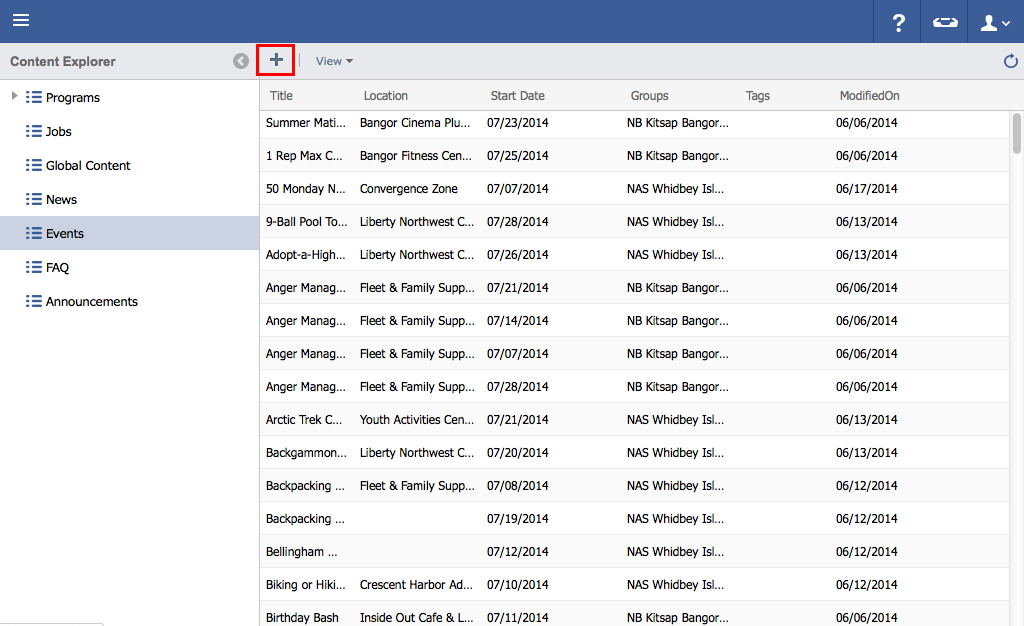
- Add event details.

- In the Date & Time tab, recurrence can be setup in 3 ways, Single Event, Weekly and Monthly.

- Selecting Weekly will allow the Event to repeat on the specified days until the End Date has been reached.

- Selecting Monthly will allow an Event to repeat with granular controls like a certain day of every month, or a certain occurrence of a day of the week, both with abilities to skip months (First Thursday of every 3 months, for example)

- Continue adding additional information by clicking on other tabs (Such as Description, Images, Downloads, Tags, and Groups).
- Click "Save".

| You may also want to use visual panels to communicate related information, tips or things users need to be aware of. |