Invoicing must be performed prior to running the reconciliation report. If an Invoice does not exist for the specific Date Range, Base/Installation, & Ticket Type data will not return.
Used by Bases to Reconcile Facility and Installation Balances to TMS Invoices.
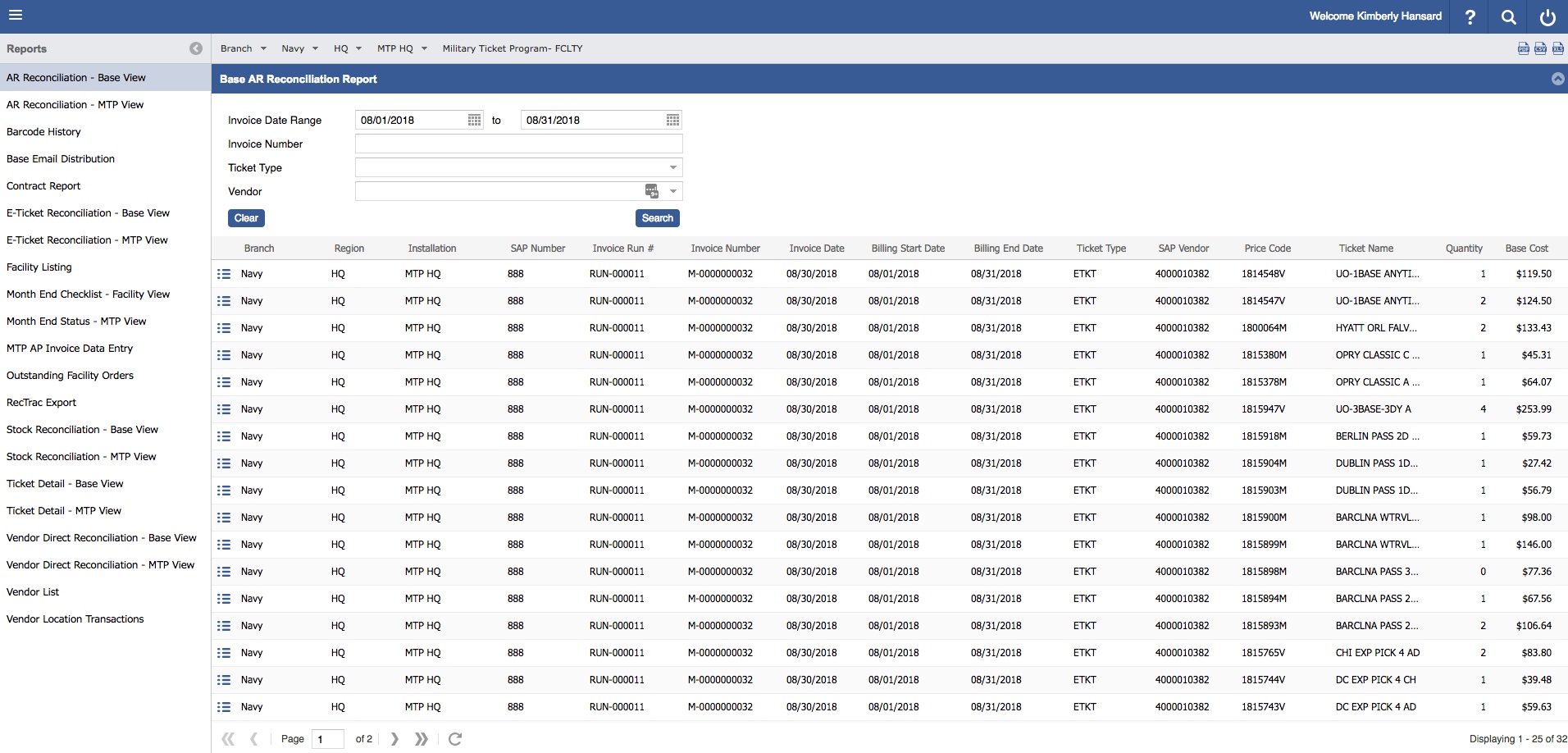
For Details:
Detail drill downs will vary by Ticket Type, displaying relevant Ticket Type data.
Each Detail Title Bar displays Invoice Details for easy reference.
Click the Detail icon,
Click the Detail icon, for additional information
Selecting a Tab will allow further investigation into the Invoice Details.
Shipping and Restock fees are included in invoice files. Ticket type will display "MISC" & Price Codes will reflect "RESTOCK" or "SHIPPING".
These fees will display as a summarized line item displaying the sum of the fees and qty.
These Transactions will display as a line item. Additional data is present but is limited to one Detail pop up window, as opposed to the two for Ticket Type Details, see below.