Page History
Step-by-step guide to add an Installation instructor
- Open the workspace selector by clicking on the three line menu icon in the upper left corner of the system.Click Menu

- Select Personnel.

- Click on Instructors on the left panel.


- Click the "+" sign button.


- Enter in the Instructor information.

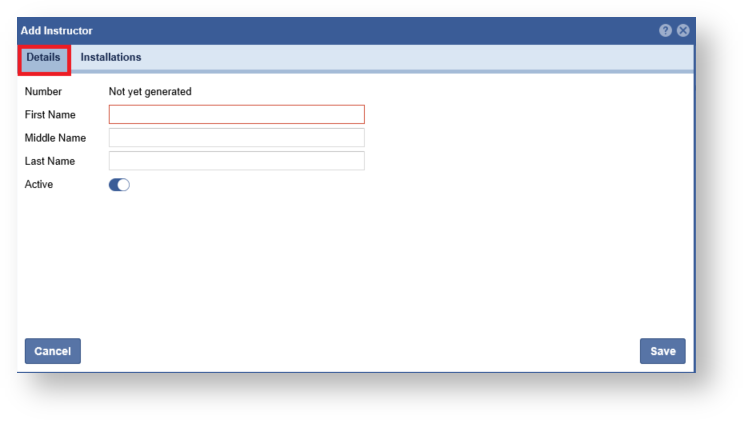
- Click the On the Installations Tab, assign an Installation, click the arrow next to the Installation name to have it added to the right panel. Click the "Save" button when complete.
Note: An Instructor can be assigned multiple Installations.
