Page History
Step-by-step guide to add an Installation instructor
- Open the workspace selector by clicking on the three line menu icon in the upper left corner of the system.Click Menu

- Select Personnel.

- Click on Instructors on the left panel.


- Click the "+" sign button.


- Enter in the Instructor information.

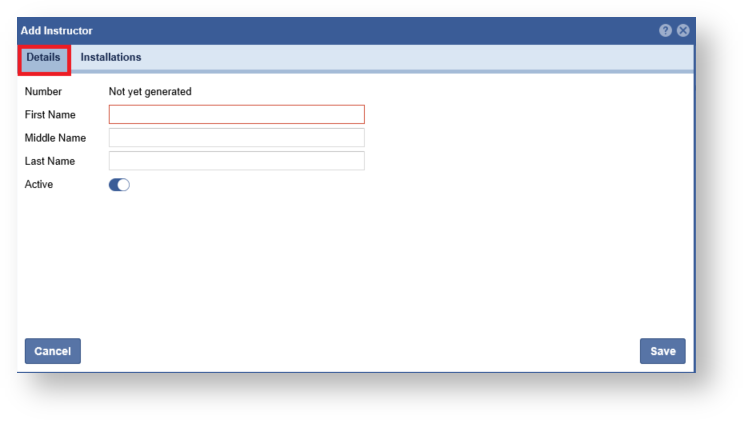
- Click the On the Installations Tab

- Expand the list and click the "Arrow" to link and installation.

- , assign an Installation, click the arrow next to the Installation name to have it added to the right panel. Click the "Save" button when complete.
Note: An Instructor can be assigned multiple Installations. Click "Save".