Versions Compared

Key

  • This line was added.
  • This line was removed.
  • Formatting was changed.

Step-by-step guide

For Single Events

     1. Double Click the Activity in need of editing

...
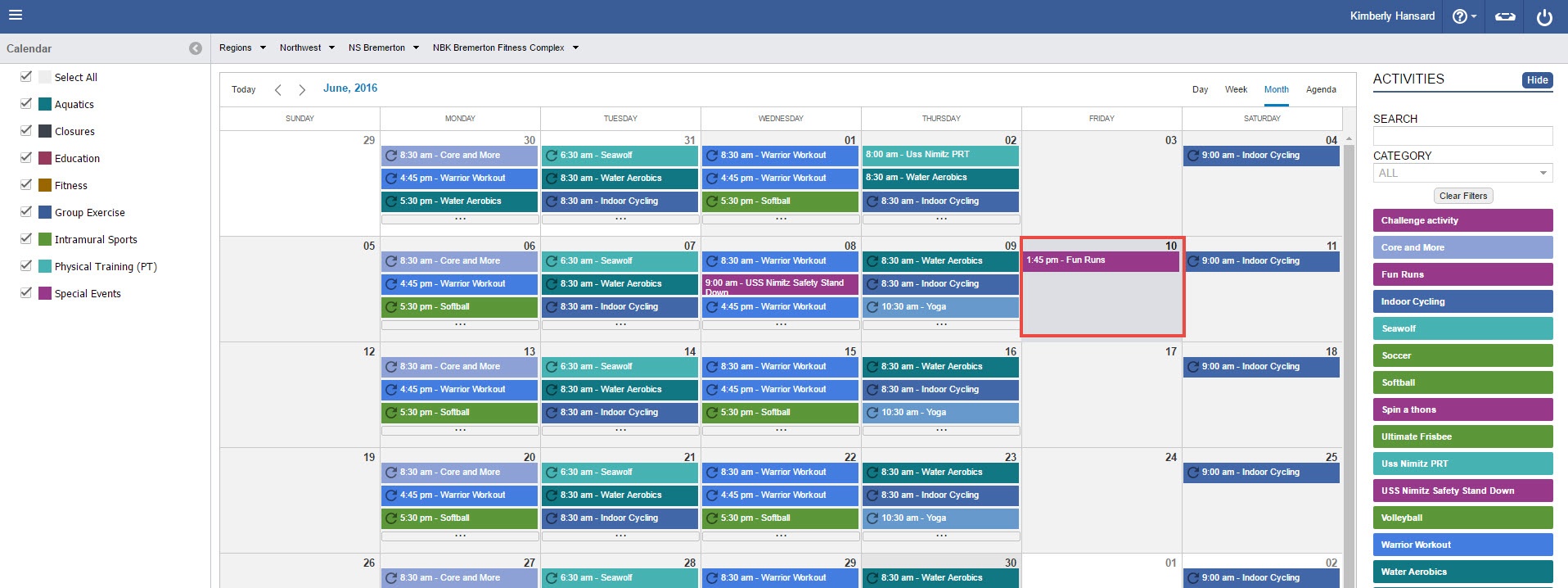
Image Added

Note
titleReoccurence Events

If you see the

...

recurrence icon

...

Image Added, you will be prompted with an additional selection. Click Here to skip to this section


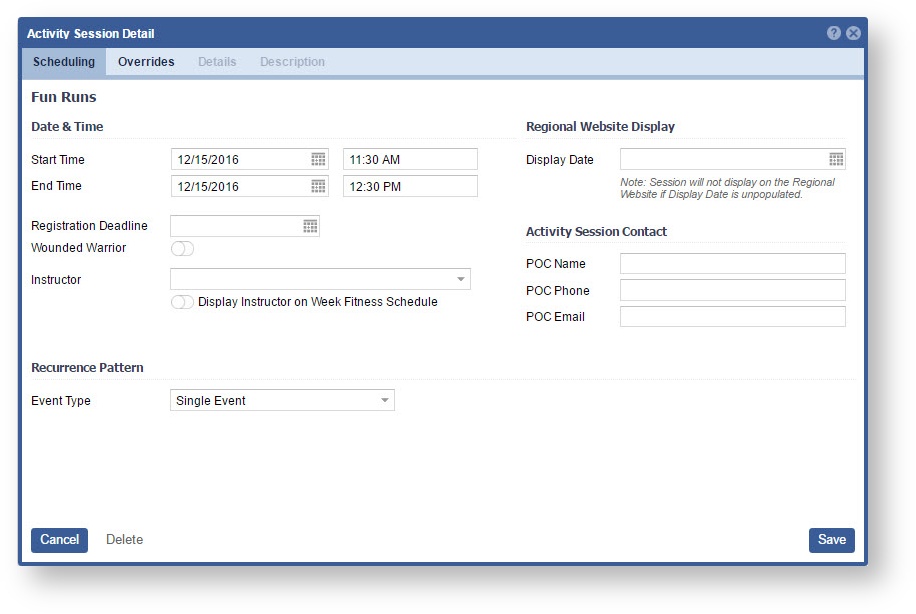
     2. Edit the Details as needed. 

      Image RemovedImage Added

    3 3. Click "Override", if you need to override the Master Activity. 

    Image RemovedImage Added

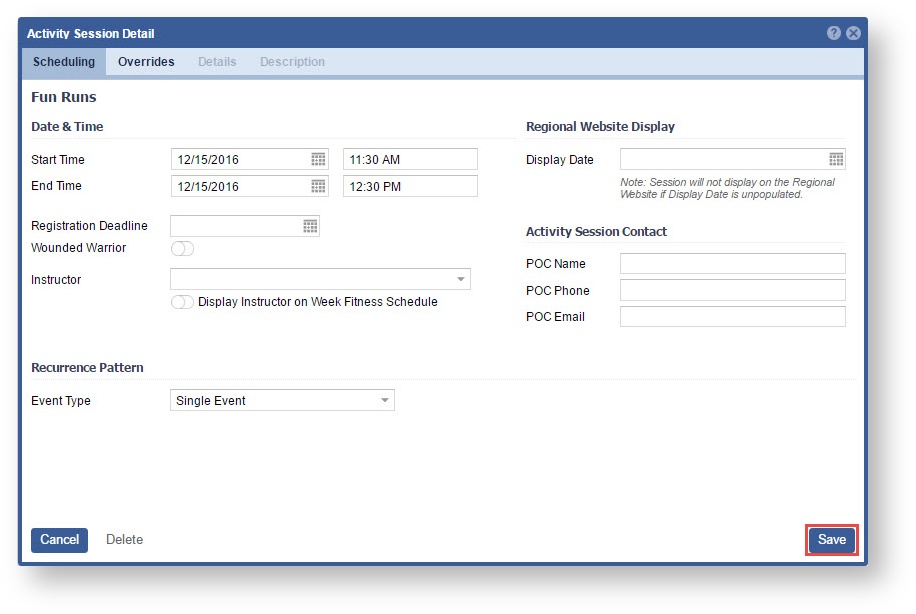
    4 4. Click "Save"

Image Removed Image Added