Page History
Add Custom Item creates Scheduled Events that are not movies. This can be used to schedule All Hands or other events that occur at theater facilities. 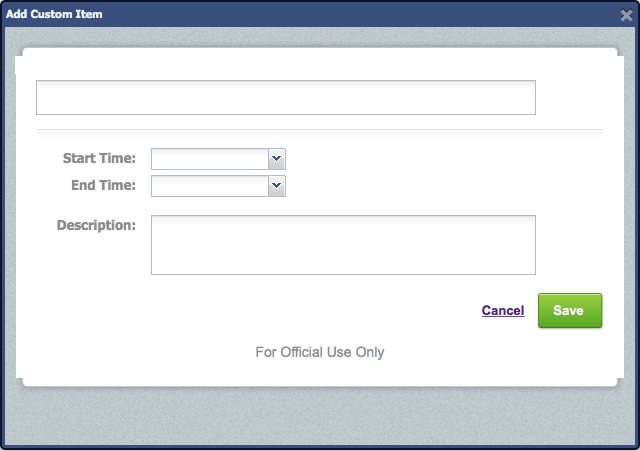

Step-by-step guide
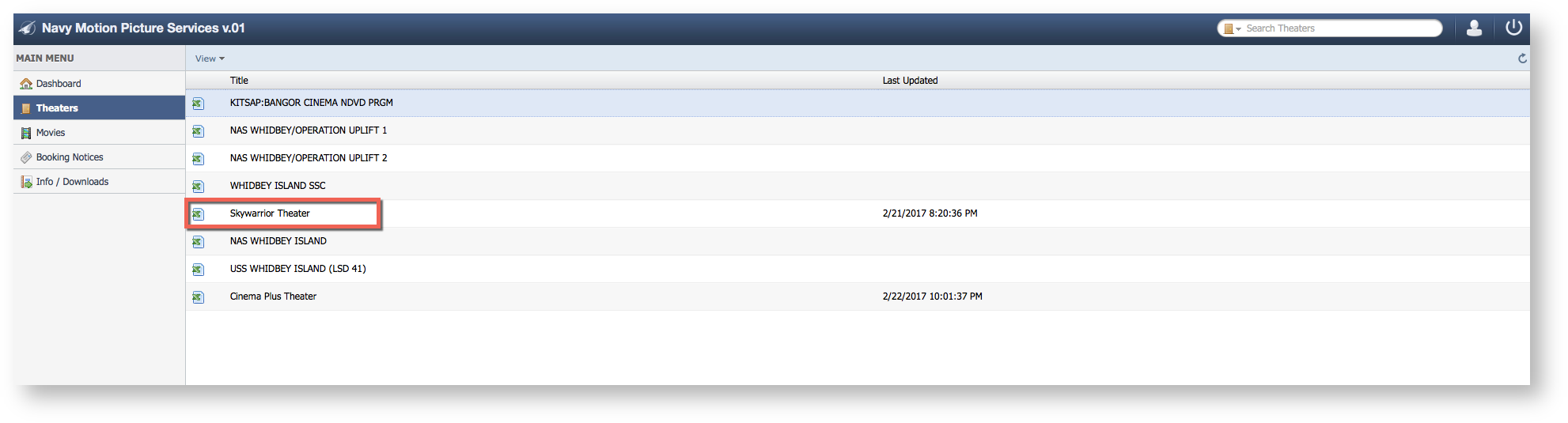
- Select Theaters

- Select a Theater
- Click "Add Custom Event"

- Enter the Event Details