Page History
| Info | ||
|---|---|---|
| ||
Vendors,Tickets & Contracts > Vendor > Tickets |
| Note | ||
|---|---|---|
| ||
When tickets are imported from an older contract Prices (Except for Gate Price & Promo Price) cannot be edited. Additional options are as follows:
|
- Select the Contract (This will be the "To" Contract)
- Select Import TicketsTicket


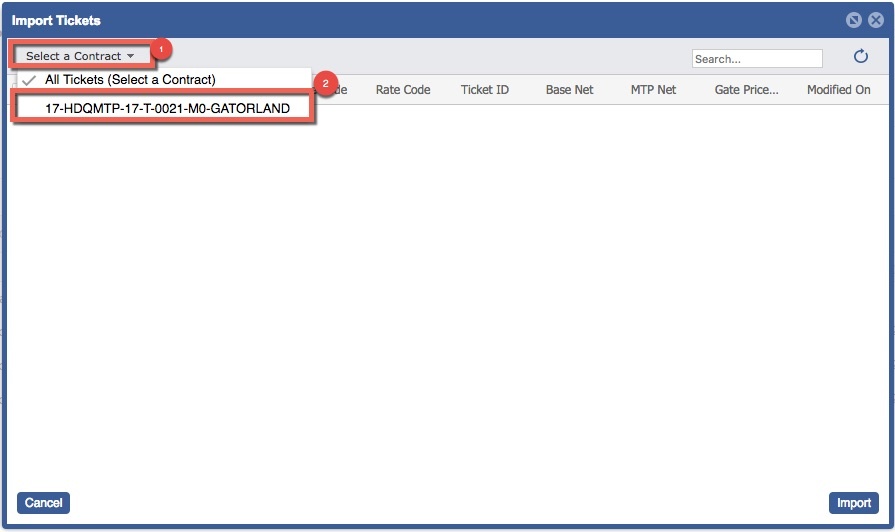
- Select the "From" Contracts (Tickets will import form this contract)
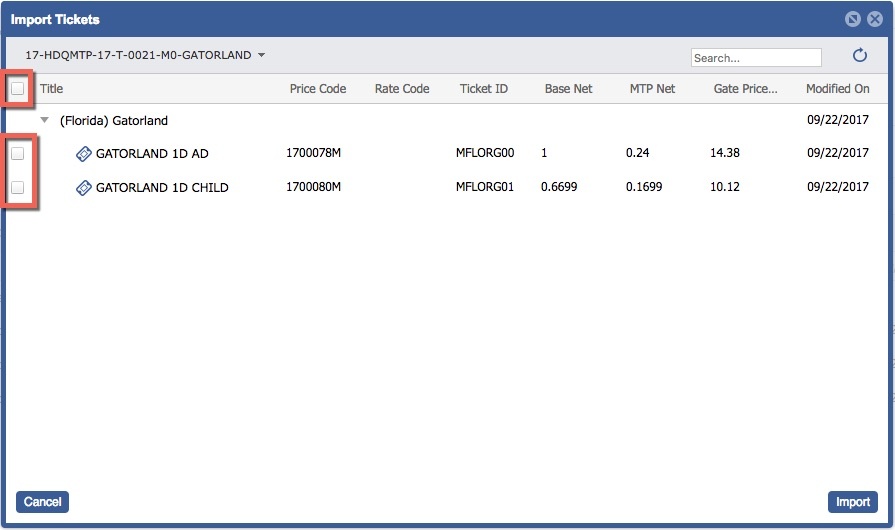
- Select the Ticket/s to Import.
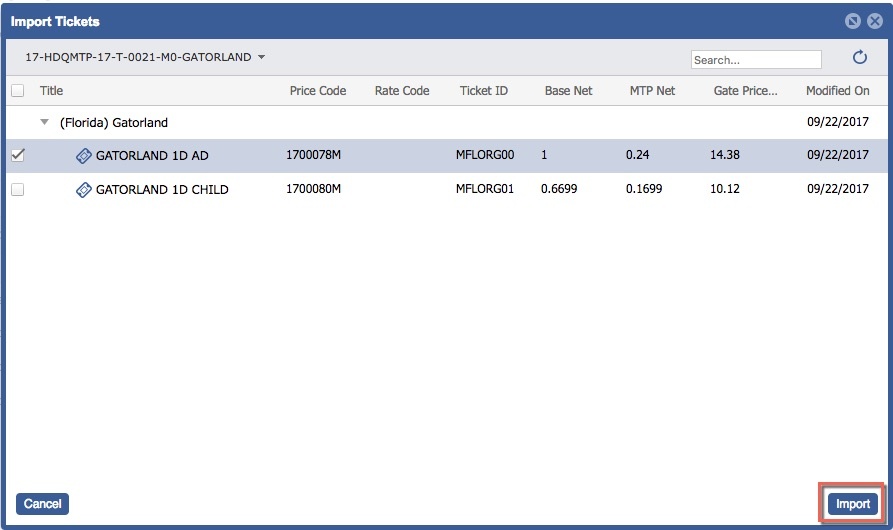
- Select Import.