Page History
| Info | ||
|---|---|---|
| ||
Vendors,Tickets & Contracts > Vendor> Edit or Add Vendor |
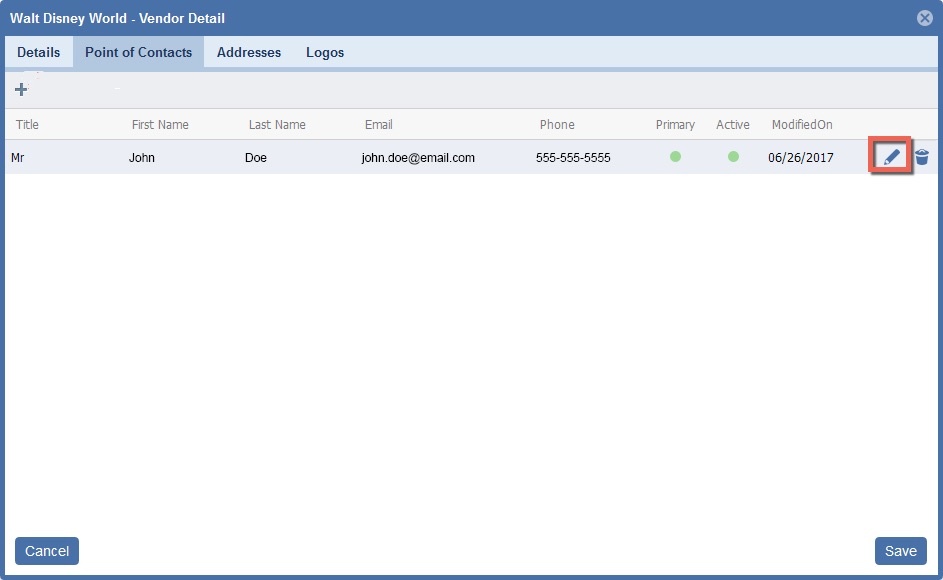
- Click the "Pencil" icon.

- Edit the Contact Detail information


| Circle | Element | Description |
|---|---|---|
| 1 | Primary Contact Toggle | Only one record can canhave this setting. If ONOn, this will be the Primary POC for the Vendor.vendor and prints on contract |
| 2 | Active Toggle | If this is On, this POC is active. |
| 3 | TitleTitle | This is the title of the POC that prints on the contract |
| 4 | First Name | First Name of the POC |
| 5 | Last Name | Last Name of the POC |
| 6 | Email of the POC | |
| 7 | Primary Phone | Primary Phone of the POC |
| 8 | Secondary Phone | Secondary Phone of the POC |
| 9 | Fax Field | Fax number of the POC POC |
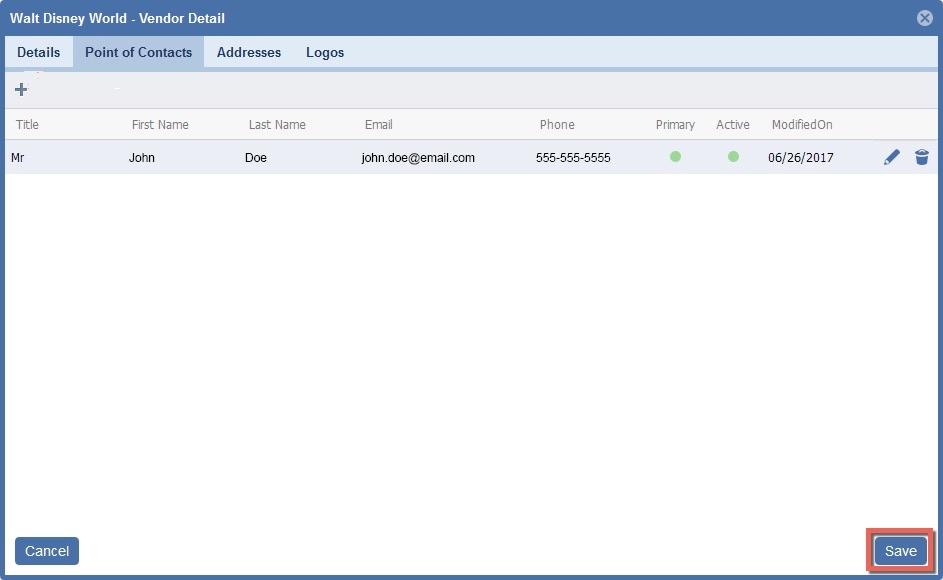
3. Click "Save"