Page History
...
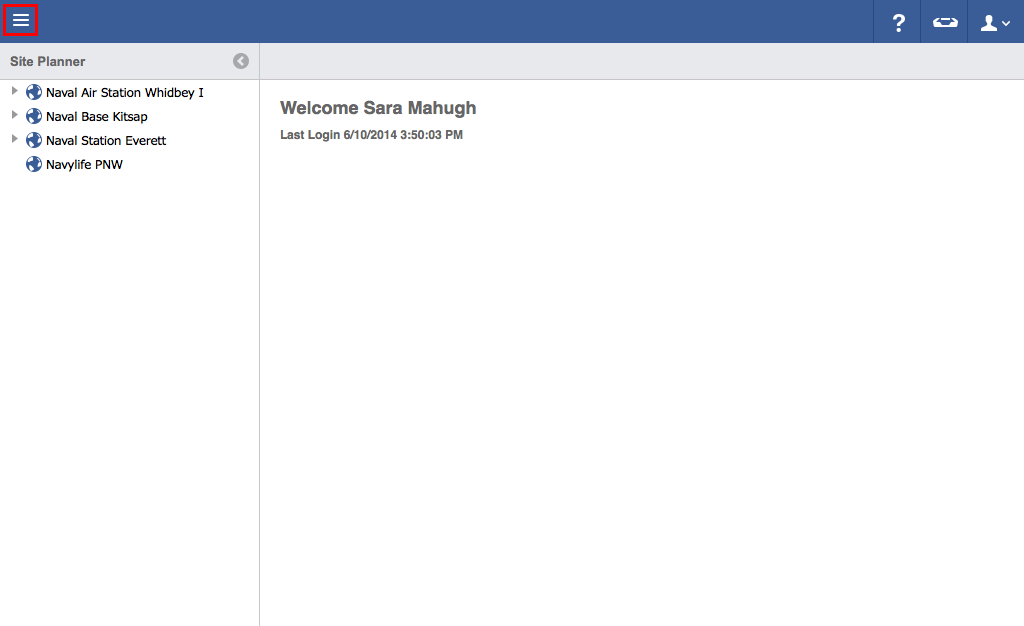
- Click on the menu icon in the top left-hand corner.
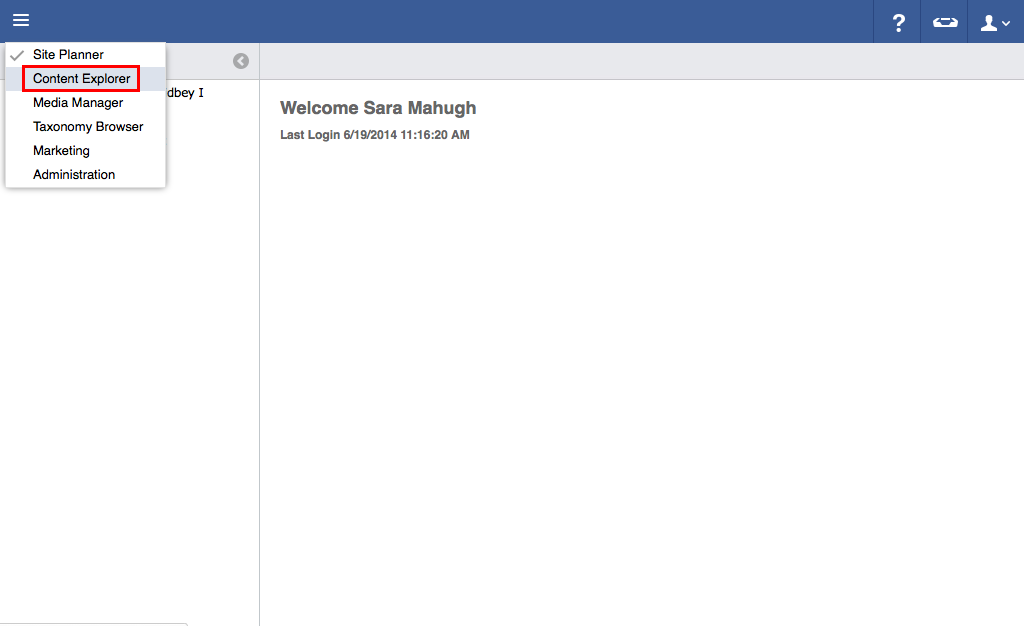
- Click Content Explorer.
- Click Announcements.
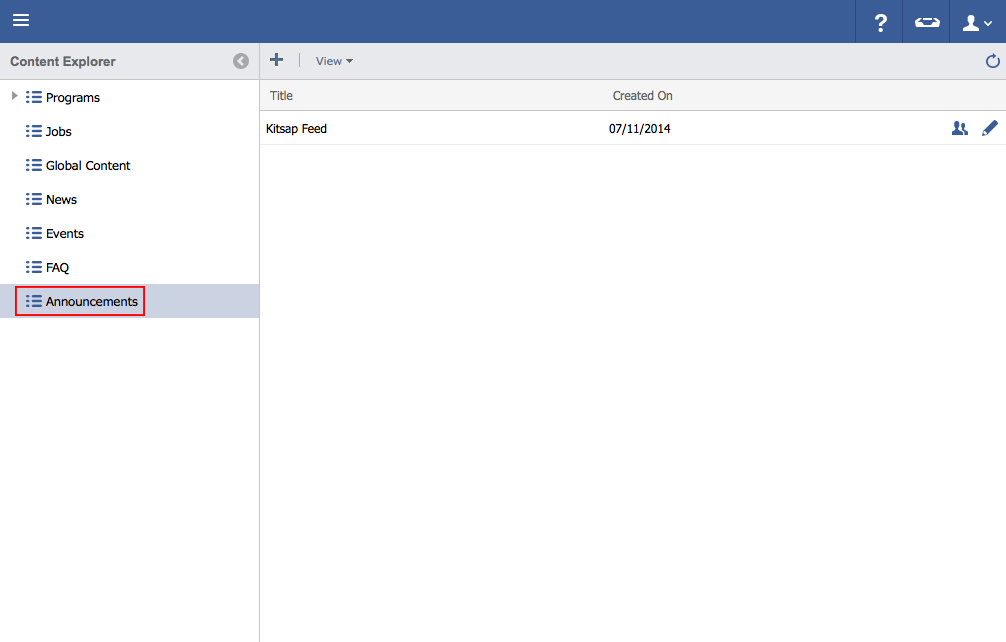
- Double click on the feed that the announcement is in.
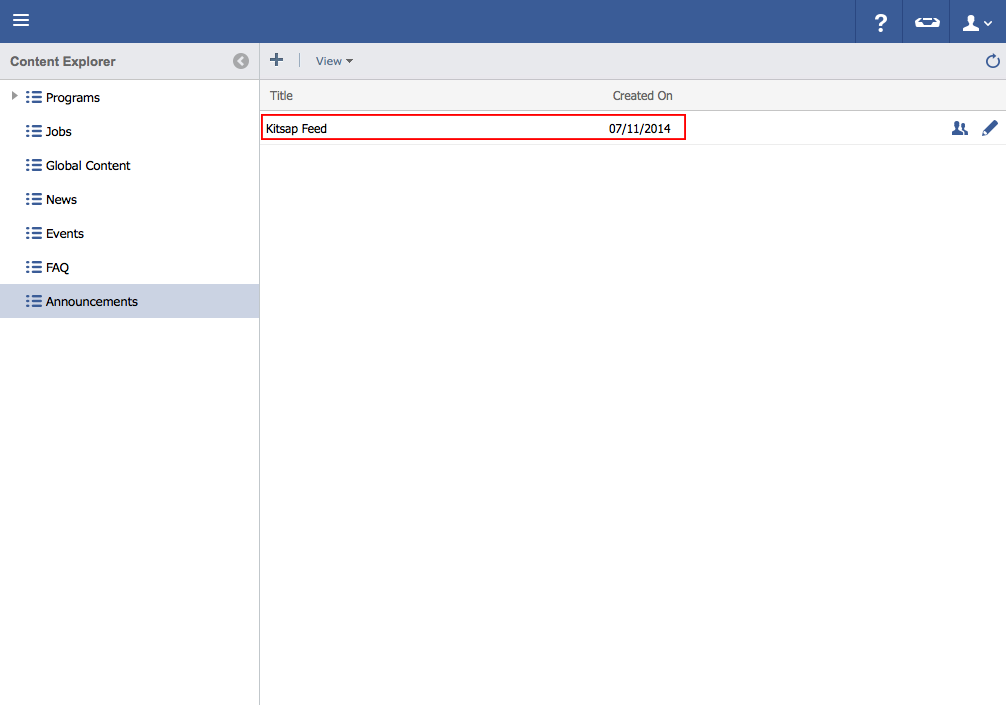
- Click once to highlight the announcement to be deleted.
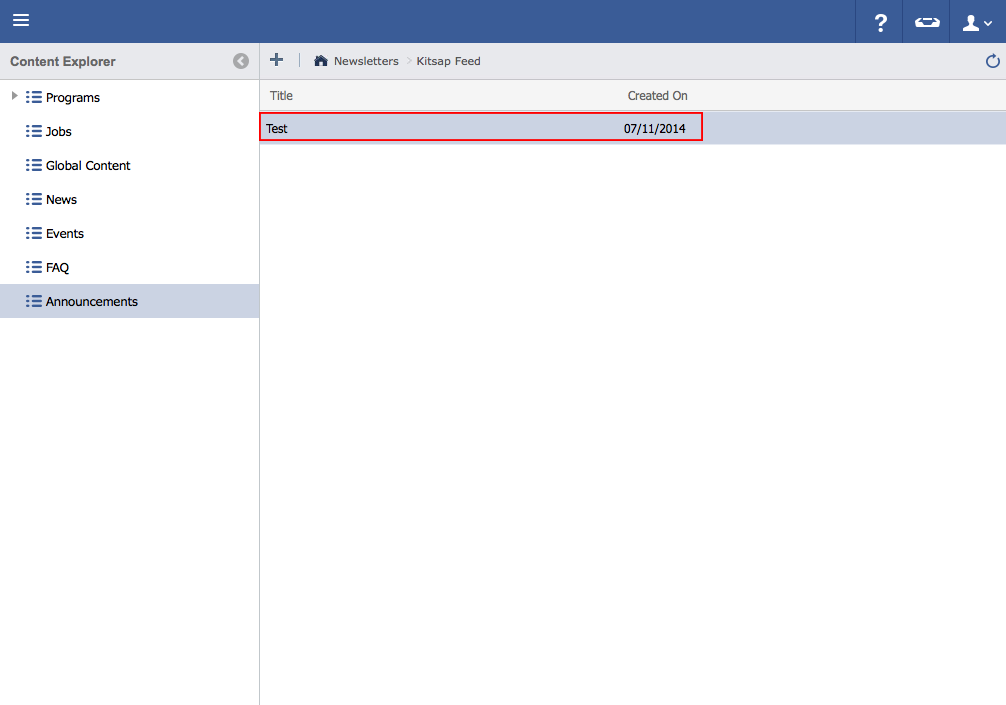
Hit the Delete button on the keyboard.
 Note: For Mac users, hold down the Function and Delete keys.
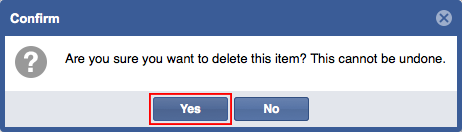
- Click Yes to delete..