Page History
...
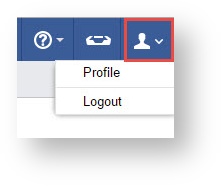
- In the Top Right of your screen select the Profile Icon,

 .
.
2. Select Profile

3. Enter your New Password and Confirm, then Save

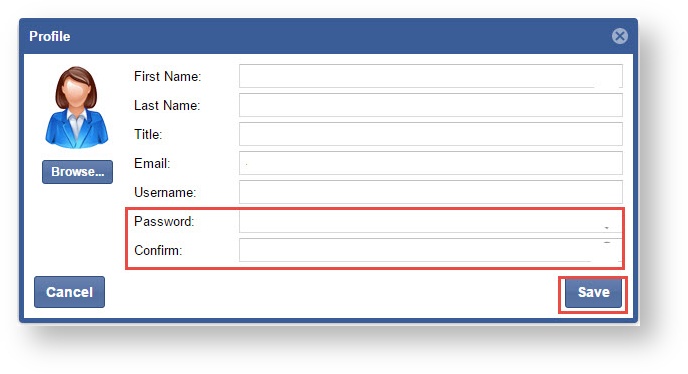
*** Passwords must be 15 characters or more and contain an upper case letter, lower case letter, number and symbol.