Page History
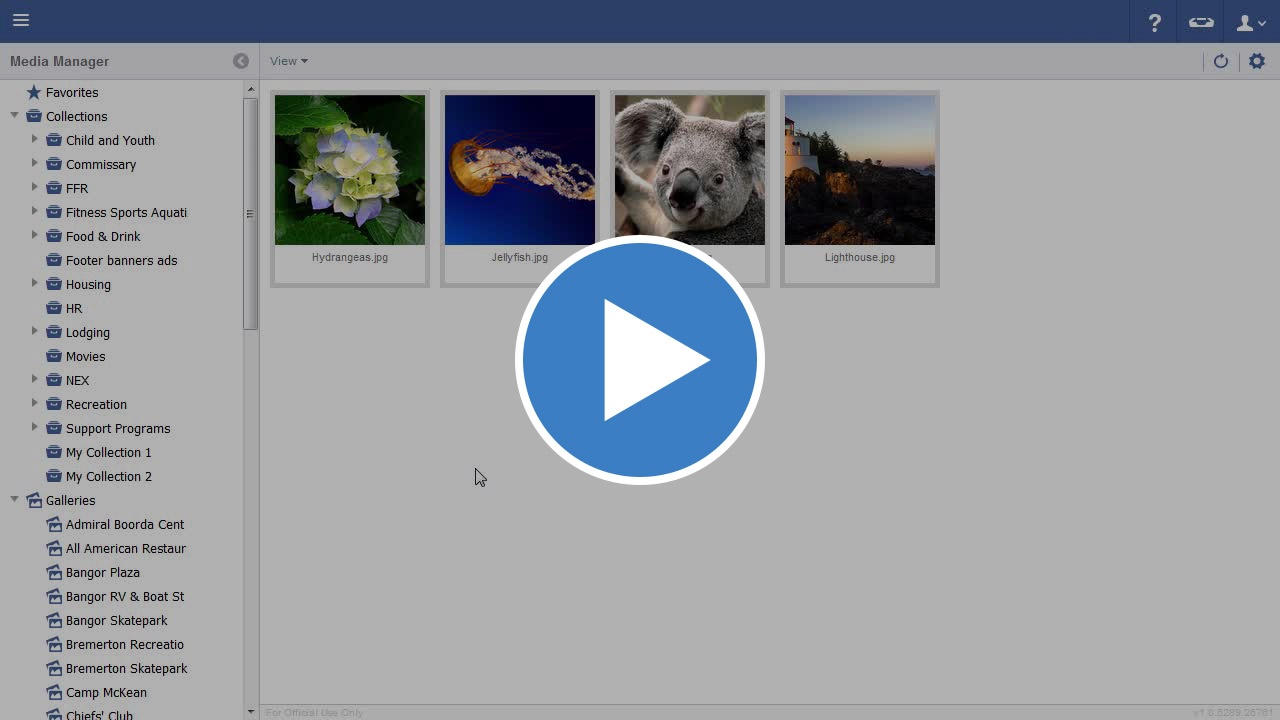
Video
Step-by-step guide
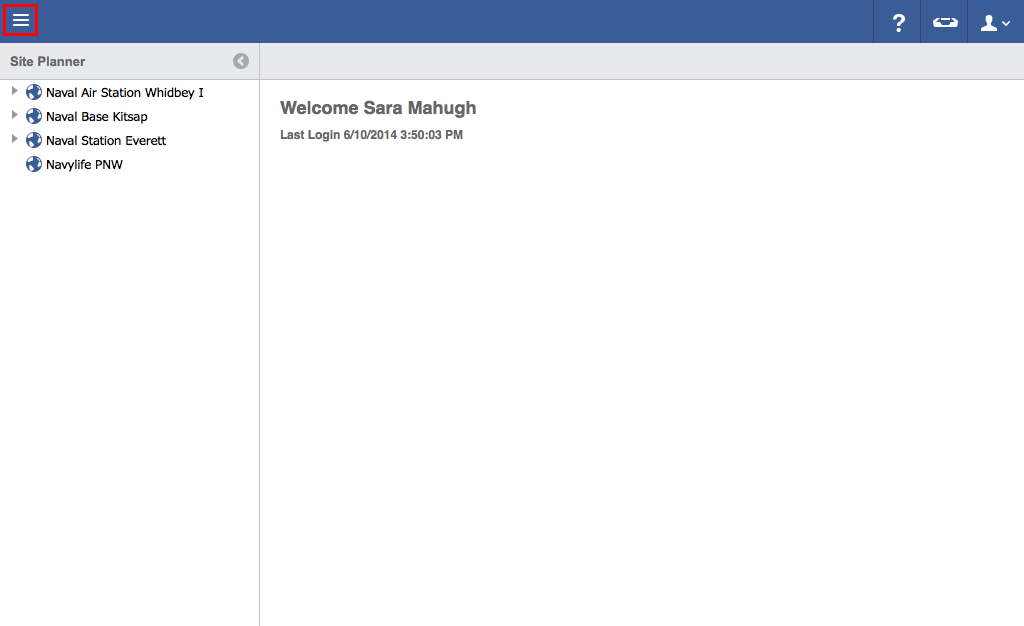
- Click on the menu icon in the top left header area.

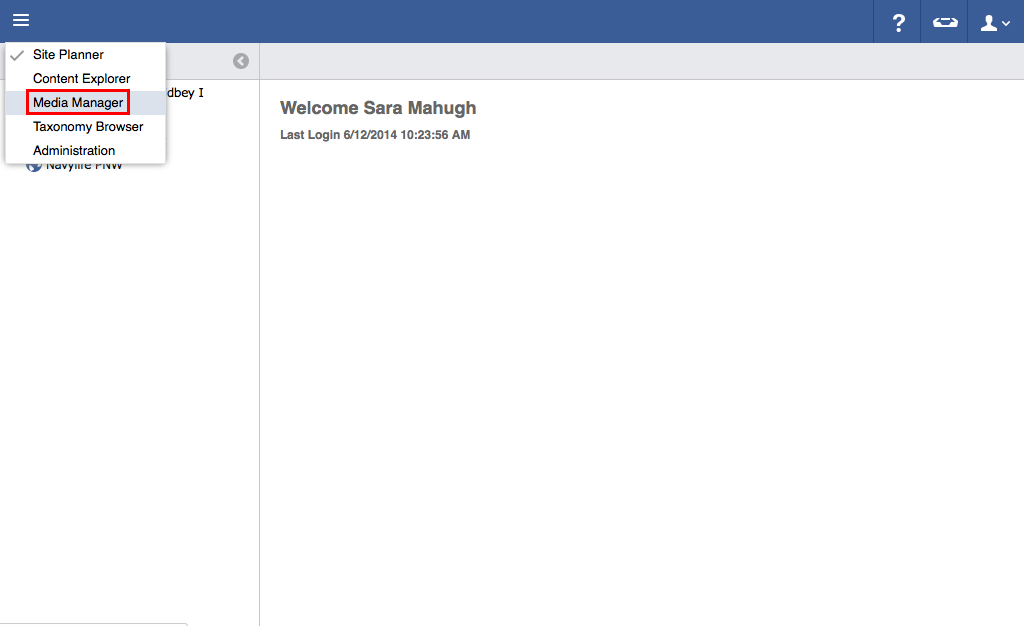
- Click "Media Manager".

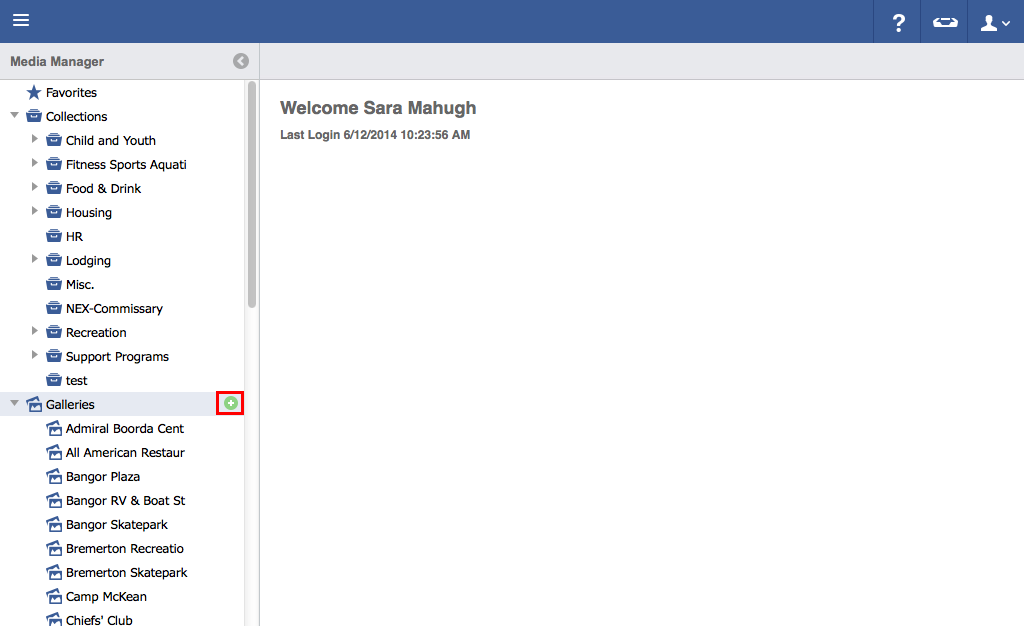
- Hover over the Galleries folder and click the green "Plus" button.

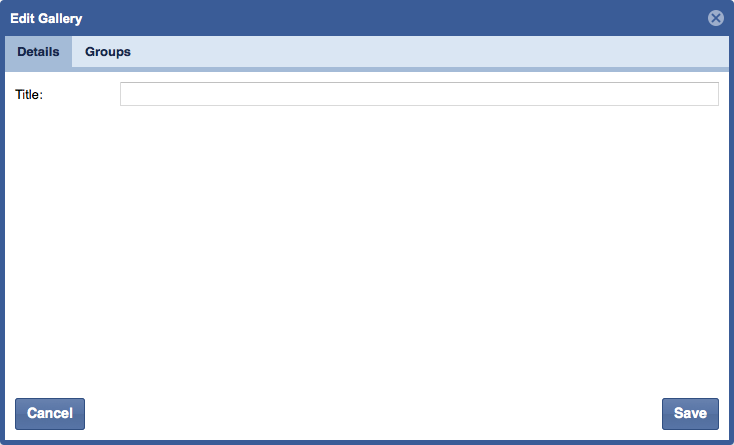
- Enter a title for gallery.
Click on the "Groups" tab.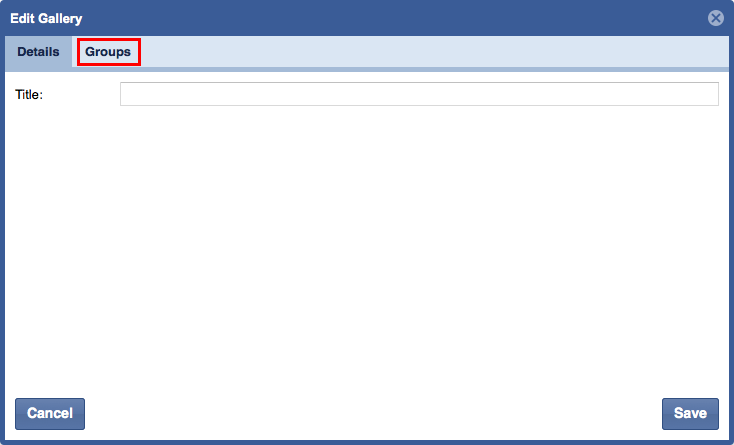
Select the box(es) of the group(s) you wish to include in the gallery.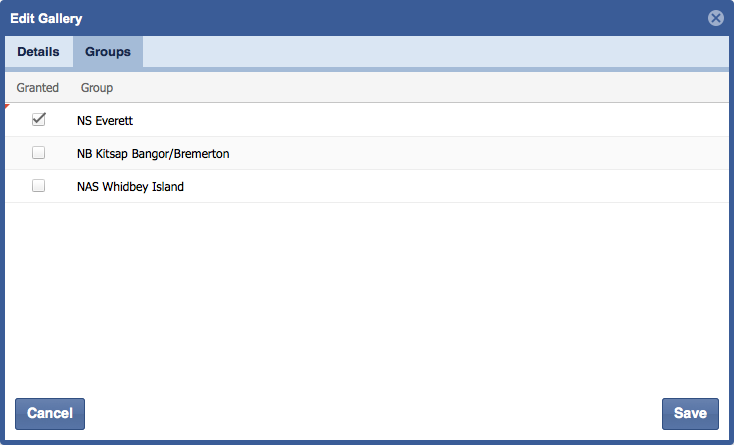

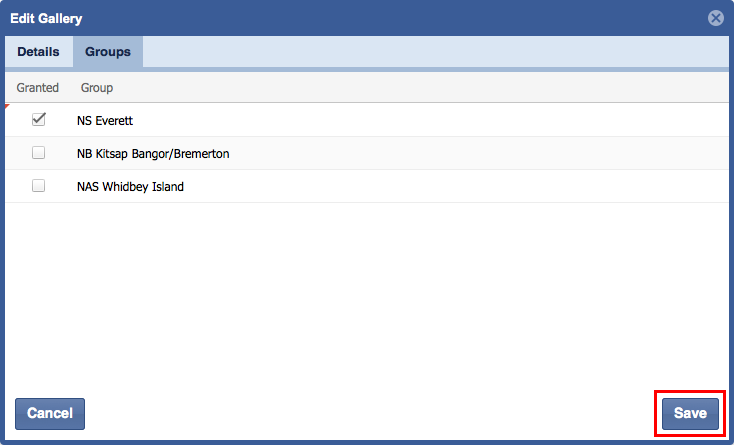
- Click "Save".

...