Page History
...
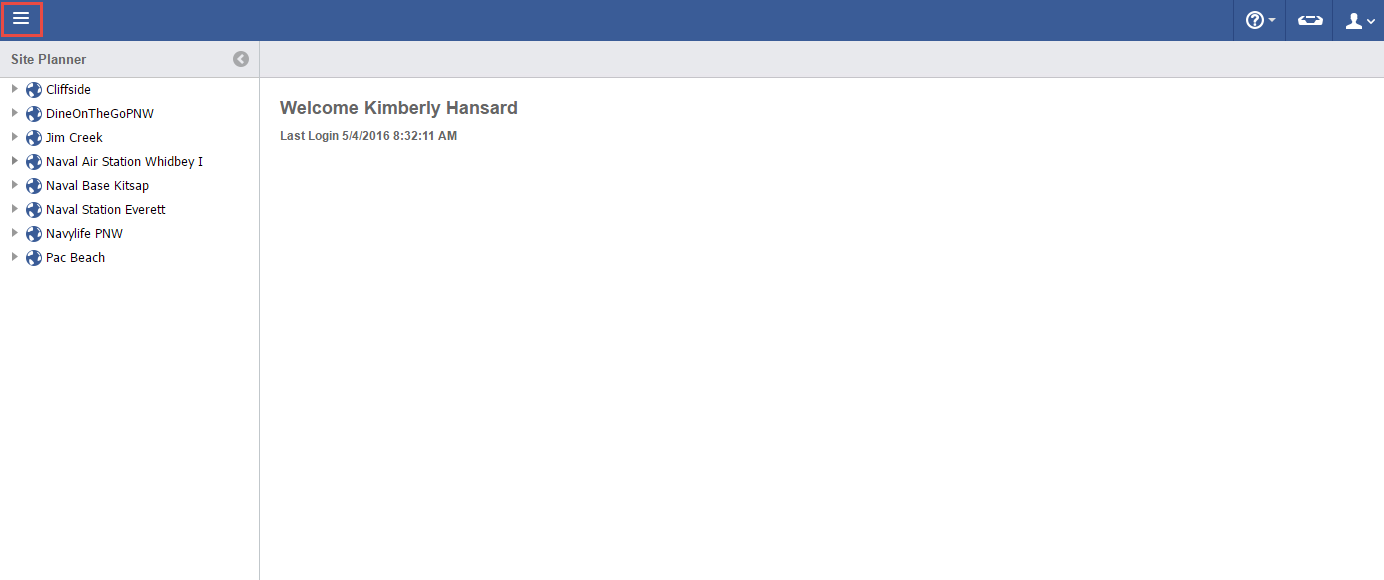
- Click on the menu icon in the top left-hand corner.

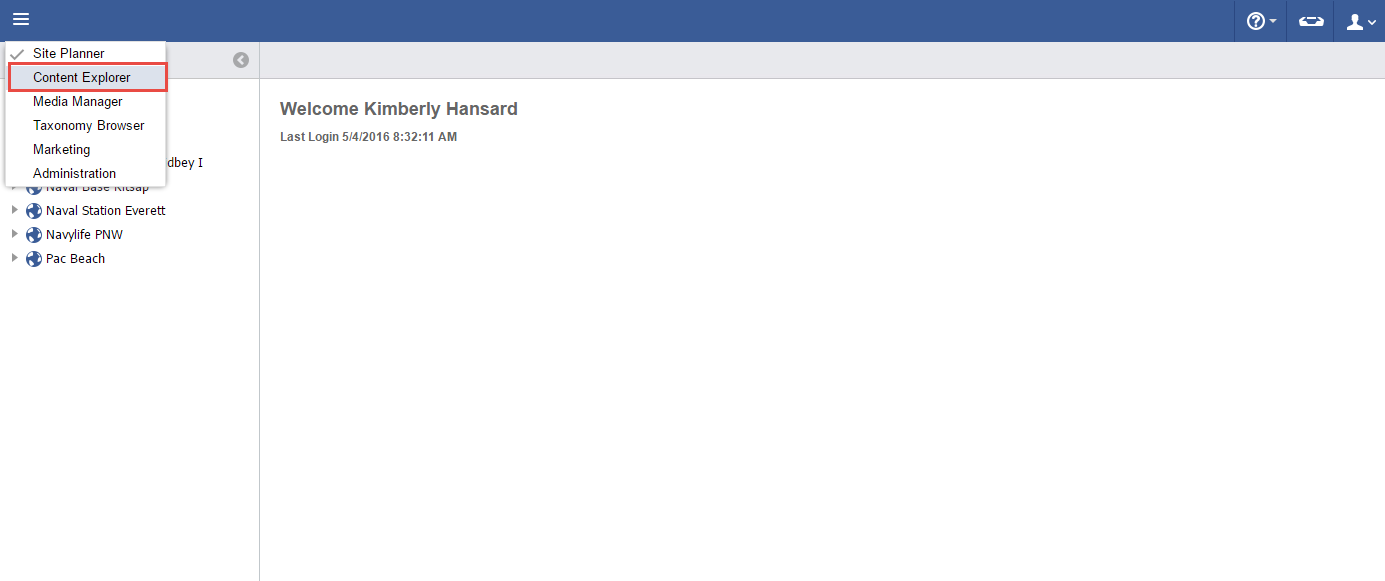
- Click Content Explorer.

- Click "Activities, Trips and Classes".
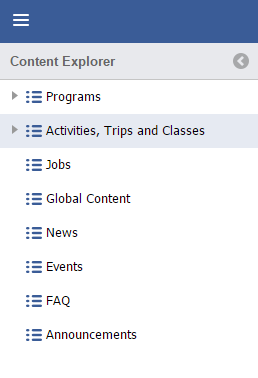

- Select the Activity type.
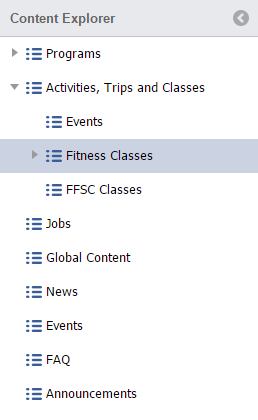

- Double click the Activity you want to Push a Notification
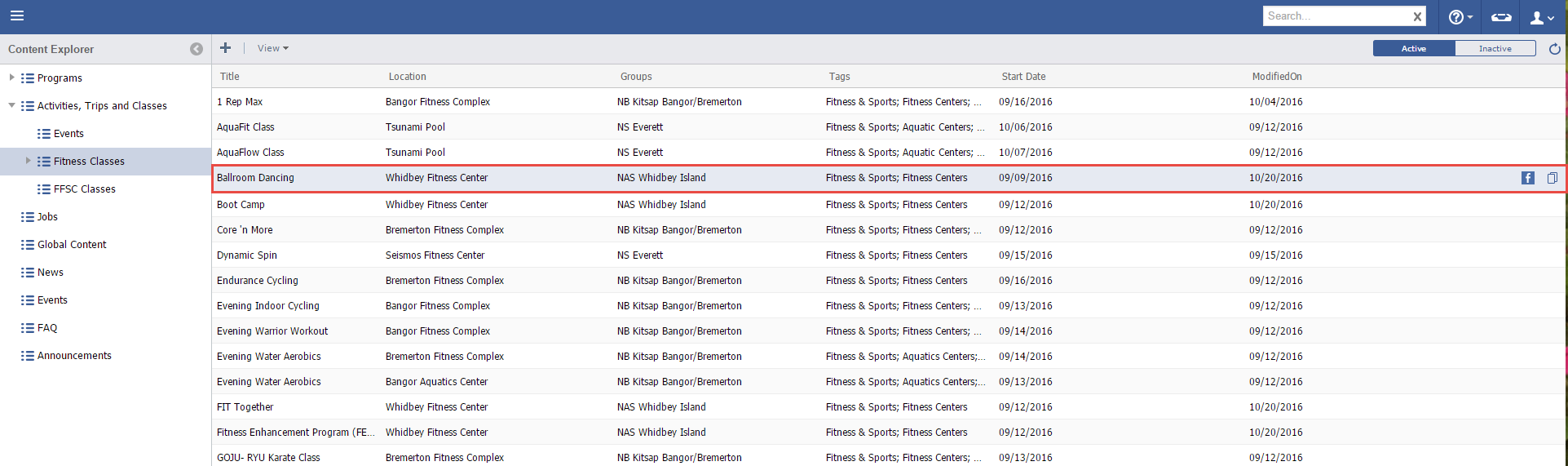

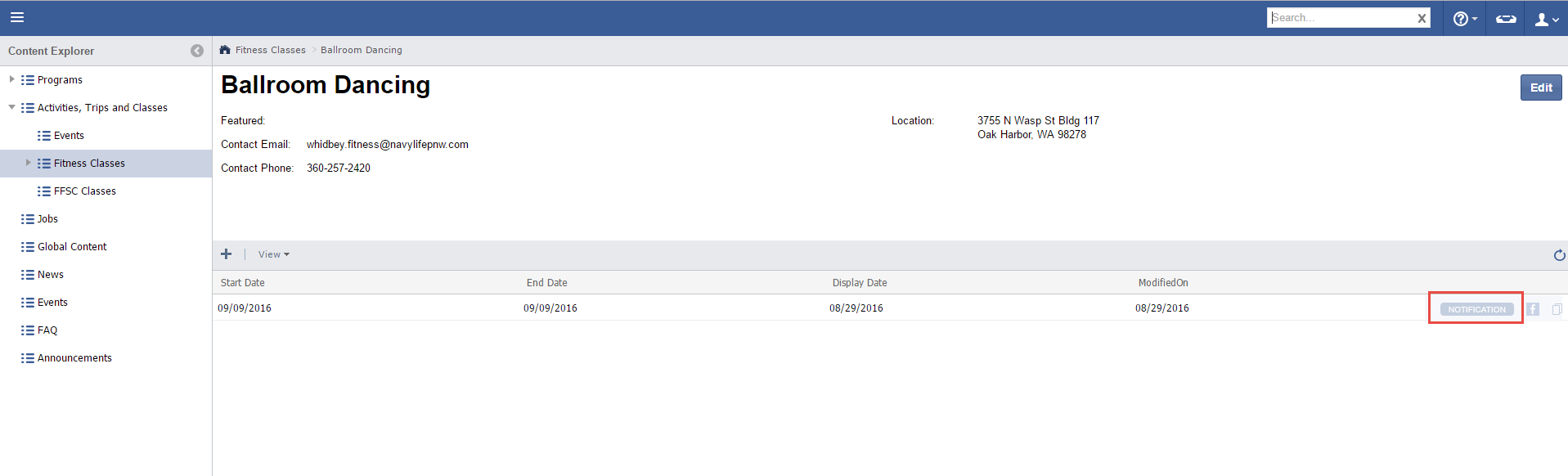
- Highlight the Activity you wish to "Push" and click "Notifications"

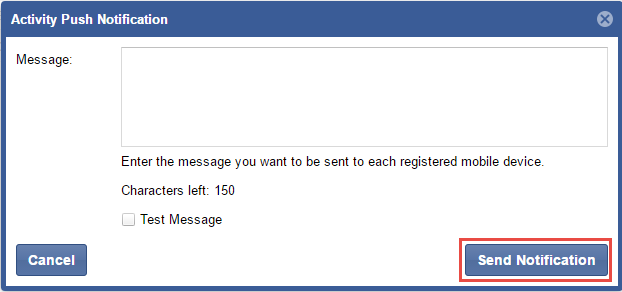
- Enter the message you wish to display in the notification.
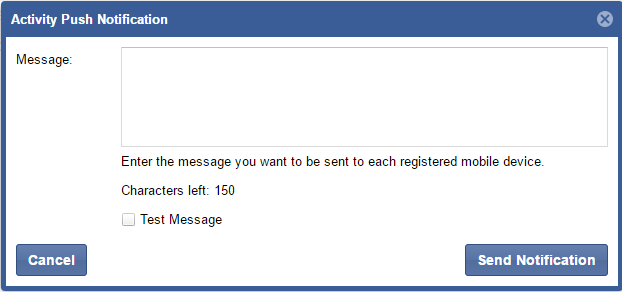

- Click "Send Notification"