Page History
...
- In the Site Planner, select a page to be edited. Then, inside the content area preview, click on a desired area to edit.

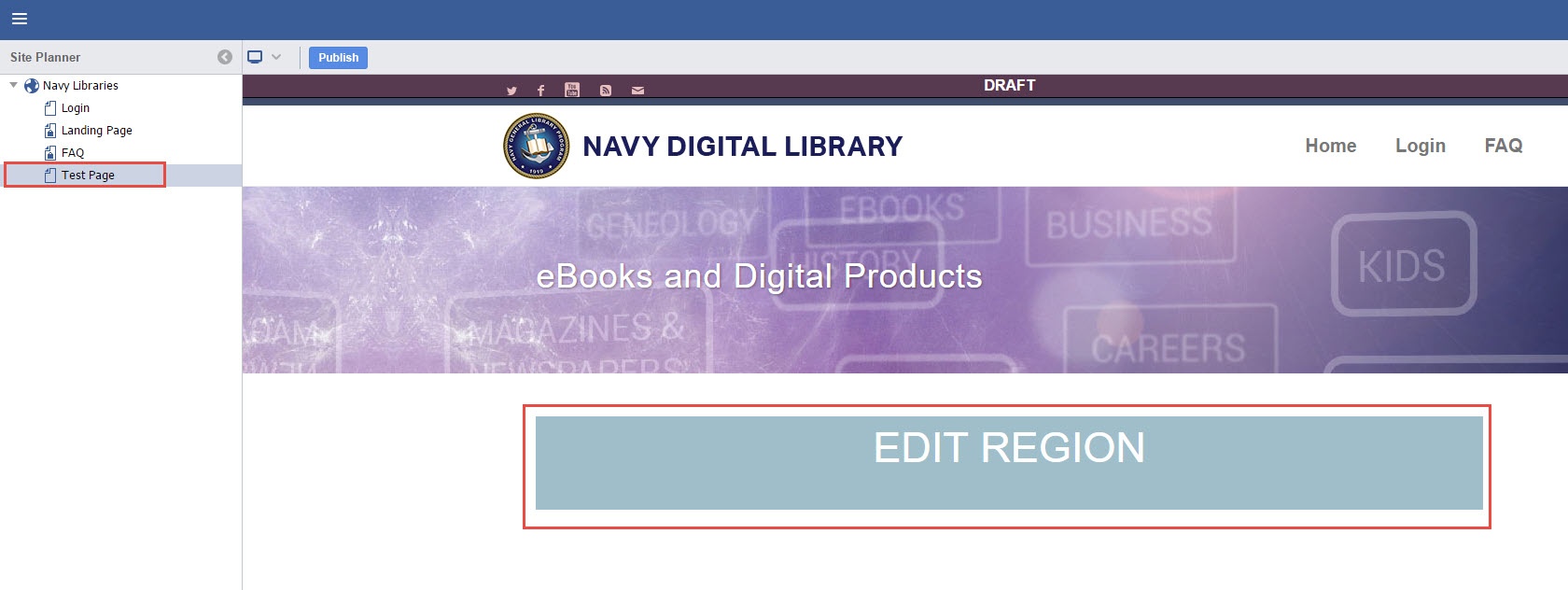
- Use the RTE to create/edit content for the page. Components can be added from the Right Panel.


- Click Save once desired changes have been made.


- The page is now prepped for Publishing as described in Publishing/Approval Process. Note the icon for the page has changed.


| Info |
|---|