Page History
...
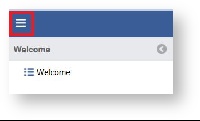
- Open the workspace selector by clicking on the three line menu icon in the upper left corner of the system.
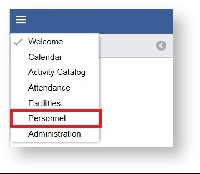
- Select Personnel
- Select Instructors on the left panel.

- Double Click the Instructor record OR Click the Double click on the instructor or click on the "Pencil" icon you wish to edit.

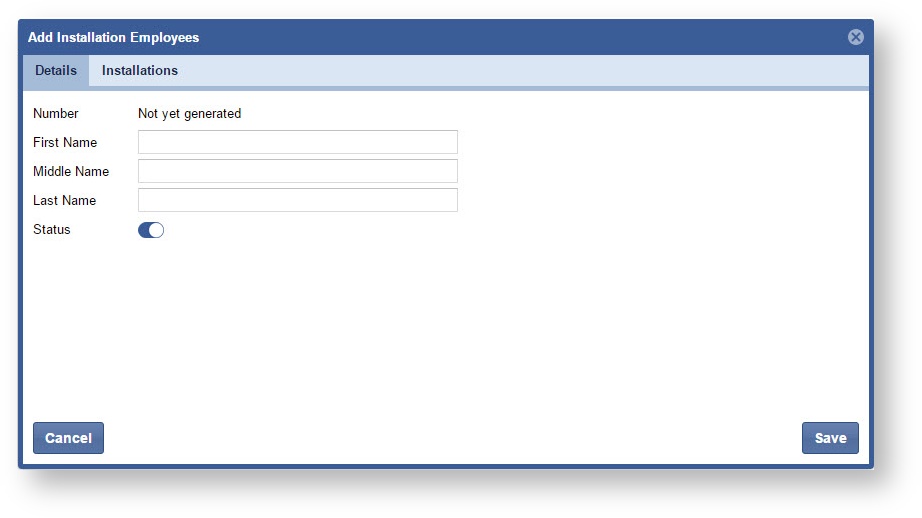
- Update the Instructor information as needed. Click on the "Save" button when complete.
...