Page History
| Note |
|---|
Your view is restricted by your Role. If you do not see the Region or Installations expected please contact your Administrator. |

Step-by-step guide
...
to edit an Installation instructor
- Open the workspace selector by clicking on the three line menu icon in the upper left corner of the system.Click Menu
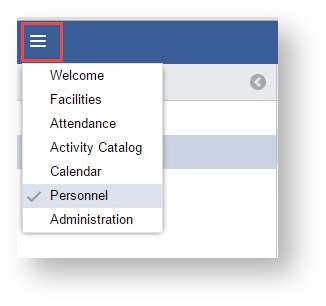
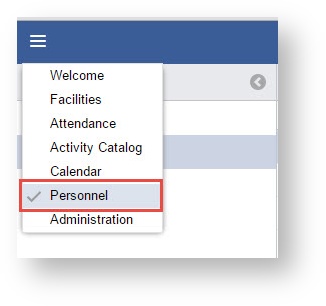
- Select Personnel
- Double Click the Instructor record OR Click the "Pencil"

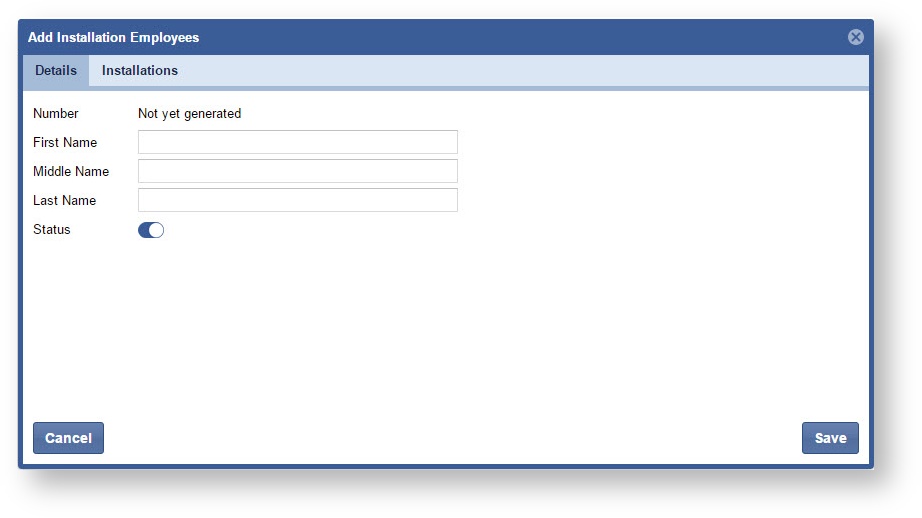
- Edit the Instructor Details
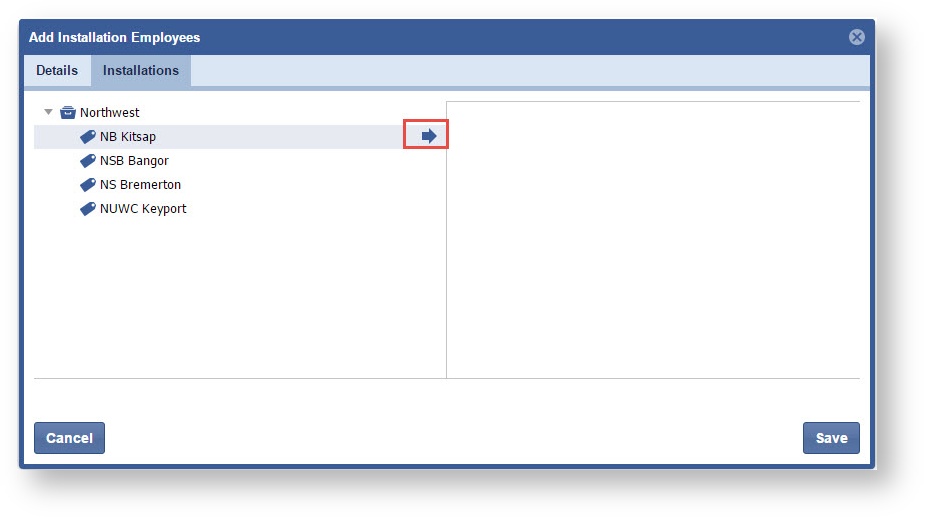
- Click the Installations Tab
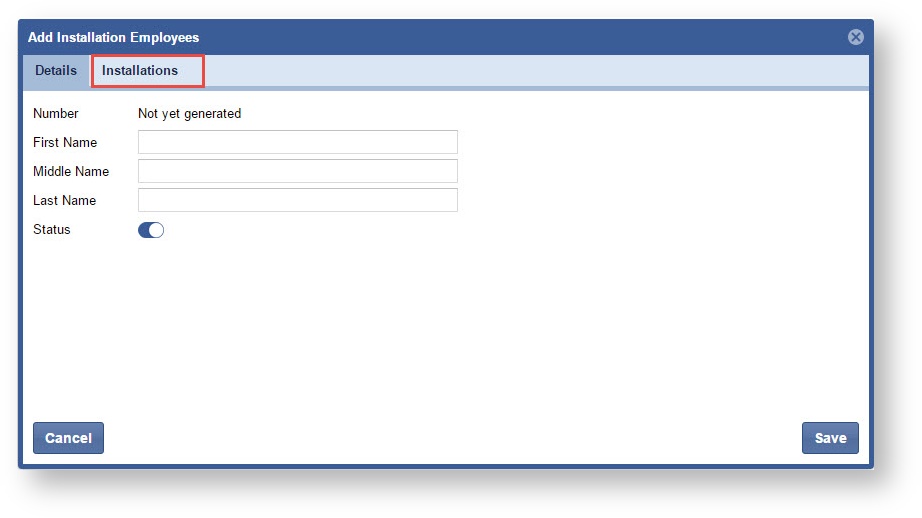
- Expand the list and click the "Arrow" to link a new installation.
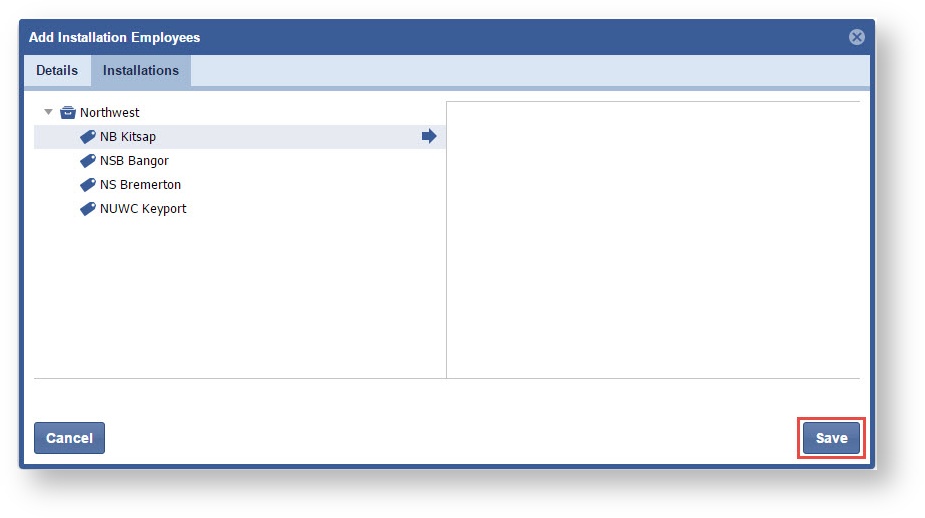
- Click "Save".
...