Page History
...
- Click Menu

- Select Personnel

- Click on Instructors on the left panel.

- Click the "+" sign button.

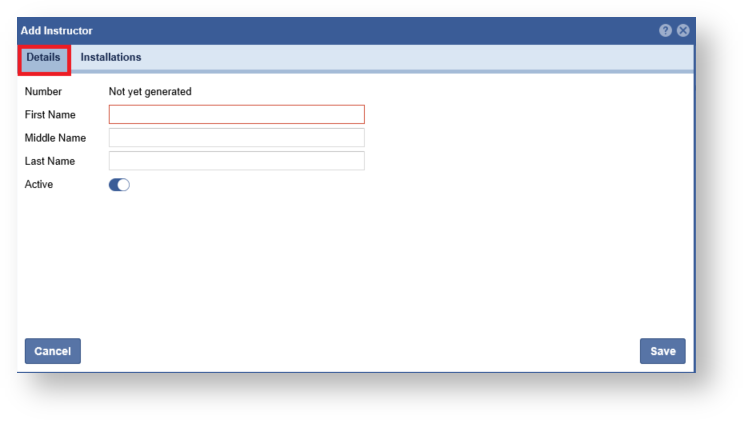
- Enter in the Instructor information.
- Click the Installations Tab

- Expand the list and click the "Arrow" to link and installation.

- . Click the "Save" button when complete.
Note: An Instructor can be assigned multiple Installations.Click "Save".