Page History
...
| Note |
|---|
Note: The following steps are for users that use the Activity, Classes and Trip logic, not those using the Event logic. |
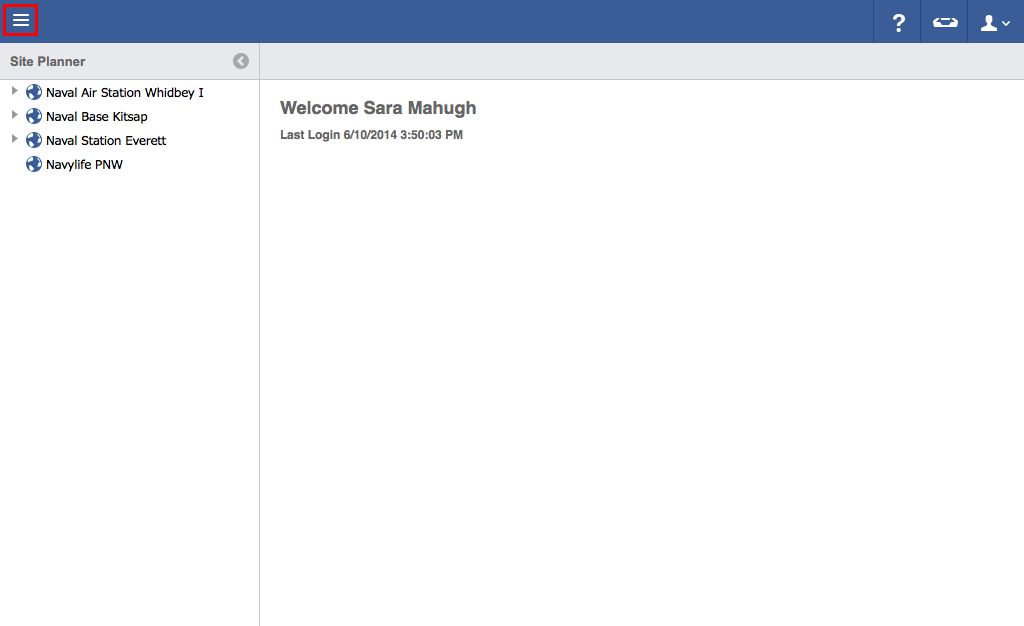
- Click on the menu icon in the top left header area.
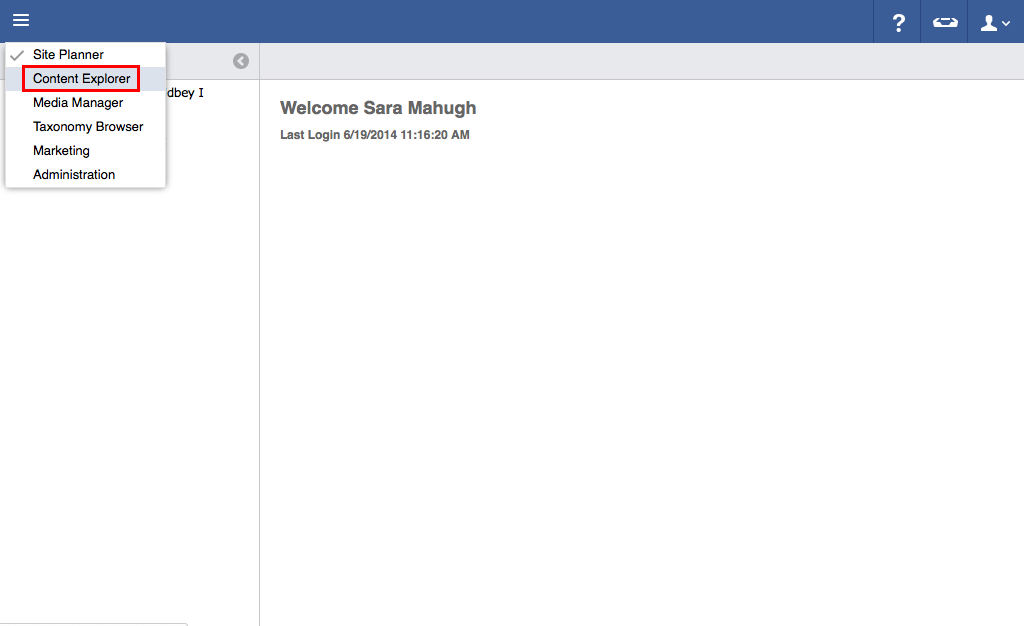
- Click "Content Explorer".
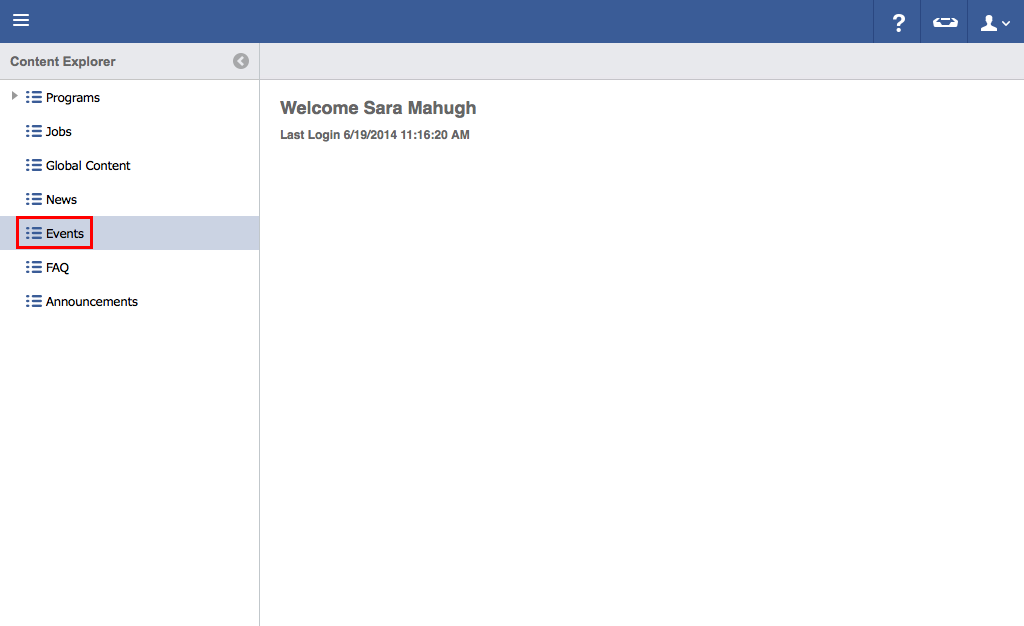
- Click "Events".
- Click once to highlight the information to be deleted.
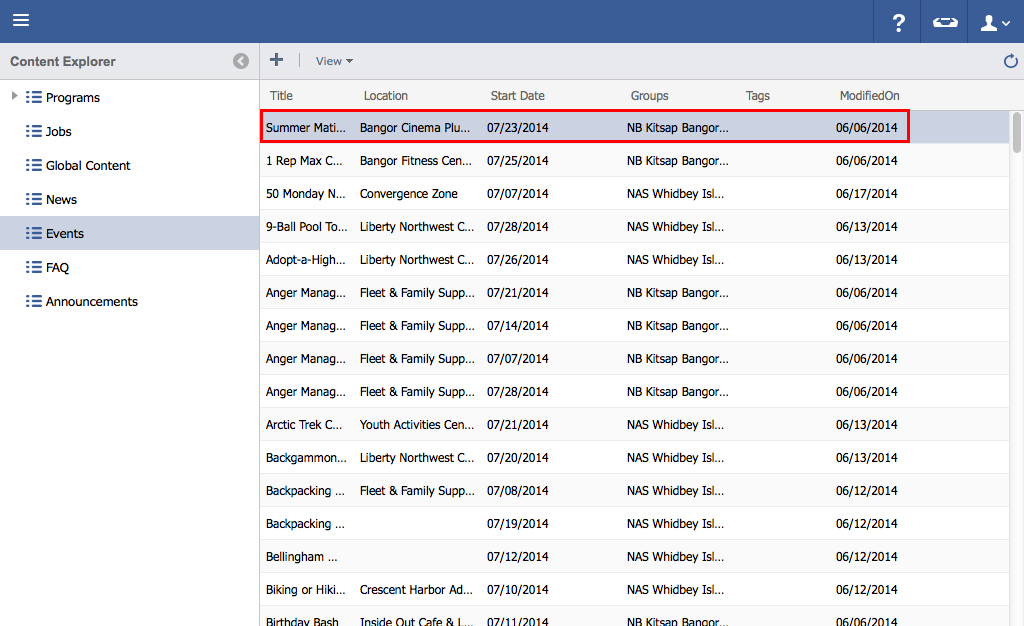
- Hit the "Delete" button on keyboard.
 Note: For Mac users- Hold down "Function" and "Delete".
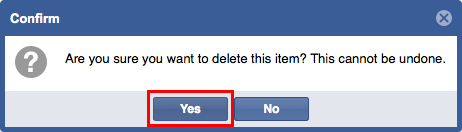
 - Click "Yes" to delete.