Page History
The site page layout will determine if pages may incorporate blueprints. If allowed, content contributors can choose how to display and organize blueprints, along with configuring their elements.
There are two stores of blueprints, Datastore and Custom. The Datastore blueprints are used throughout the system and can be incorporated into any Theme within the CMS. Custom blueprints are created for unique use cases and may not work on every Theme in the CMS, unless incorporated in the HTML, CSS and JS.
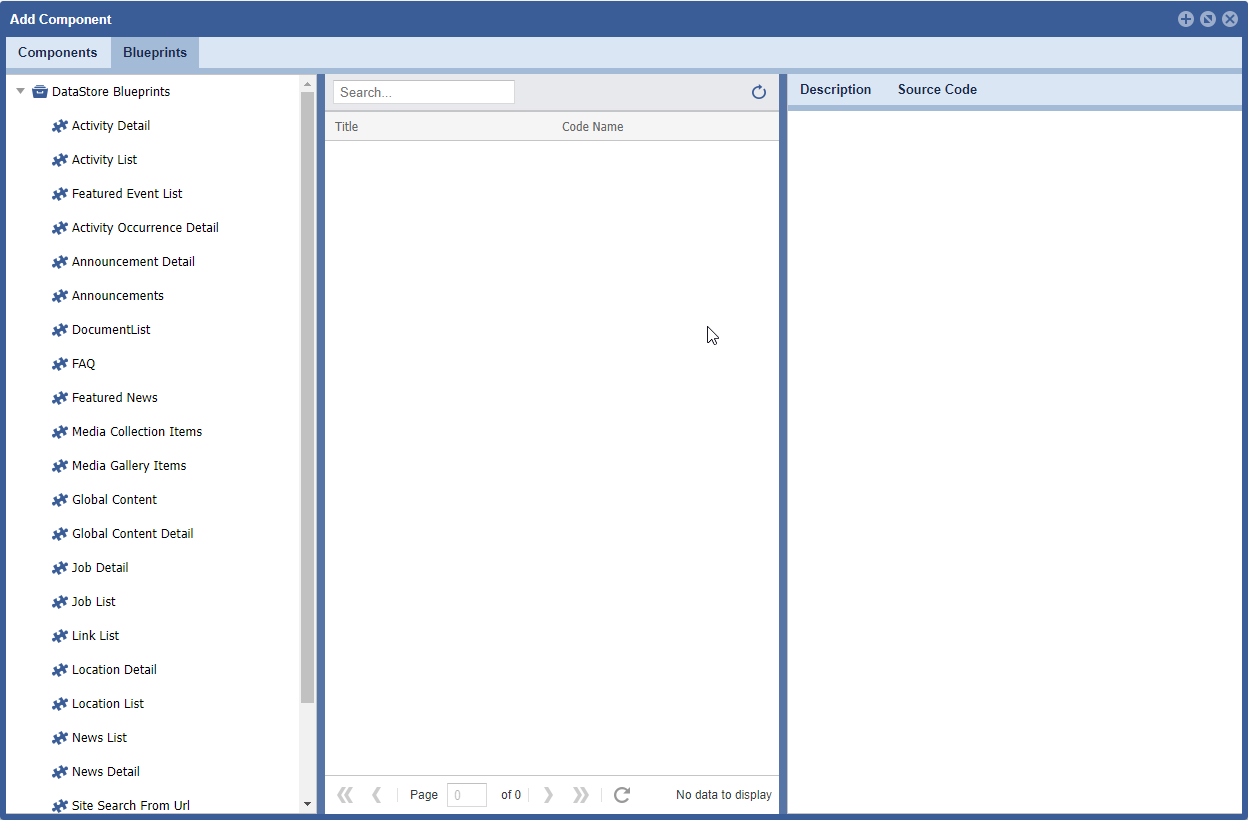
TO ACCESS Site Planner:
launch the application
from global navigation
select Site Planner
- select a Site Page
- Click Add/Configure icons
Media Collection
Formats:
| Location | Blueprints | Description |
|---|
| Blueprints>Datastore Blueprint> Media Collection | gallerymediaitem.resources | Displays a list of resources within a media manager Collection folder. Typically used to display folders and files within a collection folder. Display a list view of the media and details, an image icon, file name and image size display. |
| Blueprints>Datastore Blueprint> Media Collection | gallerymediaitem.simple_list | Displays a list of resources within a media manager Collection folder. Typically used to display folders and files within a collection folder. Display in a list view, using the file name as the line item title, within the list. |
Media Gallery
Formats:
| Location | Blueprints | Description |
|---|
| Blueprints>Datastore Blueprint> Media Gallery | gallerymediaitem.carousel | Presents a collection of images, shows several images at once. They’re ideal for showing group of images or to use as a “Featured Product” slider for a homepage. |
| Blueprints>Datastore Blueprint> Media Gallery | gallerymediaitem.gallery | Displays image media as a gallery, it can include captions, links, title texts and alt text. |
| Blueprints>Datastore Blueprint> Media Gallery | gallerymediaitem.slider_-_four_up | Displays four centered images at a time. If more than 4 are present in the selected Gallery it will rotate the images. A count can be set to limit the number of images cycling through the display. For example, if 5 is chosen the |
| Blueprints>Datastore Blueprint> Media Gallery | gallerymediaitem.small_carousel | Presents a collection of images, shows several images at once. Ideal for showing a group of images within the page body. |