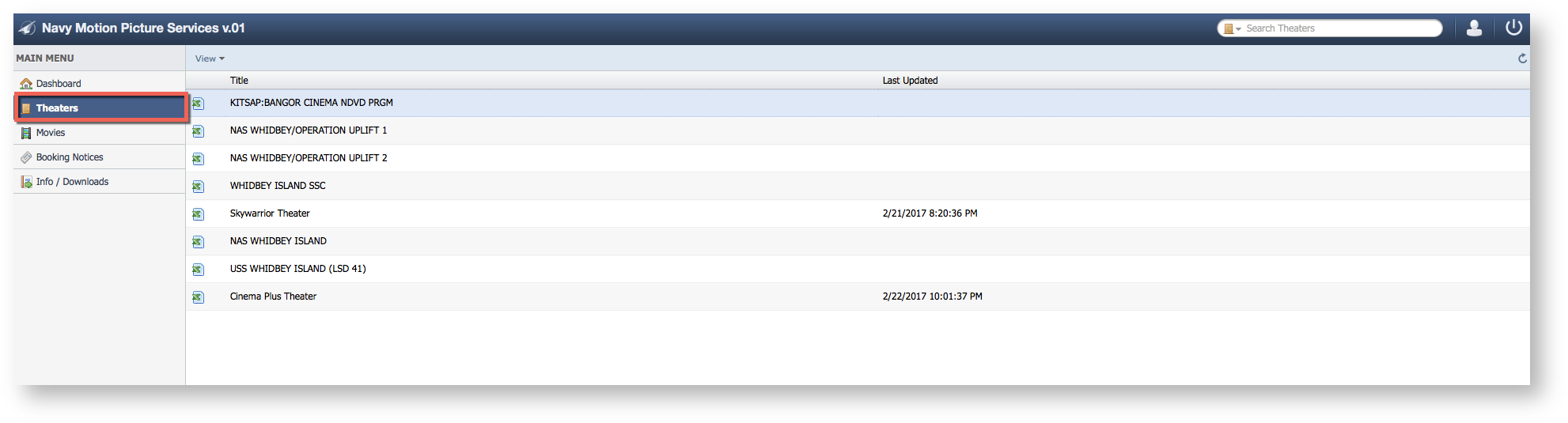
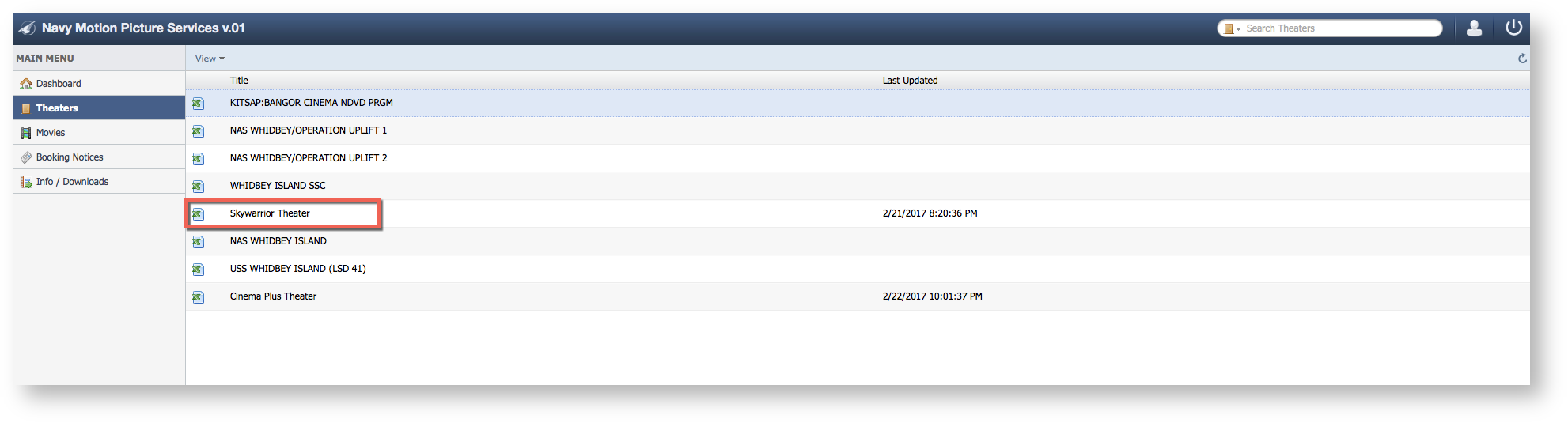
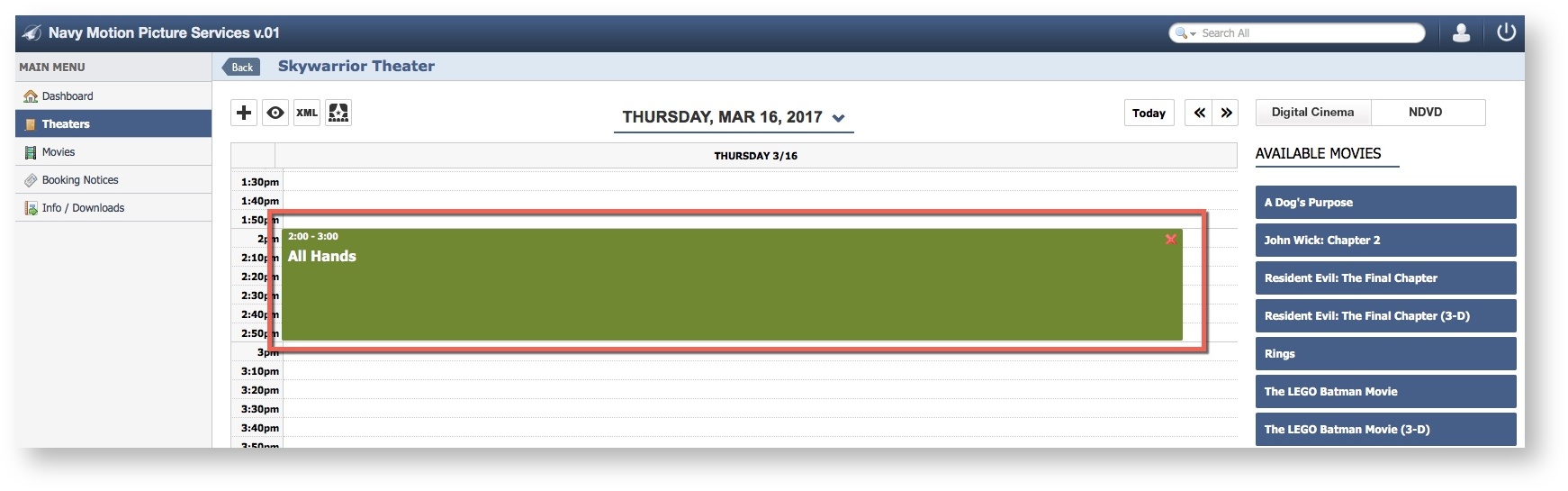
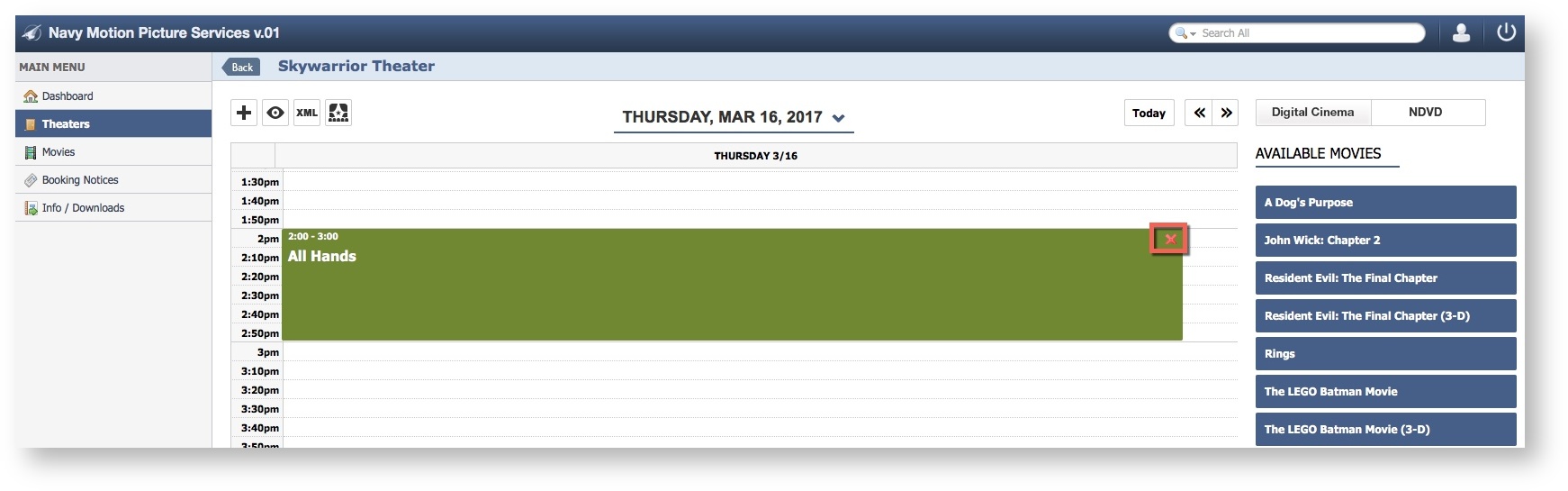
Step-by-step guide Select Theaters Select a Theater Click the Custom Item needing removalClick the red "X"